
- Course
CSS Positioning
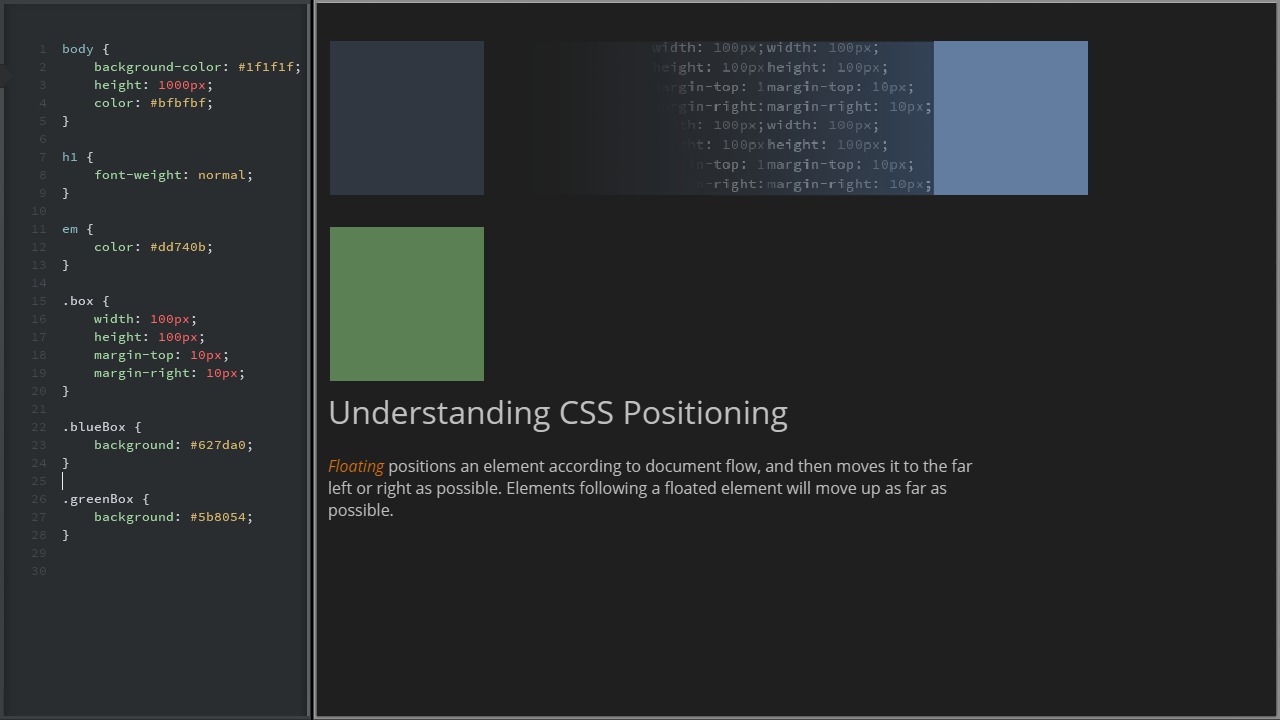
Understanding CSS positioning can be tricky, especially for beginners to CSS. Software required: Brackets, Google Chrome.
Beginner
- Course
CSS Positioning
Understanding CSS positioning can be tricky, especially for beginners to CSS. Software required: Brackets, Google Chrome.
Beginner
Get started today
Access this course and other top-rated tech content with one of our business plans.
Try this course for free
Access this course and other top-rated tech content with one of our individual plans.
This course is included in the libraries shown below:
- Core Tech
What you'll learn
Understanding CSS positioning can be tricky, especially for beginners to CSS. It is also essential to understand if you want to be able to build complex layouts. In this CSS tutorial we'll learn about different methods for using CSS to position HTML elements including fixed, absolute, relative positioning, and also how to float and clear elements. We'll also take a look at the ways each type of positioning affects the element it is applied to, and how it affects the behavior of elements around it. We'll finish up this CSS training by answering one of the most common CSS questions about positioning: How to center elements. Software required: Brackets, Google Chrome.
CSS Positioning
Beginner
Table of contents



Susan is a web design author for Pluralsight. Growing up, Susan was both a passionate artist as well as a computer tech aficionado. When she discovered the world of web development, she found that she could meld those two passions together into something amazing. Soon after, Susan began devoting herself to building beautiful and functional web content for businesses and nonprofits. It was through those experiences Susan developed a fluency for web coding languages.
