
- Course
Oracle Database 12c: Installation and Upgrade
In this course we look at installing and upgrading Oracle on Windows and Linux.
Intermediate
- Course
Oracle Database 12c: Installation and Upgrade
In this course we look at installing and upgrading Oracle on Windows and Linux.
Intermediate
Get started today
Access this course and other top-rated tech content with one of our business plans.
Try this course for free
Access this course and other top-rated tech content with one of our individual plans.
This course is included in the libraries shown below:
- Data
What you'll learn
In this course we first look at what’s required to install Oracle under Windows and Linux. We then launch into an installation. We also cover the upgrade path. For instance, we learn what’s required to upgrade an Oracle 10g/11g database to 12c, and how we can verify successful upgrade.
Oracle Database 12c: Installation and Upgrade
Intermediate
Table of contents
-
Overview | 2m 4s
-
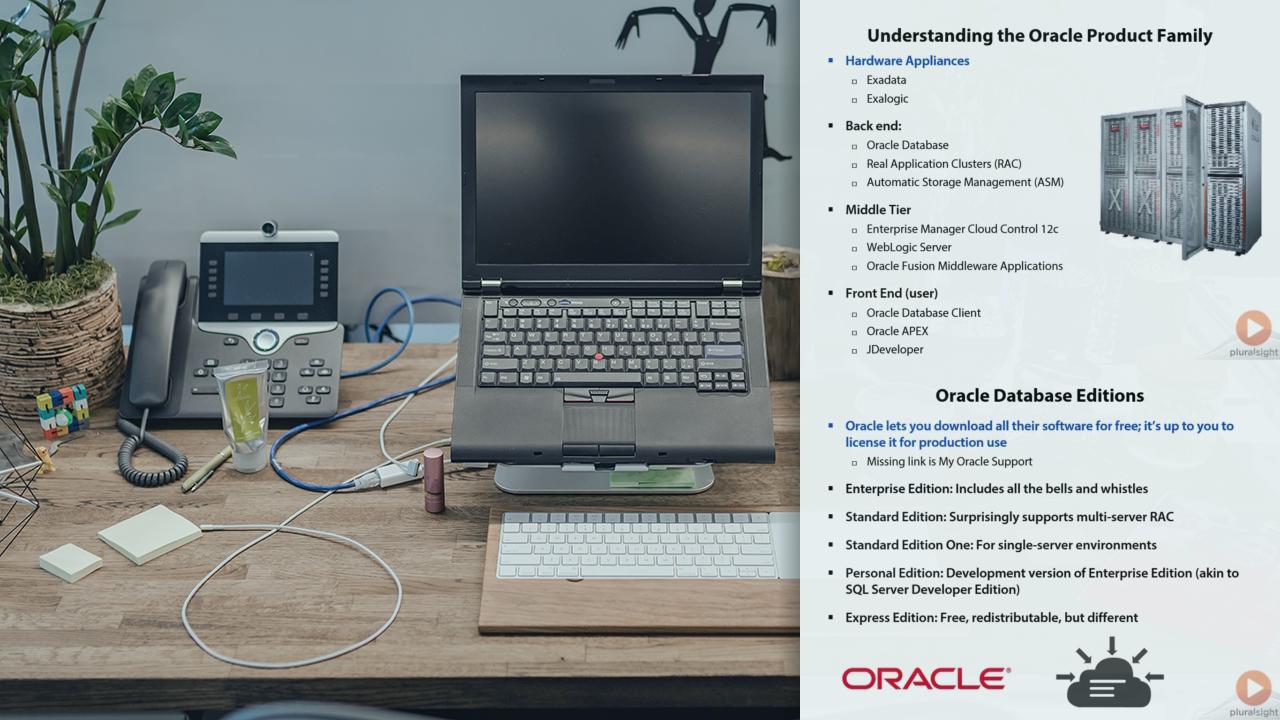
Understanding the Oracle Product Family | 5m 13s
-
Oracle Database Editions | 3m 51s
-
Oracle Database 12c Supported Operating Systems | 2m 23s
-
Discovering the Oracle System Requirements | 34s
-
Demo 1: Touring the Oracle Documentation (Again) | 1m 16s
-
Discovering the System Requirements, Continued | 1m 5s
-
The Four Major Subsystems | 1m 11s
-
High-level Overview of the Installation Process | 1m 37s
-
Demo 2: Verifying System Requirements | 5m 27s
-
Summary | 1m 40s
-
Overview | 55s
-
Oracle Grid Infrastructure 12c Contents | 1m 27s
-
Real Application Clusters (RAC) | 3m 46s
-
Automatic Storage Management (ASM) | 3m 24s
-
ASM Installation Overview | 1m 40s
-
Demo 1: Installing Oracle Grid Infrastructure 12c | 7m 25s
-
Demo 2: Verifying the Installation | 1m 32s
-
Demo 3: Using ASMCMD | 2m 15s
-
Summary | 1m 46s



Tim Warner is a Microsoft Most Valuable Professional (MVP) and Microsoft Certified Trainer (since 1997) with nearly three decades of experience as an IT professional and technical educator.
