
- Course
SQL Server: Introduction to Extended Events
Learn how to use Extended Events to perform analysis and troubleshooting on SQL Server using either Transact-SQL or the Extended Events UIs. Applicable for developers, DBAs and anyone who uses SQL Server from SQL Server 2008 onwards.
Intermediate
- Course
SQL Server: Introduction to Extended Events
Learn how to use Extended Events to perform analysis and troubleshooting on SQL Server using either Transact-SQL or the Extended Events UIs. Applicable for developers, DBAs and anyone who uses SQL Server from SQL Server 2008 onwards.
Intermediate
Get started today
Access this course and other top-rated tech content with one of our business plans.
Try this course for free
Access this course and other top-rated tech content with one of our individual plans.
This course is included in the libraries shown below:
- Data
What you'll learn
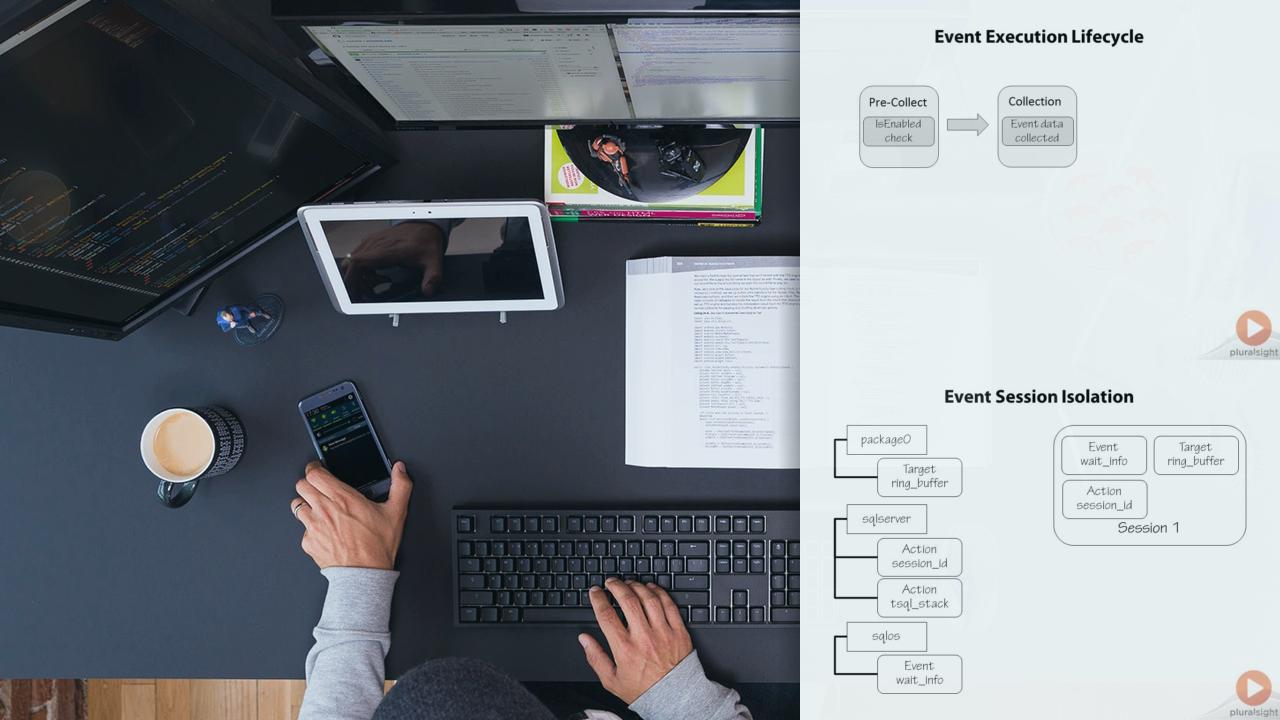
Extended Events were added in SQL Server 2008 as a method of performing analysis and troubleshooting of SQL Server, with the ability to troubleshoot scenarios that have never been possible before. SQL Trace has finally been deprecated in SQL Server 2012 and so it is now imperative that developers and DBAs learn how to use Extended Events. This course explains the architecture of Extended Events, and how to create and manage event sessions, using events, actions, predicates, and basic targets. It then gives comprehensive coverage of the Management Studio UI for Extended Events that was added in SQL Server 2012, as well as the freely-available SSMS add-in that Jonathan wrote for SQL Server 2008 and 2008R2. The course ends by presenting some common troubleshooting scenarios that can be easily accomplished using Extended Events. It is perfect for those with no experience of Extended Events, those who are new to the Extended Events UIs and those with some experience but who want to solidify their understanding of Extended Events and how to use them. The information in the course applies to all versions from SQL Server 2008 onwards.
SQL Server: Introduction to Extended Events
Intermediate
Table of contents


Jonathan Kehayias is a Principal Consultant with SQLskills. He is the youngest person ever to achieve the Microsoft Certified Master - SQL Server 2008 certification and has been a SQL Server MVP for many years.
