
- Course
The Power of Healing in Photoshop
Have you ever taken a photo that looked great except for the some small distracting element that crept its way into the shot? Photoshop comes equipped with some really effective healing and retouching tools that allow you to make the edits you need to a photo by removing any unflattering or distracting elements. Software required: Photoshop CC 2014.0.0.
Intermediate
- Course
The Power of Healing in Photoshop
Have you ever taken a photo that looked great except for the some small distracting element that crept its way into the shot? Photoshop comes equipped with some really effective healing and retouching tools that allow you to make the edits you need to a photo by removing any unflattering or distracting elements. Software required: Photoshop CC 2014.0.0.
Intermediate
Get started today
Access this course and other top-rated tech content with one of our business plans.
Try this course for free
Access this course and other top-rated tech content with one of our individual plans.
This course is included in the libraries shown below:
- Core Tech
What you'll learn
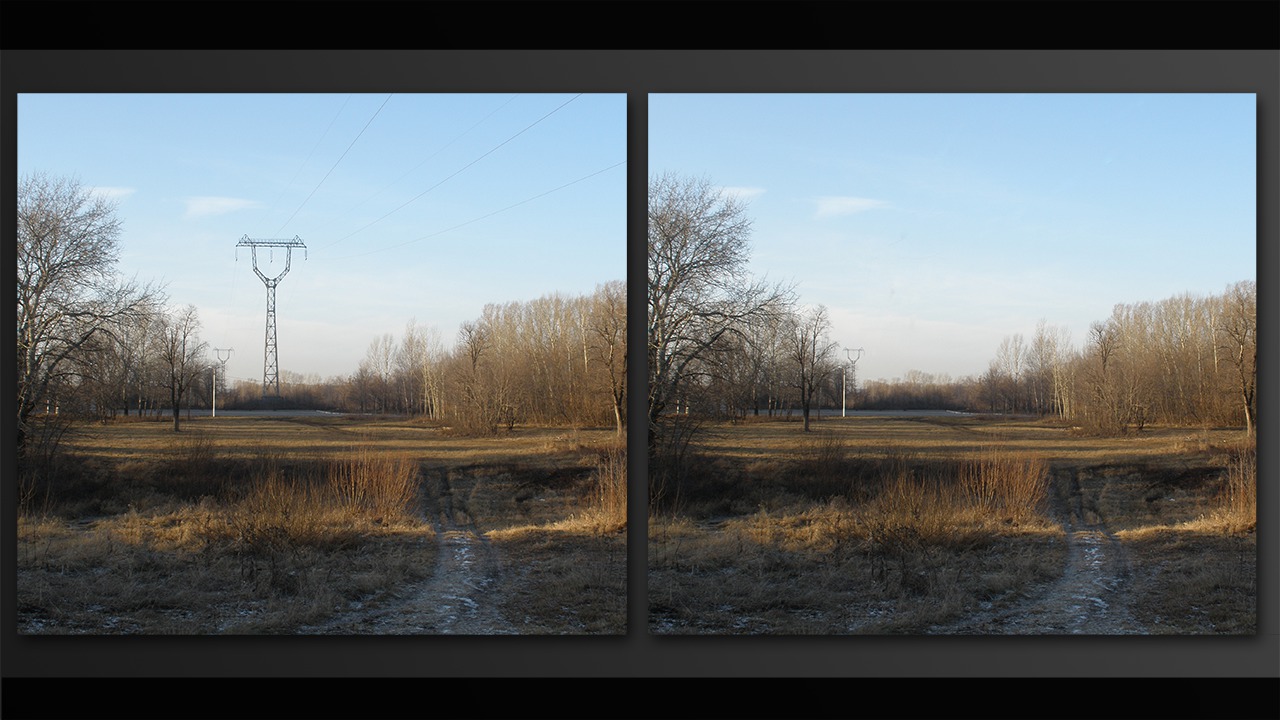
Have you ever taken a photo that looked great except for the some small distracting element that crept its way into the shot? Photoshop comes equipped with some really effective healing and retouching tools that allow you to make the edits you need to a photo by removing any unflattering or distracting elements. We'll begin by learning about the spot healing brush and how we can use it to remove blemishes from skin. Following this, we'll demonstrate how we can use the healing brush to not only remove unwanted facial blemishes but also other elements of a photo. Along the way, we'll discover the power of editing with the patch tool, the content-aware move tool, the clone stamp tool and other useful editing features to remove or re-position certain elements of an image. As we explore these tools, we'll also discuss editing non-destructively to preserve the original aspects of each image we work with. After watching this training, you'll be better equipped when it comes to removing any distracting elements from your own images while still preserving the originals. Software required: Photoshop CC 2014.0.0.
The Power of Healing in Photoshop
Intermediate
Table of contents
