
- Course
Introduction to Versioning Environments With Vagrant
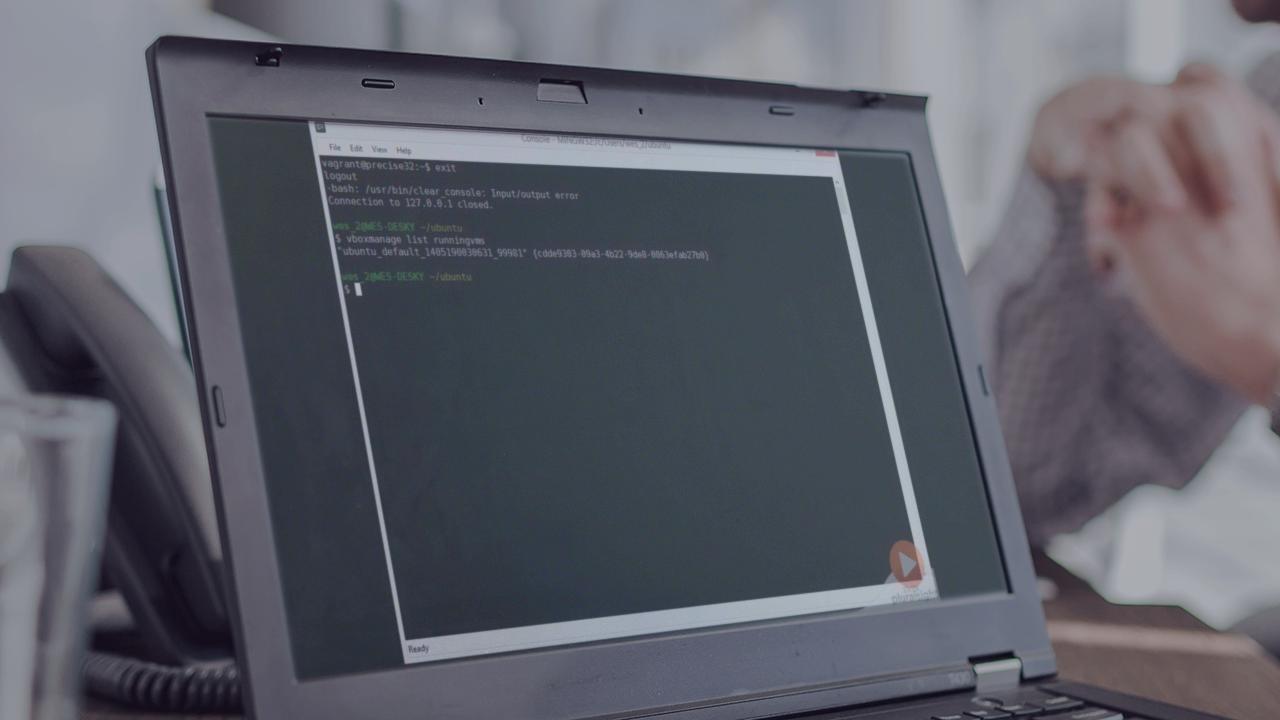
In this course, you'll learn everything necessary to create virtual environments, version the definition of the environments, and start reaping the benefits of Vagrant for developing and supporting software systems.
Beginner
- Course
Introduction to Versioning Environments With Vagrant
In this course, you'll learn everything necessary to create virtual environments, version the definition of the environments, and start reaping the benefits of Vagrant for developing and supporting software systems.
Beginner
Get started today
Access this course and other top-rated tech content with one of our business plans.
Try this course for free
Access this course and other top-rated tech content with one of our individual plans.
This course is included in the libraries shown below:
- Core Tech
What you'll learn
Partitioning and automating the creation of environments and incorporating them into development workflows can be immensely valuable. But, historically it's been so much work it has rarely been worth the effort. That's no longer the case, thanks to Vagrant. With Vagrant, you'll know what software is necessary for a project, including software versions and configuration; you will have a history of why, when, who, and how this software was incorporated; you will eliminate surprises by developing in an environment similar to production; and be able to safely create and test scripts to automate the setup of environments. This will help you get projects up and running quickly and effectively onboard new team members. In this course, you'll learn everything necessary to start reaping the benefits of Vagrant for developing and supporting software systems.
Introduction to Versioning Environments With Vagrant
Beginner
Table of contents
-
Introduction | 1m 11s
-
Installing Vagrant and VirtualBox on Windows | 5m 17s
-
Installing Vagrant and VirtualBox on OS X | 49s
-
Installing Vagrant and VirtualBox on Ubuntu | 1m 21s
-
Vagrant Up - Creating Your First VM | 1m 55s
-
Displaying a GUI Interface | 2m 6s
-
Sharing Files With the VM | 1m 45s
-
Suspending the VM | 1m 35s
-
Halting the VM | 55s
-
Destroying the VM | 2m 11s
-
Windows Line Endings | 5m 54s
-
Additional Help | 1m 51s
-
Takeaway | 1m 18s


Wes Higbee is passionate about helping companies achieve remarkable results with technology and software. He’s had extensive experience developing software and working with teams to improve how software is developed to meet business objectives. Wes launched Full City Tech to leverage his expertise to help companies delight customers.
