
- Course
Your First Day of Rotoscoping in NUKE
In this series of NUKE tutorials, we will go through the basics of what you need to know when getting started with rotoscoping in NUKE. Software required: NUKE 7.0 v6.
Intermediate
- Course
Your First Day of Rotoscoping in NUKE
In this series of NUKE tutorials, we will go through the basics of what you need to know when getting started with rotoscoping in NUKE. Software required: NUKE 7.0 v6.
Intermediate
Get started today
Access this course and other top-rated tech content with one of our business plans.
Try this course for free
Access this course and other top-rated tech content with one of our individual plans.
This course is included in the libraries shown below:
- Core Tech
What you'll learn
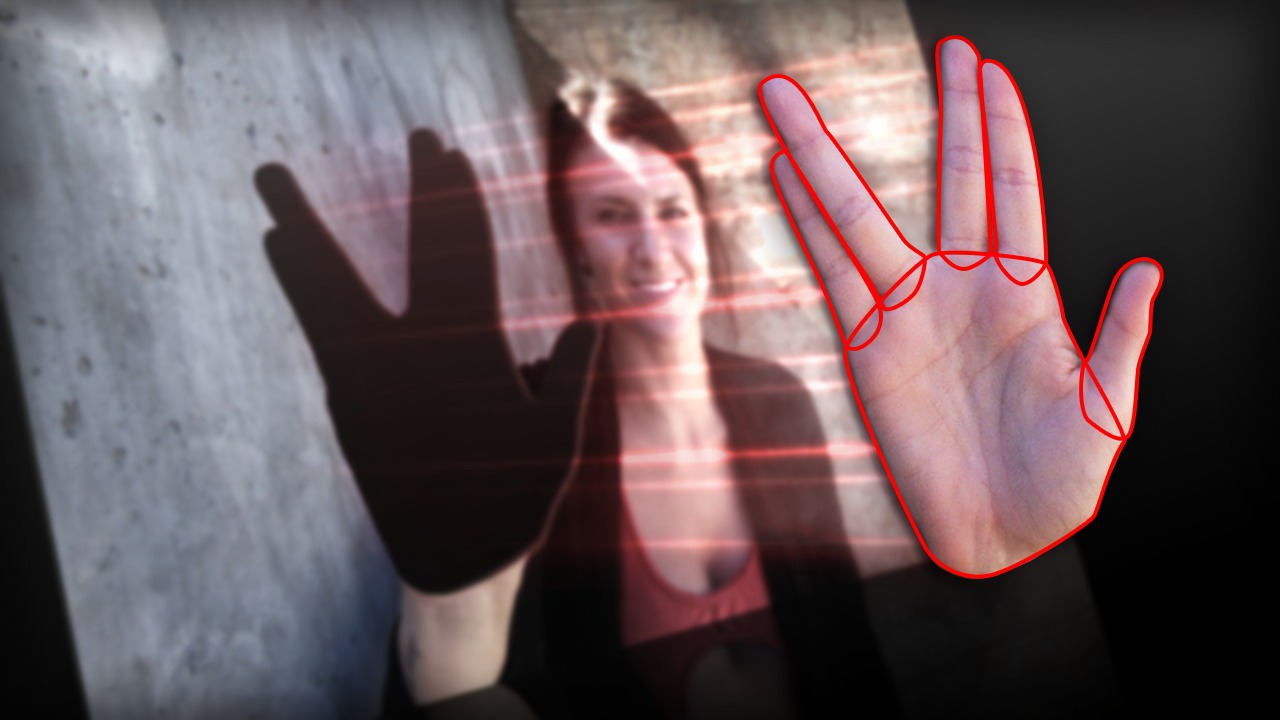
In this series of NUKE tutorials, we will go through the basics of what you need to know when getting started with rotoscoping in NUKE. We will start by simply learning how to draw a rotoscope with the Roto node and how to use the tools that the node offers. Once we have the basic ideas of drawing and editing Roto shapes, we learn how to animate the rotoscopes to get the full picture of how these powerful masks can be implemented into your NUKE workflow. After we've practiced with animating the shapes, we move onto some more complex situations you may encounter when rotoscoping, and also some tips to help you save time during this sometimes repetitive process. We finish out by learning how to use a rotoscope with another piece of footage and how to output the rotoscope as an alpha channel to be used later or to speed up your workflow. This training is for you if you are ready to learn one of the most valuable compositing techniques and master a skill that every NUKE user has to know. By the end of this tutorial, you will be familiar with the best ways to draw rotoscopes for fast animation, and be ready to use a rotoscope with other footage in any project you want to tackle. Software required: NUKE 7.0 v6.
Your First Day of Rotoscoping in NUKE
Intermediate
Table of contents
