
- Course
Visual Studio Team System 2008 Fundamentals
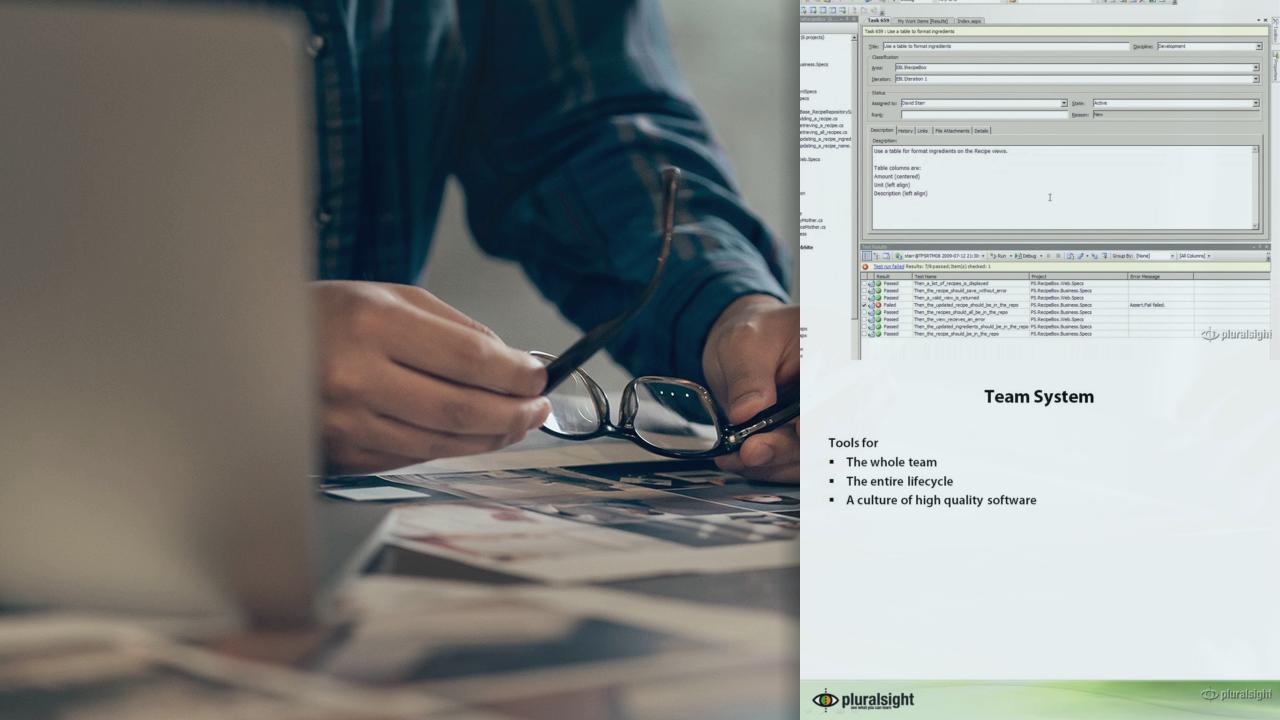
This course improves team skills and overall software quality by teaching effective use of all features of Visual Studio Team System 2008
Beginner
- Course
Visual Studio Team System 2008 Fundamentals
This course improves team skills and overall software quality by teaching effective use of all features of Visual Studio Team System 2008
Beginner
Get started today
Access this course and other top-rated tech content with one of our business plans.
Try this course for free
Access this course and other top-rated tech content with one of our individual plans.
This course is included in the libraries shown below:
- Core Tech
What you'll learn
The course ensures all team members can use the many features of Visual Studio Team System to improve the software development process. Starting with issues like licensing and overall architecture, the course proceeds through all features for every role. With the skills, techniques, and principles taught in the course Architects, Software Developers, Software Testers, Business Analsysts, Project Managers, Team leaders and Managers, and database proessionals will all find value and improve their toolset. Students report measurable improvement in the quality of the software they produce.
Visual Studio Team System 2008 Fundamentals
Beginner
Table of contents



David Starr is a Principal Azure Solutions Architect for Microsoft and has worked in technology leadership positions for over 20 years. He specializes in agile software development practices, patterns and practices, and judicious application of various technologies within development teams. He is a 5 time Microsoft MVP in Visual Studio and a technical instructor with Pluralsight where he focuses on the software development practices and developer tooling curricula. David blogs at ElegantCode.com, is a frequent contributor at conferences and a frequent writer. He has successfully led many product development teams and is a technical learning professional.
