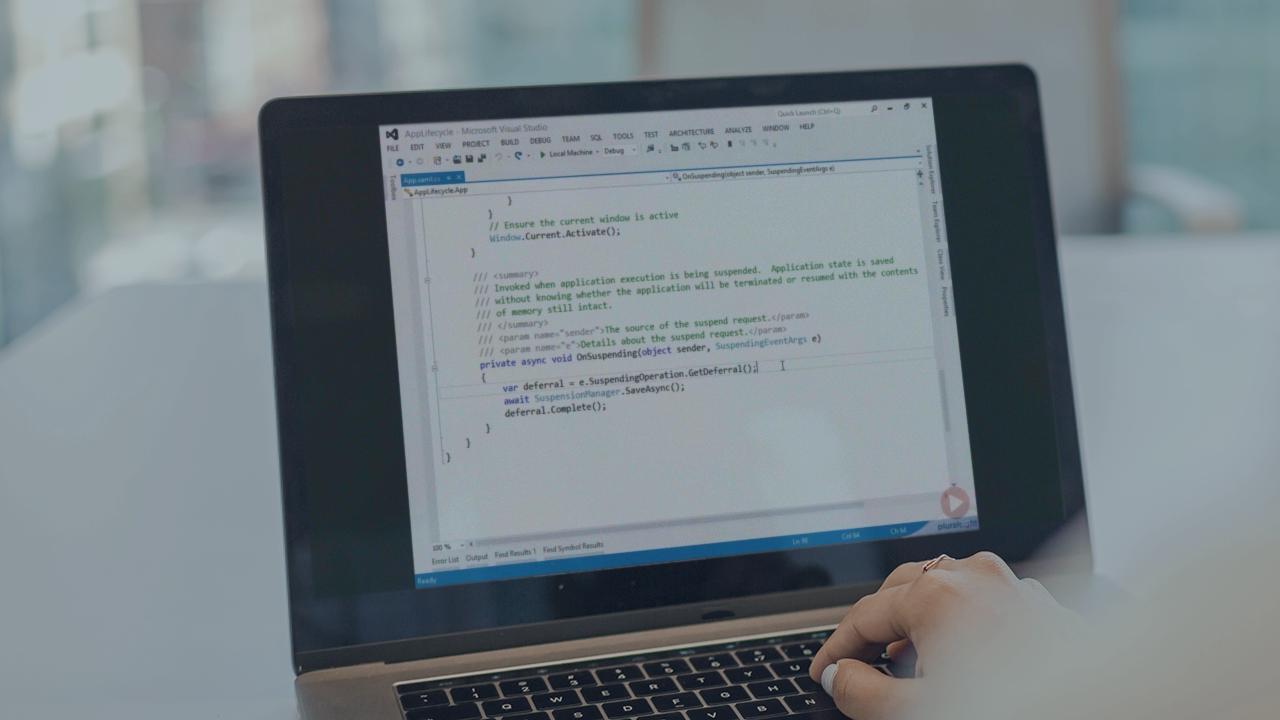
Building Windows 8 Style Apps in C# and XAML
Learn how to build applications for Windows 8 using C# and XAML
You are currently not signed in. Please sign in to access subscriber-only content.
Currently using: {{getCurrentPlayerName()}} [Change]
| expand all | collapse all | Progress | Duration | |
|---|---|---|---|
Building Windows 8 Style Apps in C# and XAML - Overview |
|
00:54:33 | |
|
Introduction
|
|
06:13 | |
|
XAML and Codebehind
|
|
07:24 | |
|
Asynchronous APIs
|
|
06:07 | |
|
Demo: Asynchronous APIs
|
|
05:53 | |
|
Files and Networking
|
|
06:23 | |
|
Demo: Requesting Capabilities
|
|
05:15 | |
|
Integrating with Windows 8
|
|
08:04 | |
|
WinRT and .NET
|
|
08:45 | |
|
Summary
|
|
00:29 | |
Layout |
|
00:50:28 | |
|
Introduction
|
|
03:01 | |
|
Layout System
|
|
01:04 | |
|
Size Properties
|
|
05:56 | |
|
Alignment
|
|
01:42 | |
|
Margin
|
|
02:12 | |
|
Demo: Margin and Alignment
|
|
07:19 | |
|
Padding
|
|
01:02 | |
|
Panels
|
|
03:34 | |
|
Demo: Canvas
|
|
03:51 | |
|
Demo: Grid and Snap
|
|
08:51 | |
|
Data-Oriented Panels
|
|
01:17 | |
|
ScrollViewer
|
|
03:27 | |
|
Layout Conventions
|
|
03:34 | |
|
Screen Layout Changes
|
|
03:13 | |
|
Summary
|
|
00:25 | |
Controls |
|
00:50:56 | |
|
Introduction
|
|
02:51 | |
|
Command Controls
|
|
03:35 | |
|
Demo: Application Bar
|
|
09:33 | |
|
Context Menus
|
|
02:36 | |
|
Demo: Context Menus
|
|
02:22 | |
|
Application Settings
|
|
03:02 | |
|
CheckBox, RadioButton, and ToggleSwitch
|
|
03:02 | |
|
Progress Controls
|
|
03:33 | |
|
Demo: Progress Controls
|
|
02:50 | |
|
Displaying Text
|
|
02:13 | |
|
Demo: Displaying Text
|
|
03:12 | |
|
Text Entry
|
|
01:46 | |
|
Sliders
|
|
03:43 | |
|
Styling
|
|
03:11 | |
|
WebView
|
|
01:11 | |
|
UserControl
|
|
01:53 | |
|
Summary
|
|
00:23 | |
List Controls |
|
00:29:42 | |
|
Introduction
|
|
00:25 | |
|
Items Controls
|
|
06:31 | |
|
Demo: ListBox vs ListView
|
|
05:29 | |
|
Demo: GridView
|
|
04:33 | |
|
Demo: FlipView
|
|
01:47 | |
|
Common ItemsControl Features
|
|
02:24 | |
|
Semantic Zoom
|
|
04:01 | |
|
Demo: SemanticZoom
|
|
04:03 | |
|
Summary
|
|
00:29 | |
Application Model |
|
00:54:58 | |
|
Introduction
|
|
00:59 | |
|
Application Lifecycle
|
|
09:11 | |
|
Demo: Application Lifecycle
|
|
13:55 | |
|
Managing State
|
|
07:20 | |
|
Demo: Saving State
|
|
04:32 | |
|
Splash Screens
|
|
03:07 | |
|
Launching Applications
|
|
05:48 | |
|
Application Manifest
|
|
03:17 | |
|
Packaging
|
|
06:16 | |
|
Summary
|
|
00:33 | |
Data Binding |
|
00:40:15 | |
|
Introduction
|
|
03:25 | |
|
Binding Expressions
|
|
02:16 | |
|
DataContext
|
|
00:45 | |
|
Demo: Bindings and DataContext
|
|
01:57 | |
|
Element to Element Binding
|
|
00:19 | |
|
Demo:ElementName
|
|
01:35 | |
|
Source and RelativeSource
|
|
02:00 | |
|
Binding Mode
|
|
02:56 | |
|
Change Notifications
|
|
03:18 | |
|
Demo: INotifyPropertyChanged
|
|
03:01 | |
|
Value Converters
|
|
02:16 | |
|
List Binding
|
|
01:36 | |
|
Demo: ItemsControl Binding
|
|
04:39 | |
|
List Change Notifications
|
|
01:22 | |
|
Grouping
|
|
04:07 | |
|
Demo: Grouping
|
|
04:01 | |
|
Summary
|
|
00:42 |
Building Windows 8 Style Apps in C# and XAML - Overview