


- Course
SharePoint 2010 No-Code Customizations for Power Users
Learn how to use SharePoint Designer, the browser and InfoPath to create robust business solutions for SharePoint 2010.
Beginner
- Course
SharePoint 2010 No-Code Customizations for Power Users
Learn how to use SharePoint Designer, the browser and InfoPath to create robust business solutions for SharePoint 2010.
Beginner
Get started today
Access this course and other top-rated tech content with one of our business plans.
Try this course for free
Access this course and other top-rated tech content with one of our individual plans.
This course is included in the libraries shown below:
- Core Tech
What you'll learn
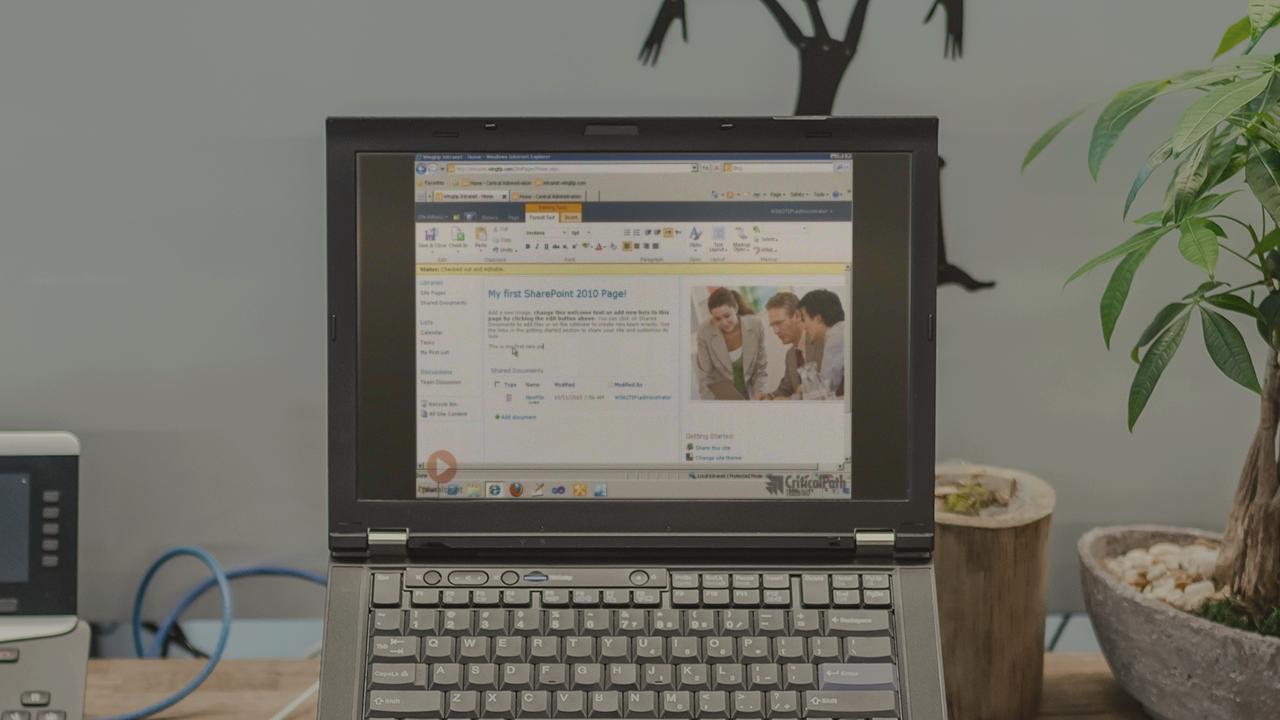
SharePoint 2010 is a very powerful application that provides many offerings right out of the box. However, another aspect is that it is very extensible and malleable. While developers can do quite a bit, there are many ways power users can customize SharePoint without having to write any code. This course will teach you how to create custom solutions using tools like SharePoint Designer, InfoPath and the browser. In addition you will learn how to take solutions offline with SharePoint Workspace.
SharePoint 2010 No-Code Customizations for Power Users
Beginner
Table of contents


Andrew is a full stack web dev who's received Microsoft's MVP award every year since 2005 with a focus on Office 365, Azure and SharePoint with .NET, Node.js, Angular... whatever!