


- Course
Excel 2010: Getting Started
Part 1 of 3 in the Excel 2010 series will help you learn all the features in Excel 2010.
Beginner
- Course
Excel 2010: Getting Started
Part 1 of 3 in the Excel 2010 series will help you learn all the features in Excel 2010.
Beginner
Get started today
Access this course and other top-rated tech content with one of our business plans.
Try this course for free
Access this course and other top-rated tech content with one of our individual plans.
This course is included in the libraries shown below:
- Core Tech
What you'll learn
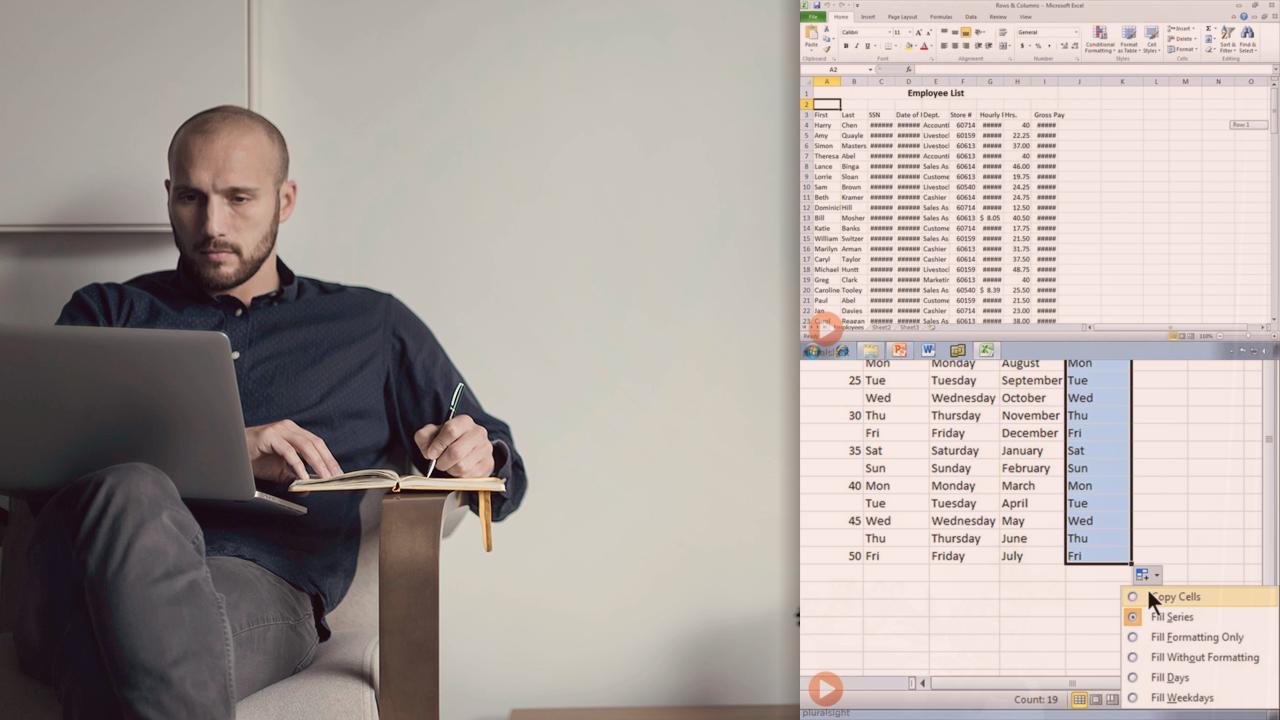
Part 1 of 3 in the Excel 2010 series will help you learn all the features in Excel 2010. You'll learn how to take advantage of the ribbon interface, utilize formulas, make references and functions, and create charts and PivotTables. This course is recommended for anyone wanting an in-depth look at Excel 2010.
Excel 2010: Getting Started
Beginner
Table of contents



Bill Kulterman is an educator, author, and a Microsoft Certified Trainer (MCT). Bill has been a trainer for more than a dozen years, educating students in Excel, Visio and a bevy of additional solutions. In recent years he has focused solely on SharePoint and SharePoint Online through Office 365. When he's not creating courses, he can usually be found riding his bike or relaxing near his Koi pond.