


- Course
Creating Responsive SVGs in Illustrator and CSS
Throughout these Illustrator and CSS tutorials, you'll learn how to make SVG (Scalable Vector Graphics) responsive. Software required: Adobe Illustrator CC 2014.
Advanced
- Course
Creating Responsive SVGs in Illustrator and CSS
Throughout these Illustrator and CSS tutorials, you'll learn how to make SVG (Scalable Vector Graphics) responsive. Software required: Adobe Illustrator CC 2014.
Advanced
Get started today
Access this course and other top-rated tech content with one of our business plans.
Try this course for free
Access this course and other top-rated tech content with one of our individual plans.
This course is included in the libraries shown below:
- Core Tech
What you'll learn
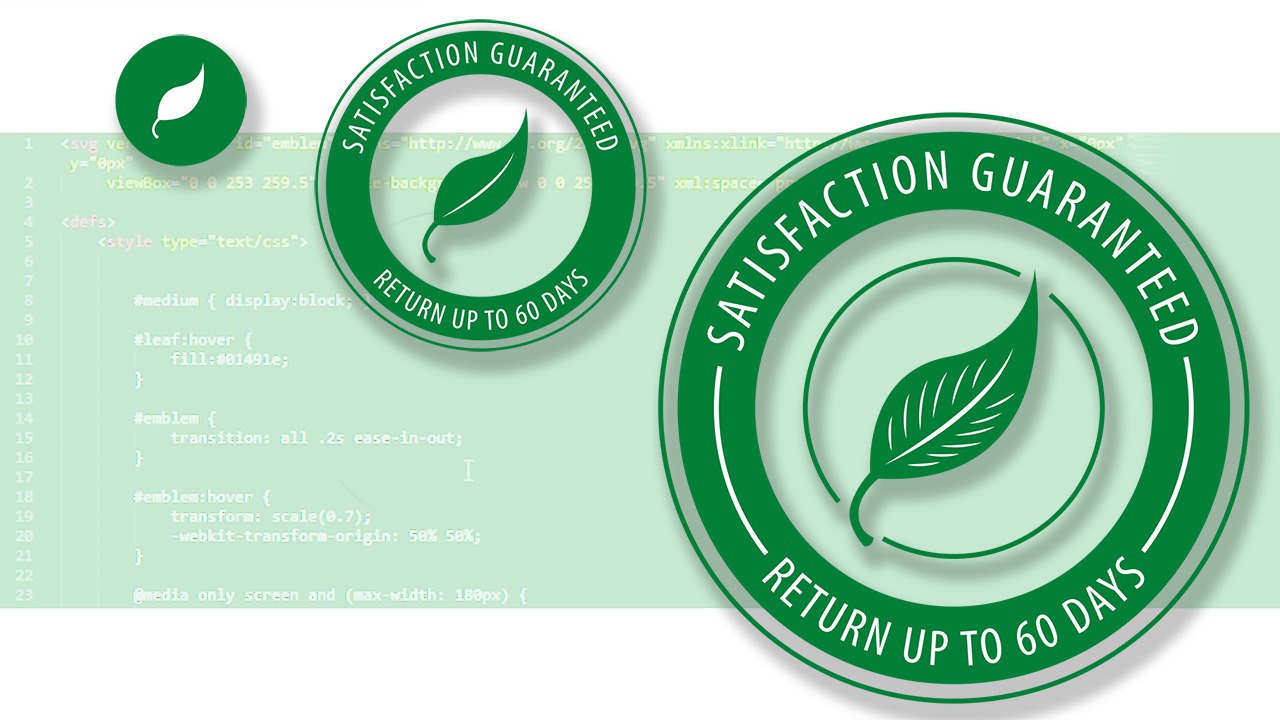
Throughout these Illustrator and CSS tutorials, you'll learn how to make SVG (Scalable Vector Graphics) responsive. We'll first step inside of Adobe Illustrator to design custom SVGs for our project. Next, we'll export the SVGs and, through HTML and CSS, you'll learn how to manipulate the SVGs based on media queries. By the end of the Illustrator and CSS training, you'll understand how to make the SVGs interactive with hover and click events. Software required: Adobe Illustrator CC 2014.
Creating Responsive SVGs in Illustrator and CSS
Advanced
Table of contents


Gary Simon has worked exclusively as a freelance designer and design instructor for over 15 years.