
- Course
Designing for Shrink Sleeves with Adobe CC
Shrink sleeve labels are one of the fastest growing segments in packaging. This course will teach you what shrink sleeves are and how to design for them, so your artwork can give the product the maximum aesthetic impact and shelf exposure.
Intermediate
- Course
Designing for Shrink Sleeves with Adobe CC
Shrink sleeve labels are one of the fastest growing segments in packaging. This course will teach you what shrink sleeves are and how to design for them, so your artwork can give the product the maximum aesthetic impact and shelf exposure.
Intermediate
Get started today
Access this course and other top-rated tech content with one of our business plans.
Try this course for free
Access this course and other top-rated tech content with one of our individual plans.
This course is included in the libraries shown below:
- Core Tech
What you'll learn
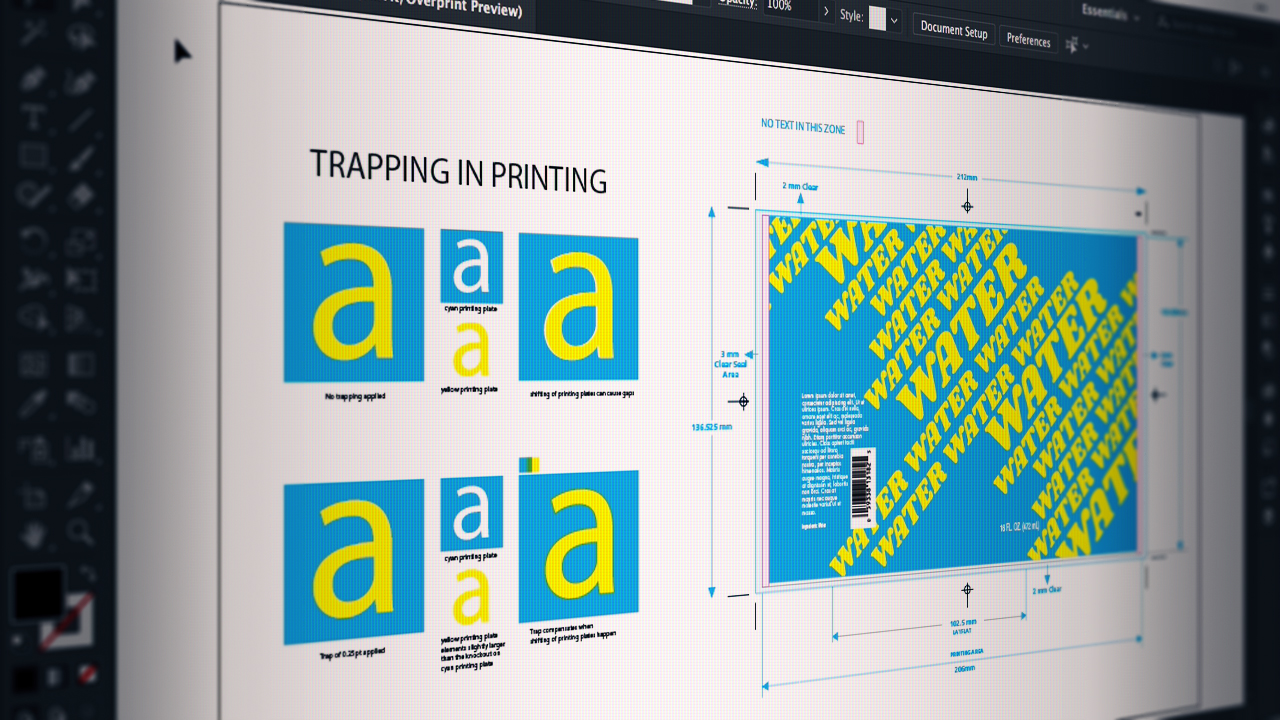
Have you ever wanted your artwork to be displayed on a product in a 360 degree manner? In this course, Designing for Shrink Sleeves in Adobe CC, you'll be introduced to shrink sleeves and how you can design for them. First, you’ll discover exactly what shrink sleeves are and how they're made. Next, you’ll explore the advantages shrink sleeves have over conventional labels. Finally, you’ll learn how to design for shrink sleeves, from exploring container and design possibilities, to working with shrink sleeve dielines, and to color considerations and typography. When you’re finished with this course, you’ll have a solid understanding of shrink sleeves, best practices, and how to effectively design for them. Software required: Adobe Photoshop CC and Illustrator CC.
Designing for Shrink Sleeves with Adobe CC
Intermediate



Graphic designer and illustrator Simona Pfreundner is best known for her colorful tutorials and her packaging designs in the health care and alcoholic beverage category. She believes that good design and art is life enhancing and meaningful and can move people from uninvolved to engaged. She designs to inform, bring joy and inspire.
