
- Course
Advanced Troubleshooting Techniques for Windows Server
Sysadmins must know how to resolve Blue Screens of Death, hangs, and performance outages. In this course, real-world demos illustrate techniques, tools, and scripts used to identify buggy drivers, failing hardware, and resource bottlenecks.
Intermediate
- Course
Advanced Troubleshooting Techniques for Windows Server
Sysadmins must know how to resolve Blue Screens of Death, hangs, and performance outages. In this course, real-world demos illustrate techniques, tools, and scripts used to identify buggy drivers, failing hardware, and resource bottlenecks.
Intermediate
Get started today
Access this course and other top-rated tech content with one of our business plans.
Try this course for free
Access this course and other top-rated tech content with one of our individual plans.
This course is included in the libraries shown below:
- Core Tech
What you'll learn
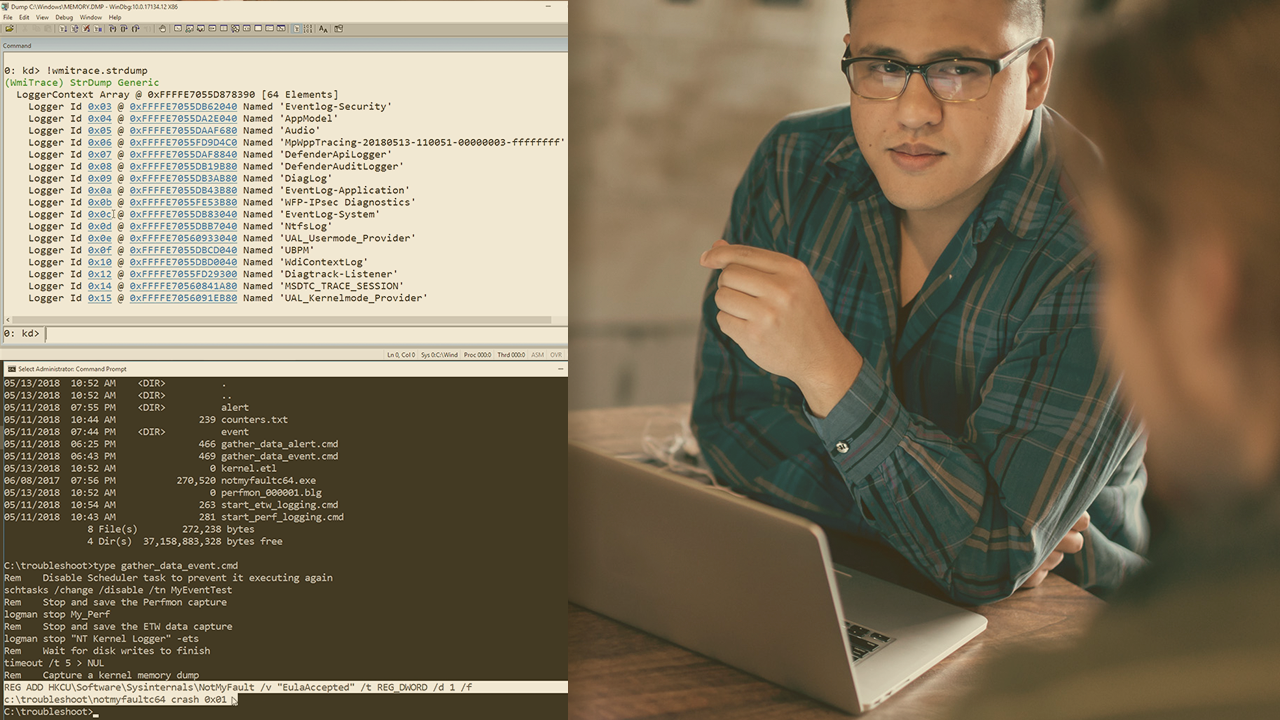
Unexpected system outages can challenge even the most seasoned administrators. Knowing what to do and the right tools to use can mean the difference between a few minutes of downtime versus hours or even days of disruption. In this course, Advanced Troubleshooting Techniques for Windows Server, you will learn how to tackle real-world outages. First, you will analyze the most common Blue Screens of Death (BSOD). Then, you will remediate hardware crashes, resolve hangs and lockups, and identify depleted resources and performance bottlenecks. Finally, you will see the best troubleshooting practices and techniques illustrated by over a dozen real-world demonstrations. By the end of this course, you will have the knowledge, skills, and confidence to tackle the toughest outages in your environment.
Advanced Troubleshooting Techniques for Windows Server
Intermediate
Table of contents



With over 25 years of computing experience at Digital, Compaq and HP, Bruce is a well-known resource for resolving highly complex problems involving clusters, SAN’s, networking and internals.
