
- Course
Affinity Designer Fundamentals
Learn the essentials of vector and raster-based design in Affinity Designer, a modern and powerful creative application. This course will teach you the basics of vector drawing, working with type, photo editing, and more.
Beginner
- Course
Affinity Designer Fundamentals
Learn the essentials of vector and raster-based design in Affinity Designer, a modern and powerful creative application. This course will teach you the basics of vector drawing, working with type, photo editing, and more.
Beginner
Get started today
Access this course and other top-rated tech content with one of our business plans.
Try this course for free
Access this course and other top-rated tech content with one of our individual plans.
This course is included in the libraries shown below:
- Core Tech
What you'll learn
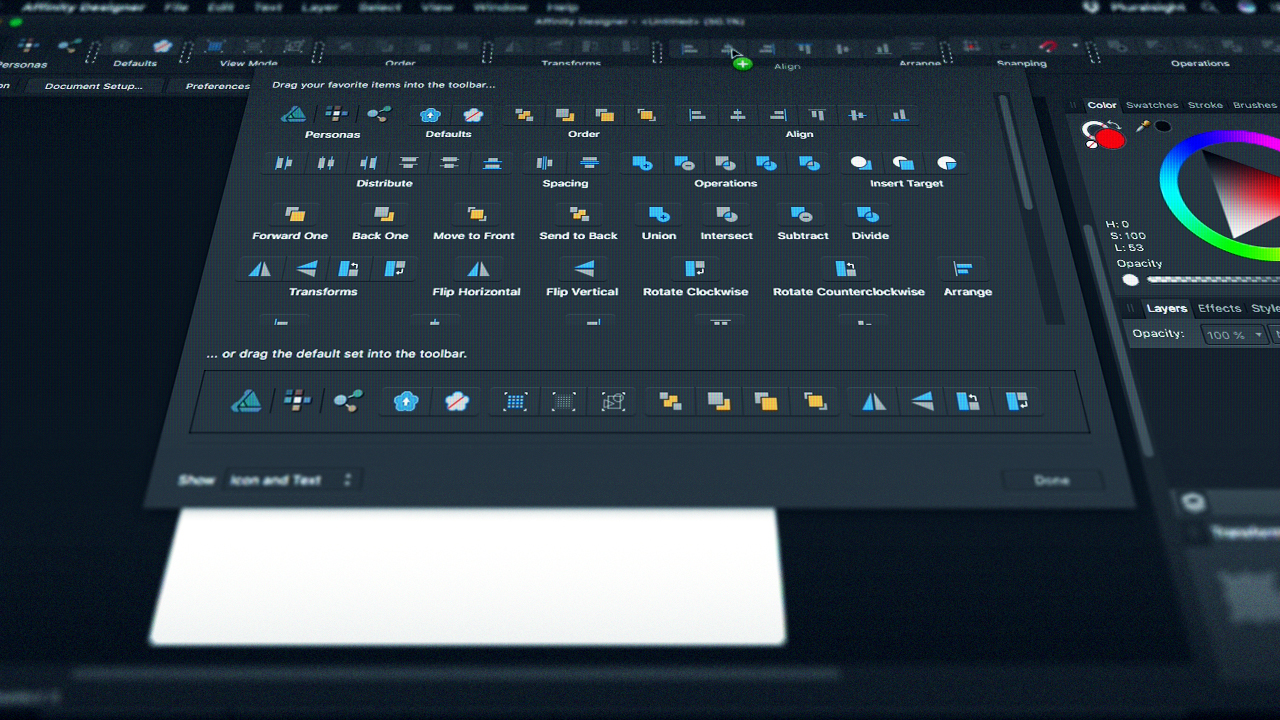
Are you wanting to learn the basics of vector, graphic, or UI design, or looking to expand your professional design toolset? In this course, Affinity Designer Fundamentals, you'll learn the core features of a modern and flexible cross-platform design tool that's powerful enough for professional users, yet accessible enough for beginners. First, you'll explore layer management, shape creation, and working with color in the Draw Persona. Then, you'll discover techniques for photo editing and adding textures in the Pixel Persona. Finally, you'll learn how to save final artwork while saving time and effort using the Export Persona. When you're finished with this course, you'll have gained knowledge of the essential tools for creating professional illustrations, web and interface designs, game assets, and more. Software required: Affinity Designer.
Affinity Designer Fundamentals
Beginner
Table of contents
-
What Is Affinity Designer? | 3m 51s
-
Starting a New Document and Document Settings | 7m 59s
-
Main Toolbar: Understanding Personas and View Modes | 8m 37s
-
Main Toolbar: Customization and the Context Toolbar | 1m 55s
-
Main Toolbar: Order and Arrange | 2m 1s
-
Main Toolbar: Transforms | 4m 23s
-
Main Toolbar: Align | 5m 30s
-
Main Toolbar: Snapping | 9m 10s
-
Main Toobar: Operations and Insert Target | 6m 45s
-
Tools: Draw Persona | 13m 53s
-
Tools: Pixel Persona: Selections | 10m 3s
-
Tools: Pixel Persona: Brushes and Editing | 10m 28s
-
Viewing and Customizing Guides and Grids | 7m 3s
-
Preferences: Customizing the Interface | 9m 11s
-
Summary | 56s


Greg Warner is the UI/UX design lead at Worthwhile, a custom software firm hailing from Greenville, SC.
