
- Course
Aging Wood and Metal Textures in Photoshop
In this tutorial, we will learn how to use Photoshop to create more weathered and aged textures. Software required: 3ds Max 2010, Photoshop CS4 .
Advanced
- Course
Aging Wood and Metal Textures in Photoshop
In this tutorial, we will learn how to use Photoshop to create more weathered and aged textures. Software required: 3ds Max 2010, Photoshop CS4 .
Advanced
Get started today
Access this course and other top-rated tech content with one of our business plans.
Try this course for free
Access this course and other top-rated tech content with one of our individual plans.
This course is included in the libraries shown below:
- Core Tech
What you'll learn
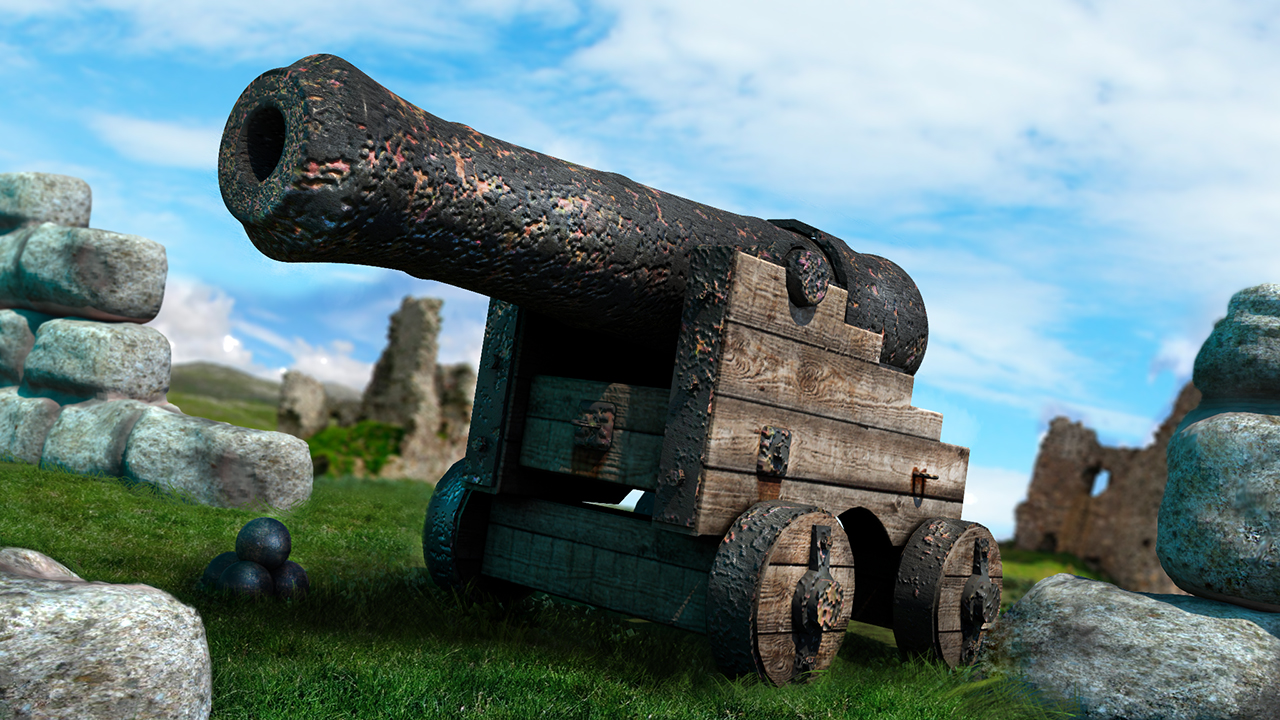
In this tutorial, we will learn how to use Photoshop to create more weathered and aged textures. Throughout these videos we will not only create and construct basic wood and metallic textures, but we will also learn how the passing of time can affect them and give your objects a more characteristic look. We will learn how to make grunge layers and how to create layers of paint that peel away to reveal the original material underneath. We'll also learn how to extract specular maps and normal maps from our project files and, lastly, see how they look when added to a scene in 3ds Max. Software required: 3ds Max 2010, Photoshop CS4 .
Aging Wood and Metal Textures in Photoshop
Advanced
Table of contents
