
- Course
Restore & Master Audio for Video in Audition & Premiere Pro
This course is designed to teach you advanced audio restoration techniques using Premiere Pro and Adobe Audition so you don't have to settle for "mediocre" sound in your video productions. Software required: Premiere Pro CC 2015, Audition 2015.
Intermediate
- Course
Restore & Master Audio for Video in Audition & Premiere Pro
This course is designed to teach you advanced audio restoration techniques using Premiere Pro and Adobe Audition so you don't have to settle for "mediocre" sound in your video productions. Software required: Premiere Pro CC 2015, Audition 2015.
Intermediate
Get started today
Access this course and other top-rated tech content with one of our business plans.
Try this course for free
Access this course and other top-rated tech content with one of our individual plans.
This course is included in the libraries shown below:
- Core Tech
What you'll learn
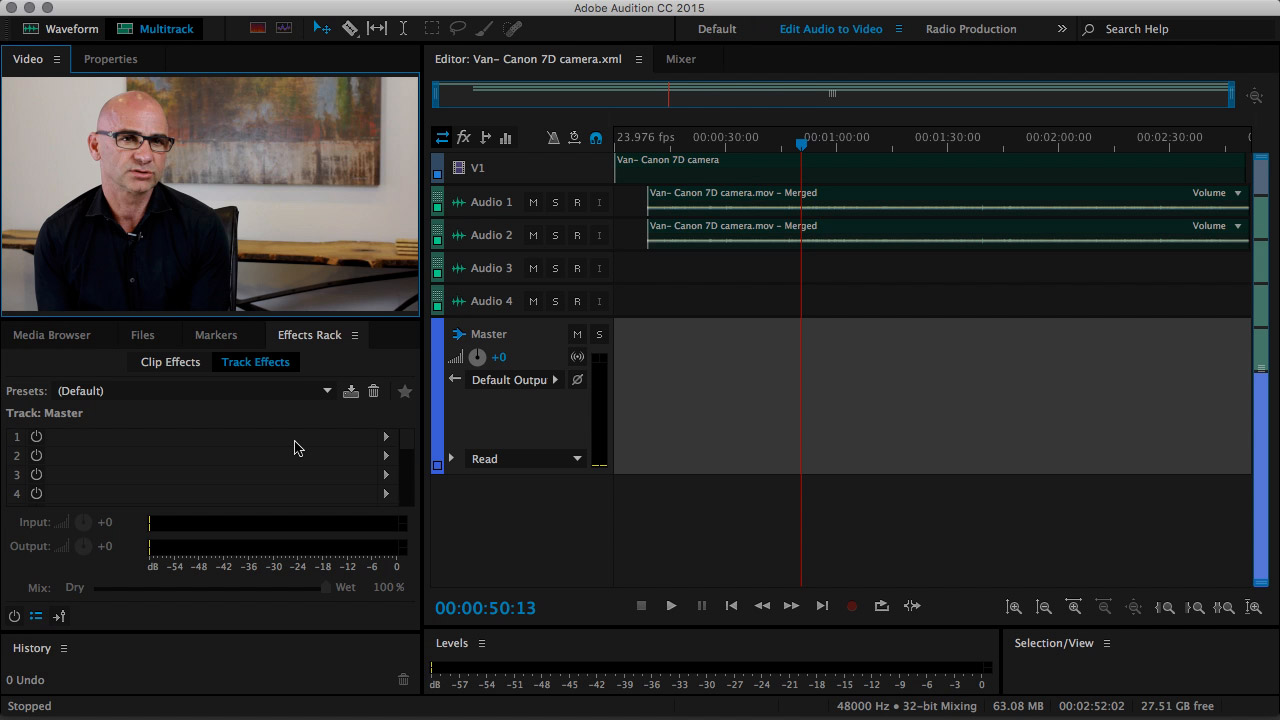
Your visual stories are only as good as the quality of their audio. So, what happens when the quality of your audio is compromised? That's where this course comes in to save your production. In this course, Restore & Master Audio for Video in Audition & Premiere Pro, you'll learn how to restore poorly recorded audio that was captured in noisy environments. This will allow you to create more powerful visual stories that move your audience on a deeper level. First, you'll learn how to properly analyze your audio content and discover some very common issues that most video editors have to deal with on a daily basis. Next, you'll leverage Adobe's Dynamic Linking to send your audio footage from Premiere Pro directly into Audition's audio platform. This will allow you to dive into the waveform frequencies of your audio to discover exactly what can be done to restore the sound quality. Finally, you'll learn how to capture noise snippets, process them through Audition's noise filtering, add compression dynamics and tonal range, as well as visually see your audio using the Spectral diagram for clarity. When you are finished with this video production course, you'll not only know how to master and bounce incredible audio back to your Premiere Pro video projects, but also understand how the science of sound can be manipulated at a "frequency" level to give you the best results every time. Software required: Premiere Pro CC 2015, Audition 2015.
Restore & Master Audio for Video in Audition & Premiere Pro
Intermediate
