
- Course
Automotive Modeling in 3ds Max 2009
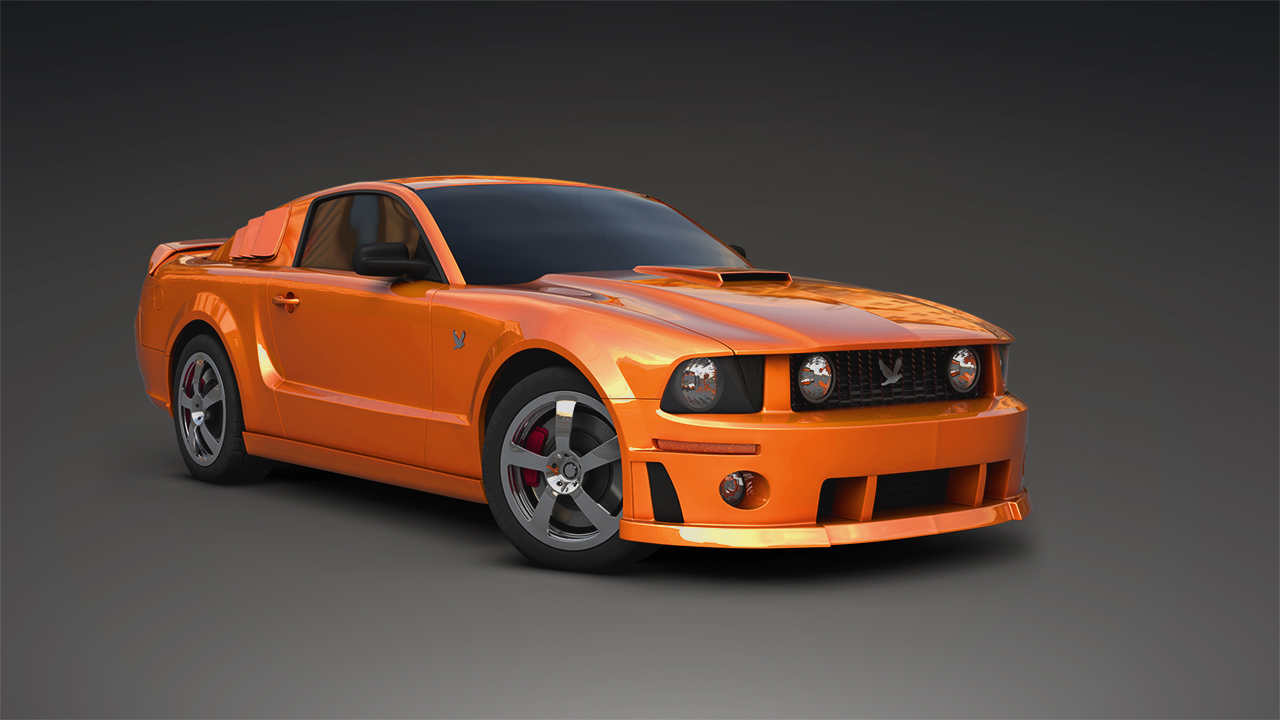
Learn a production workflow to automotive modeling in 3ds Max and a multitude of Polygon, NURBS, and Spline-based techniques that can be used for Film, Games, and Automotive Design. Software required: 3ds Max 2009 and up (required to open project files).
Intermediate
- Course
Automotive Modeling in 3ds Max 2009
Learn a production workflow to automotive modeling in 3ds Max and a multitude of Polygon, NURBS, and Spline-based techniques that can be used for Film, Games, and Automotive Design. Software required: 3ds Max 2009 and up (required to open project files).
Intermediate
Get started today
Access this course and other top-rated tech content with one of our business plans.
Try this course for free
Access this course and other top-rated tech content with one of our individual plans.
This course is included in the libraries shown below:
- Core Tech
What you'll learn
Learn a production workflow to automotive modeling in 3ds Max and a multitude of Polygon, NURBS, and Spline-based techniques that can be used for film, games, and automotive Design. This tutorial contains over 7.5 hours of project-driven training. Popular highlights include: Viewport Background Images; Establishing Automotive Line Flow; Creating Multiple Fitted Panels; Redrawing Topology; Adding Resolution to Tighten Edges; Adding Edge Loops with Connect Tool; Edge Loop and Ring Selections; Converting Sub-object Selections; Adding Geometry with Bridge; Cloning Geometry and Shapes; Attaching and Detaching Geometry; Building Geometry with Splines; Building Geometry with NURBS Curves; Mirroring Geometry; Symmetry Modifier; Converting Parametric Geometry; Previewing Smooth Geometry; Creating Detail with Extrude Tool; Importing Adobe Illustrator Curves; Creating and Adding Realistic Materials; Adding Bump Maps to Materials; Creating UV Layouts; Creating Geometry with Primitives; Changing Geometry Creation Parameters; Welding Vertices; Creating Splines and Patches; Edit/Delete Message Reply With Quote. Software required: 3ds Max 2009 and up (required to open project files).
Automotive Modeling in 3ds Max 2009
Intermediate
Table of contents



Justin thrives as a lead modeling author at Pluralsight. Growing up, Justin found a deep interest for the computer graphics industry after watching movies like Jurassic Park, Toy Story and The Abyss. His ambition would lead him to work at Sony Imageworks in Los Angeles on movies like Monster House and Surf's Up. Justin has also had numerous articles, tutorials and images published in 3D World and 3D Artist.
