
- Course
Creating Cinematic Underwater Lighting in Maya
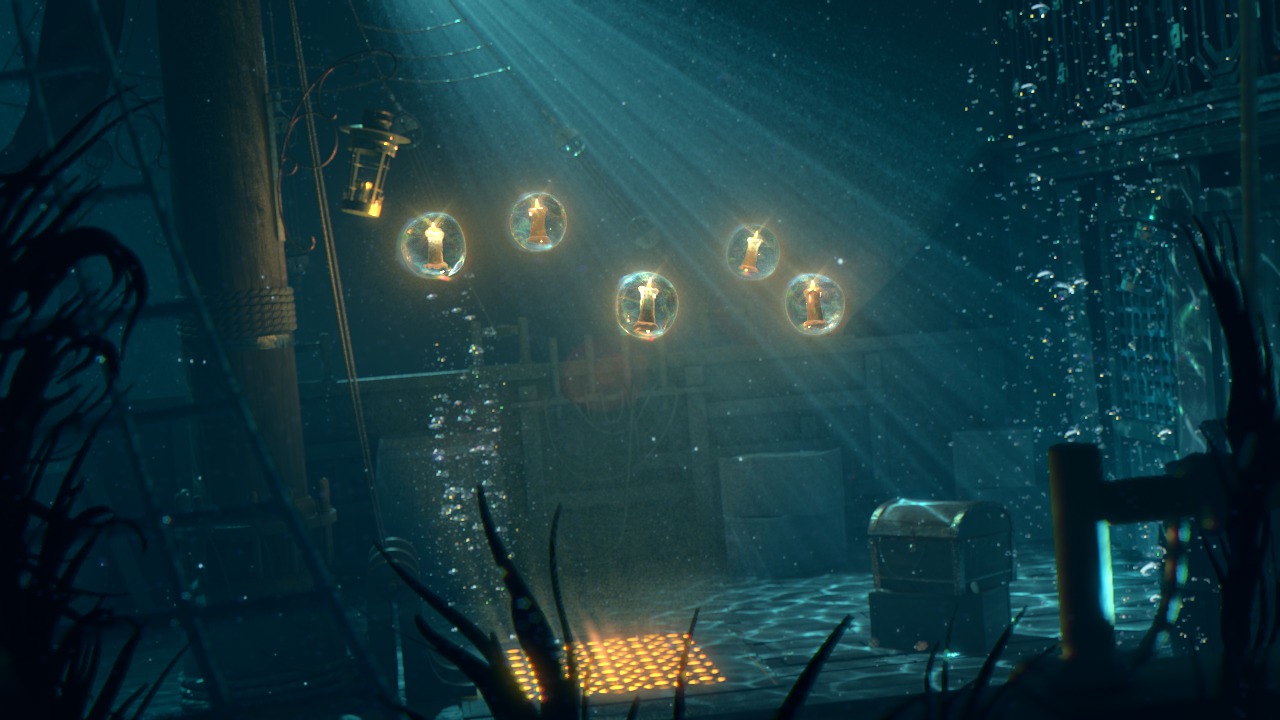
Throughout these Maya tutorials we'll learn how to achieve a cinematic look for an underwater animation. Software required: Maya 2015, NUKE 8.
Advanced
- Course
Creating Cinematic Underwater Lighting in Maya
Throughout these Maya tutorials we'll learn how to achieve a cinematic look for an underwater animation. Software required: Maya 2015, NUKE 8.
Advanced
Get started today
Access this course and other top-rated tech content with one of our business plans.
Try this course for free
Access this course and other top-rated tech content with one of our individual plans.
This course is included in the libraries shown below:
- Core Tech
What you'll learn
Throughout these Maya tutorials we'll learn how to achieve a cinematic look for an underwater animation. We'll cover how to create underwater assets and particles such as bubbles, as well as a caustic pattern to simulate realism. Next, we'll animate our bubbles with Soft Body and construct some kelp. We'll finish our details with underwater particle creation and secondary lighting. Finally, we'll finish the Maya training by learning how to setup V-Ray render settings and composite in NUKE. Software required: Maya 2015, NUKE 8.
Creating Cinematic Underwater Lighting in Maya
Advanced
Table of contents
