
- Course
Creating and Applying Filters in Sisense
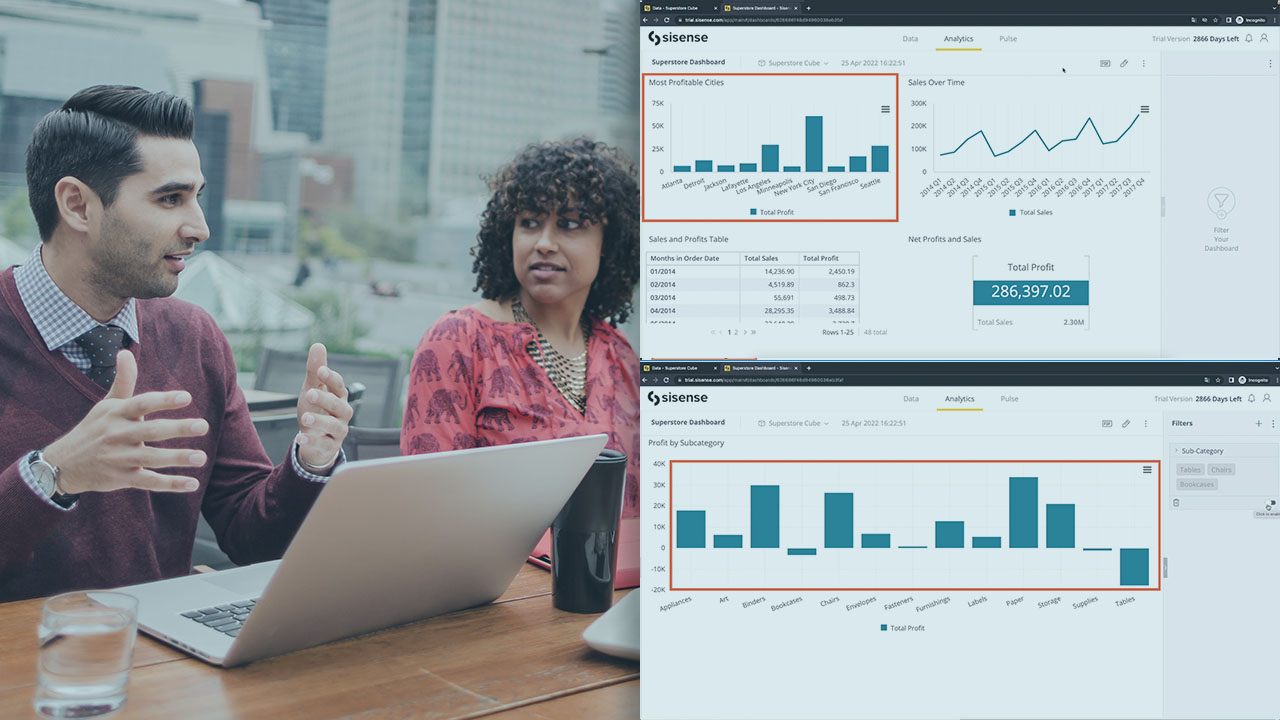
This course will teach you how to perform a detailed analysis of a dataset using a variety of filters available in Sisense, which can be used to drill down to specific ranges and categories of data at both widget and dashboard levels.
Intermediate
- Course
Creating and Applying Filters in Sisense
This course will teach you how to perform a detailed analysis of a dataset using a variety of filters available in Sisense, which can be used to drill down to specific ranges and categories of data at both widget and dashboard levels.
Intermediate
Get started today
Access this course and other top-rated tech content with one of our business plans.
Try this course for free
Access this course and other top-rated tech content with one of our individual plans.
This course is included in the libraries shown below:
- Data
What you'll learn
Sisense includes a number of different filters which allow users to zoom in on specific subsets of a large dataset.
In this course, Creating and Applying Filters in Sisense, you’ll learn to use the right set of filters to enable an efficient and meaningful analysis of your data.
First, you’ll explore how filters are implemented in Sisense ElastiCubes. Next, you’ll discover a variety of basic filters which can be applied at the widget and dashboard levels. Finally, you’ll learn how to define more complex filters for your visualizations which allow for deeper interactions. When you’re finished with this course, you’ll have the skills and knowledge of filters, widgets, and dashboards needed to create engaging and informative visualizations which enable a variety of interactions for your end users.
Creating and Applying Filters in Sisense
Intermediate
Table of contents
-
Overview of Filters in Sisense | 1m 1s
-
Introducing Sisense Filters | 2m 50s
-
Creating and Using Filters | 2m 3s
-
Demo: Preliminary Analysis ElastiCube | 6m 38s
-
Demo: Creating and Using Widget Filters | 4m 38s
-
Demo: Interactions between Widget-level and Dashboard-level Filters | 7m 21s
-
Demo: Drilling Down | 3m 30s


An engineer and tinkerer, Vitthal has worked at Google, Credit Suisse, and Flipkart and studied at Stanford and INSEAD. He has worn many hats, each of which has involved writing code and building models. He is passionately devoted to his hobby of laughing at his own jokes.
