
- Course
Sculpting a Dragon Scroll Asset in ZBrush
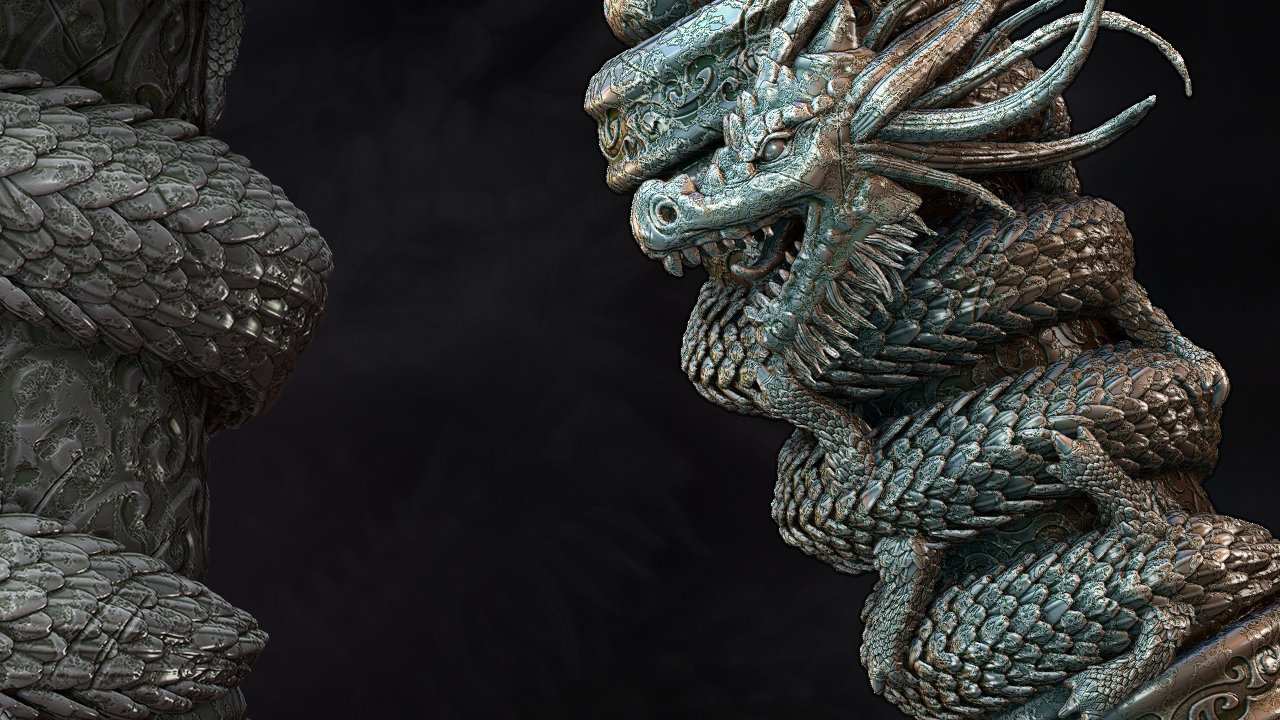
In this training, we'll cover how to create a detailed prop within ZBrush using key features like Radial symmetry, DynaMesh, sculpting brushes, Insert Mesh brushes, and NoiseMaker. Software required: ZBrush 4R6, Photoshop CC.
Intermediate
- Course
Sculpting a Dragon Scroll Asset in ZBrush
In this training, we'll cover how to create a detailed prop within ZBrush using key features like Radial symmetry, DynaMesh, sculpting brushes, Insert Mesh brushes, and NoiseMaker. Software required: ZBrush 4R6, Photoshop CC.
Intermediate
Get started today
Access this course and other top-rated tech content with one of our business plans.
Try this course for free
Access this course and other top-rated tech content with one of our individual plans.
This course is included in the libraries shown below:
- Core Tech
What you'll learn
In this training, we'll cover how to create a detailed prop within ZBrush using key features like Radial symmetry, DynaMesh, sculpting brushes, Insert Mesh brushes, and NoiseMaker. Using these tools we will learn how to efficiently and quickly create details that will really make your sculpt stand out. By the end of this tutorial you will have created a detailed Dragon Scroll asset. Software required: ZBrush 4R6, Photoshop CC.
Sculpting a Dragon Scroll Asset in ZBrush
Intermediate
Table of contents
