
- Course
Creating a Dynamic Wet Map Shader in Houdini
This tutorial introduces a new method for simulating wet objects, a shader-based method that first generates a 3D cloud of animated wet points, then by creating a shader that will use this data to shade the wet, previously-wet, or drying parts of the character that were previously in contact with a fluid. Software required: Houdini 14.
Advanced
- Course
Creating a Dynamic Wet Map Shader in Houdini
This tutorial introduces a new method for simulating wet objects, a shader-based method that first generates a 3D cloud of animated wet points, then by creating a shader that will use this data to shade the wet, previously-wet, or drying parts of the character that were previously in contact with a fluid. Software required: Houdini 14.
Advanced
Get started today
Access this course and other top-rated tech content with one of our business plans.
Try this course for free
Access this course and other top-rated tech content with one of our individual plans.
This course is included in the libraries shown below:
- Core Tech
What you'll learn
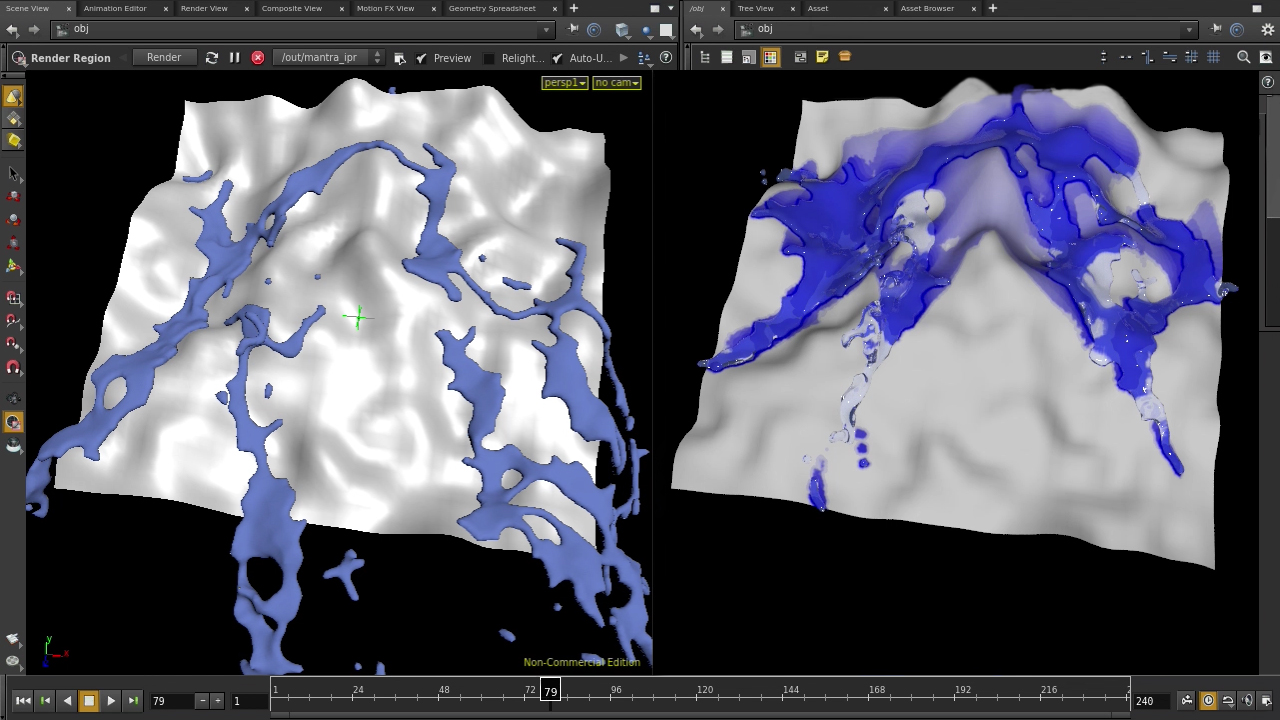
To realistically simulate fluids (water, blood, paint, oil, etc.), often a wet map is required to change the shading of an object where the fluid comes into contact with an object. These need to animate, not only while the fluid is active, but also afterwards to simulate drying. The usual solution, generating a wet map, or fixed set of images for a texture map, has several drawbacks: fixed resolution, color depths, and difficulties applying across objects or to subsequent shots in the film. This tutorial introduces a new method for simulating wet objects, a shader-based method that first generates a 3D cloud of animated wet points, then by creating a shader that will use this data to shade the wet, previously-wet, or drying parts of the character that were previously in contact with a fluid. This will be accomplished without any need to create or rerun the original fluid simulation. Software required: Houdini 14.
Creating a Dynamic Wet Map Shader in Houdini
Advanced
Table of contents
