
- Course
Essential Tools for Beginning Animation in MODO
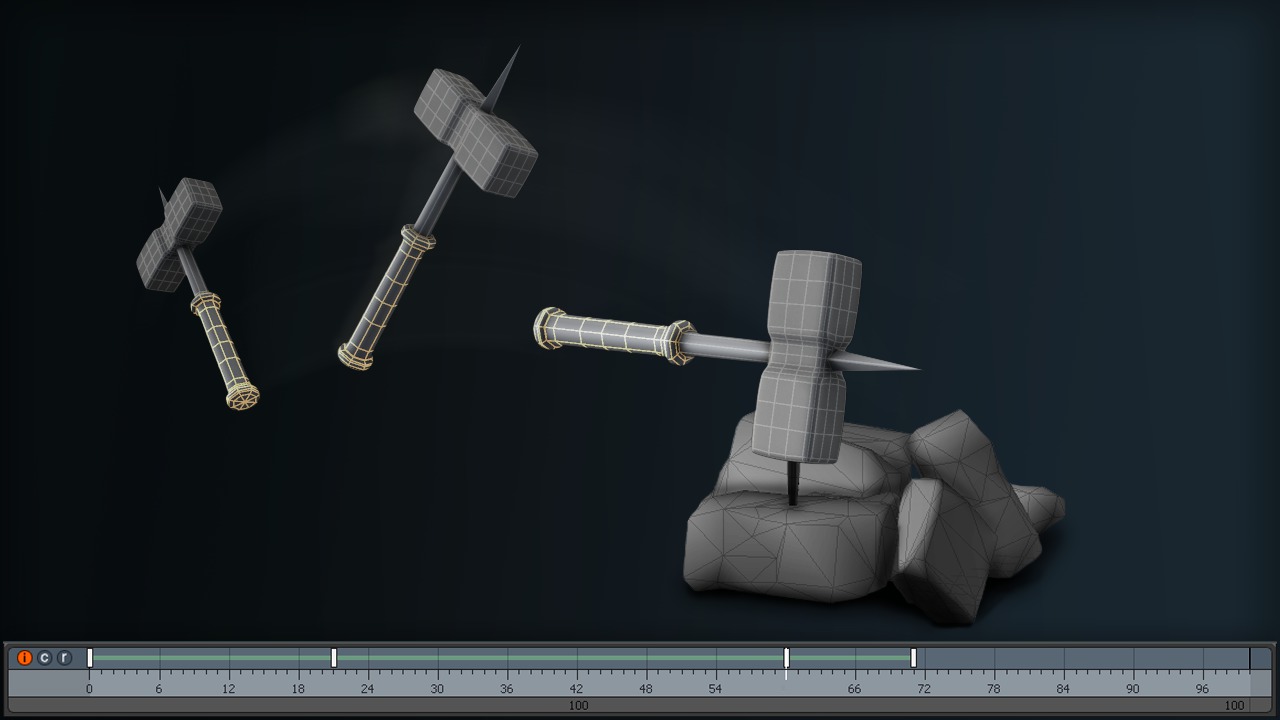
We'll begin with a brief overview of navigation in the animation view port in MODO followed by a discussion about what frames are and playback controls. Software required: MODO 701.
Beginner
- Course
Essential Tools for Beginning Animation in MODO
We'll begin with a brief overview of navigation in the animation view port in MODO followed by a discussion about what frames are and playback controls. Software required: MODO 701.
Beginner
Get started today
Access this course and other top-rated tech content with one of our business plans.
Try this course for free
Access this course and other top-rated tech content with one of our individual plans.
This course is included in the libraries shown below:
- Core Tech
What you'll learn
We'll begin with a brief overview of navigation in the animation view port in MODO followed by a discussion about what frames are and playback controls. After this we'll begin creating some animation by learning what keyframes are and how to set them. Next we'll dive into the graph editor and the dope sheet to learn some basic ways we can edit our keyframes and modify the interpolation of their values across time. Continuing on, we learn about additional tools to visualize and modify our animation. We'll finish by learning about some basic camera movements and how to animate them. If you are ready to start exploring how to animate in MODO, watching this course will help you get started with the essential tools that you will need to begin that journey. Software required: MODO 701.
Essential Tools for Beginning Animation in MODO
Beginner
Table of contents
