
- Course
Get Started with Assemblies in Autodesk Fusion 360
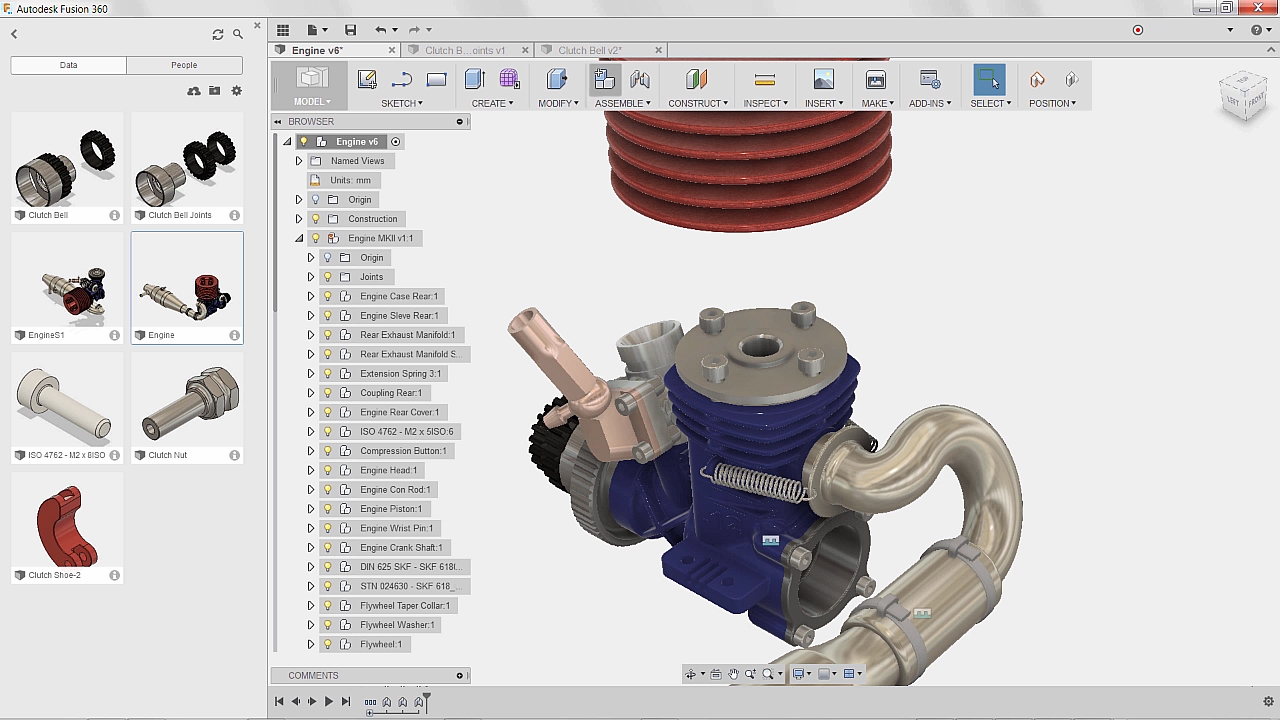
This course will focus on creating assemblies in Autodesk Fusion 360. You will learn about defining components, assembling components, creating joints, setting joint parameters, and working with alignment tools. Software required: Fusion 360.
Beginner
- Course
Get Started with Assemblies in Autodesk Fusion 360
This course will focus on creating assemblies in Autodesk Fusion 360. You will learn about defining components, assembling components, creating joints, setting joint parameters, and working with alignment tools. Software required: Fusion 360.
Beginner
Get started today
Access this course and other top-rated tech content with one of our business plans.
Try this course for free
Access this course and other top-rated tech content with one of our individual plans.
This course is included in the libraries shown below:
- Core Tech
What you'll learn
Autodesk Fusion 360 is a cloud-based 3D modeling software tool that is far more user-friendly than other professional solid-body modeling packages and has a really unique way of working with Assemblies. In this course, Get started with Assemblies in Autodesk Fusion 360, you're going to learn everything you need to know to quickly get started building your own Assemblies or modify existing ones in Fusion 360. First you'll learn the design methodology and the top-down design approach. Next you'll learn all about bodies versus components, and learn about joint definitions and types. Finally, you'll finish the course by learning how to show motion in order to convey design intent. By the end of this course, you’ll know the fundamentals of how Assemblies work in Fusion 360, the best practices and methods for building them efficiently, and how to troubleshoot when you get stuck in the process.
Get Started with Assemblies in Autodesk Fusion 360
Beginner
Table of contents
