
- Course
Creating Game Vehicles in Maya and TopoGun
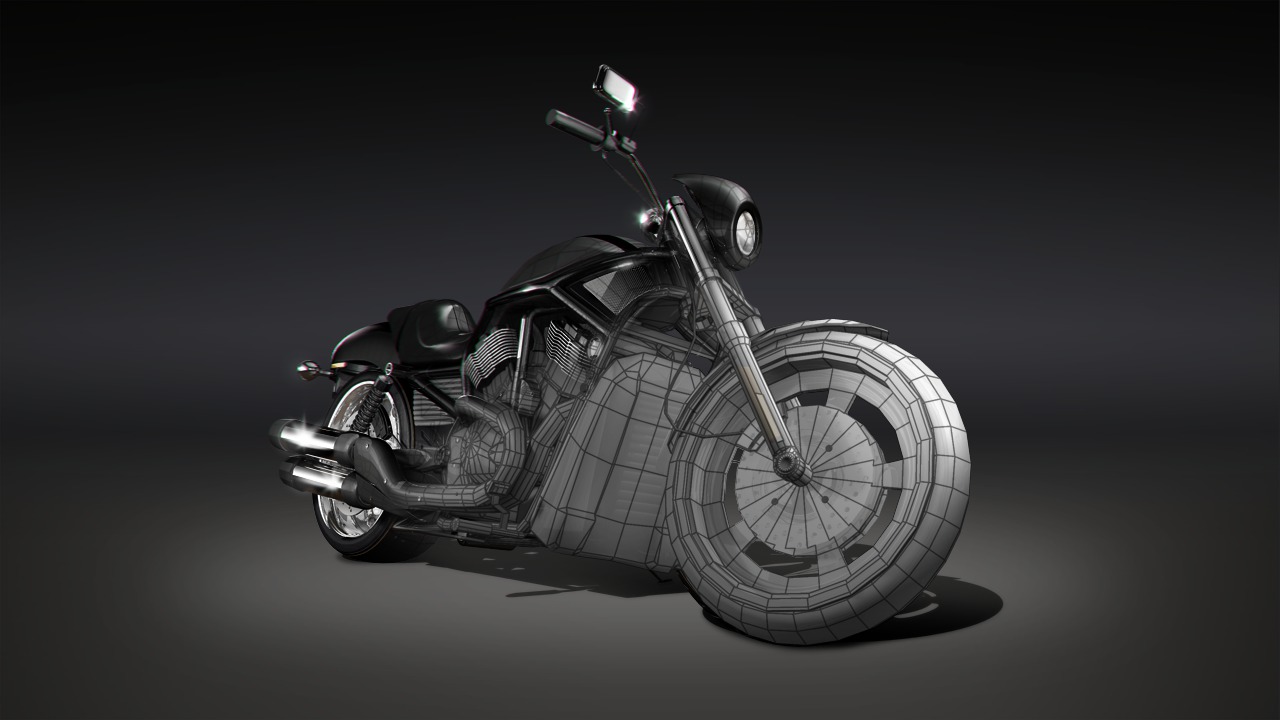
In this tutorial we're going to learn to use Maya and TopoGun to convert a high-resolution motorcycle into a game-type model. Software required: TopoGun 1.06, Maya 2012.
Intermediate
- Course
Creating Game Vehicles in Maya and TopoGun
In this tutorial we're going to learn to use Maya and TopoGun to convert a high-resolution motorcycle into a game-type model. Software required: TopoGun 1.06, Maya 2012.
Intermediate
Get started today
Access this course and other top-rated tech content with one of our business plans.
Try this course for free
Access this course and other top-rated tech content with one of our individual plans.
This course is included in the libraries shown below:
- Core Tech
What you'll learn
In this tutorial we're going to learn to use Maya and TopoGun to convert a high-resolution motorcycle into a game-type model. Film and commercial projects often require very high-resolution, highly detailed vehicle models. However, these models are not appropriate for games or other real-time applications because of the large number of polygons. So in order to be able to rig, animate, or integrate these models into a game engine, we first have to convert the model to a much lower resolution. Using a motorcycle as our example, we'll use Maya to reduce the resolution of many of the pieces. We'll then use TopoGun to create new topology for the very detailed meshes like the engine or radiator. We'll cover methods for baking normal and color maps from within Maya as well as in TopoGun. These techniques will allow us to create a much lower resolution model that is visually very close to its higher-resolution counterpart. Once we're done, you'll have a good grasp of several of the tools we can use to create game-resolution vehicle models, and you'll have the knowledge you need to apply those techniques to your own models. If you're interested in building the high-resolution motorcycle from start to finish, please check out the Motorcycle Modeling Techniques in Maya course that will take you through that process. Software required: TopoGun 1.06, Maya 2012.
Creating Game Vehicles in Maya and TopoGun
Intermediate
Table of contents



Justin thrives as a lead modeling author at Pluralsight. Growing up, Justin found a deep interest for the computer graphics industry after watching movies like Jurassic Park, Toy Story and The Abyss. His ambition would lead him to work at Sony Imageworks in Los Angeles on movies like Monster House and Surf's Up. Justin has also had numerous articles, tutorials and images published in 3D World and 3D Artist.
