
- Course
Illustrator CC Pixels to Vectors
Learn to use Illustrator’s powerful Image Trace features to convert pixel-based raster images, hand-drawn sketches, scans, and low-resolution logos into resolution-independent vector drawings that you can scale and manipulate with unfettered freedom.
Intermediate
- Course
Illustrator CC Pixels to Vectors
Learn to use Illustrator’s powerful Image Trace features to convert pixel-based raster images, hand-drawn sketches, scans, and low-resolution logos into resolution-independent vector drawings that you can scale and manipulate with unfettered freedom.
Intermediate
Get started today
Access this course and other top-rated tech content with one of our business plans.
Try this course for free
Access this course and other top-rated tech content with one of our individual plans.
This course is included in the libraries shown below:
- Core Tech
What you'll learn
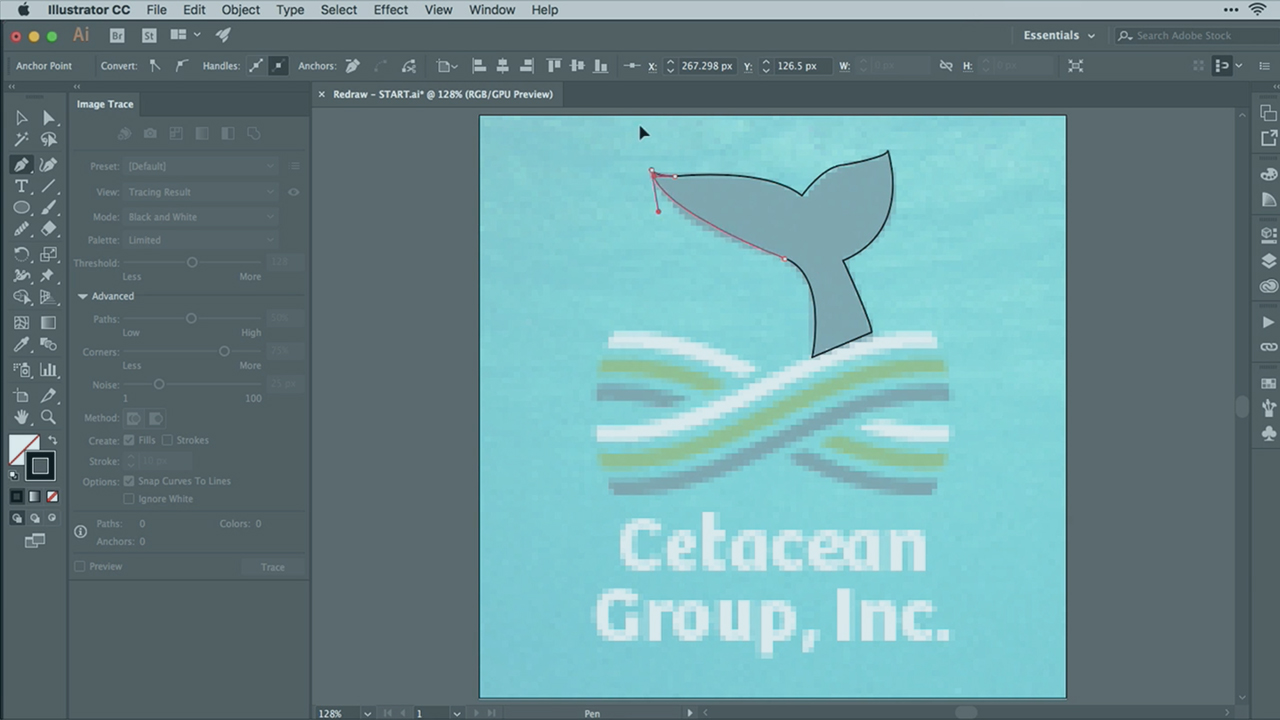
Illustrator CC is the industry standard used by graphic designers, illustrators, and more to accomplish any vector-based graphic design task. In this course, Illustrator CC Pixels to Vectors, Pariah Burke will help you turn photographs and drawings into vector drawings and illustrations. First, you will learn the fundamentals of tracing in Illustrator CC. Then, you will explore how to convert full-color photographs into black and white drawings and posterized images. Finally, you will discover how to trace paper drawings and sketches into clean, fully-editable vector illustrations, and redraw low-resolution and scanned logos, including learning the tools and techniques for identifying the fonts used in the logos’ text! By the end of this course, you will be able to trace almost any type of photograph, drawing, or graphics with Illustrator CC. Software required: Illustrator CC.
Illustrator CC Pixels to Vectors
Intermediate



As a freelance graphic designer with over 20 years' experience, Pariah sits on the Adobe Advisory Group, is an Adobe Freelancer, and is an Adobe Community Professional and a former trainer and technical lead for Adobe's technical support teams for InDesign, InCopy, Illustrator, and Photoshop.
