
- Course
Illustrator CC for UX Design
Learn how to take full advantage of Adobe Illustrator CC's drawing capabilities to create a user experience for a mobile app, website, or other application. You can go from wireframe to full-color mockup using Illustrator as your UX design tool.
Intermediate
- Course
Illustrator CC for UX Design
Learn how to take full advantage of Adobe Illustrator CC's drawing capabilities to create a user experience for a mobile app, website, or other application. You can go from wireframe to full-color mockup using Illustrator as your UX design tool.
Intermediate
Get started today
Access this course and other top-rated tech content with one of our business plans.
Try this course for free
Access this course and other top-rated tech content with one of our individual plans.
This course is included in the libraries shown below:
- Core Tech
What you'll learn
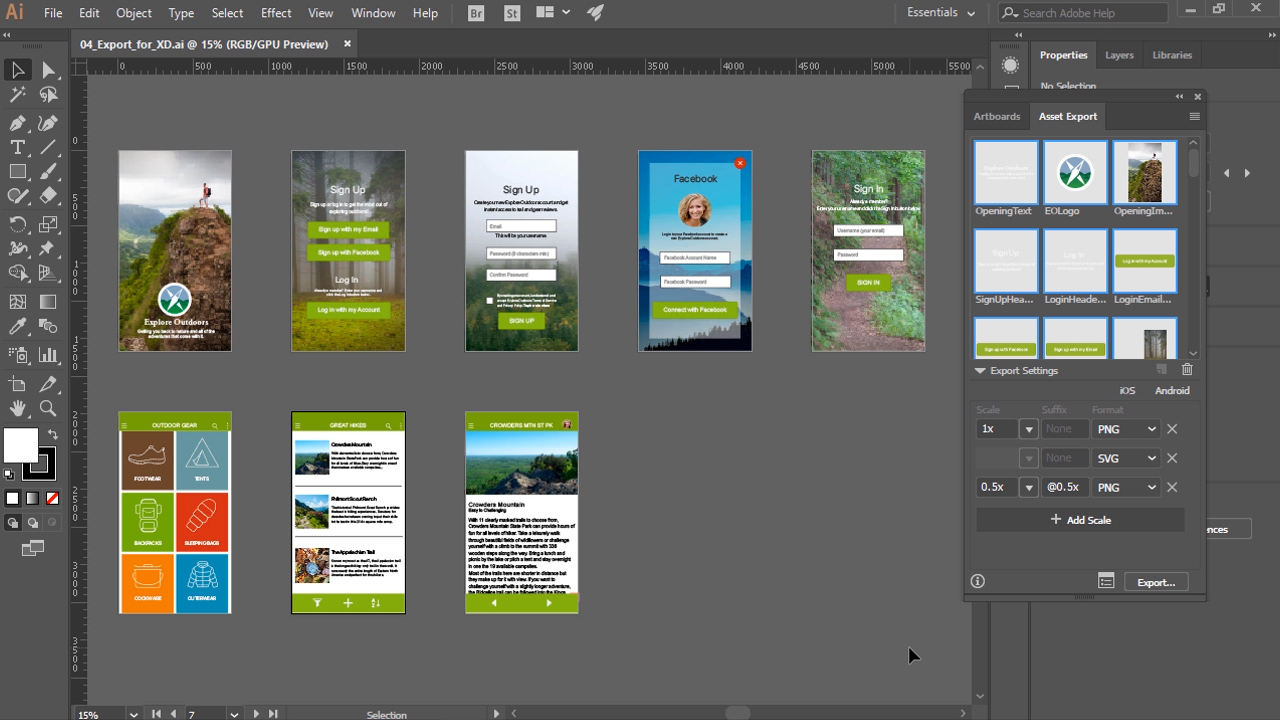
Have you ever been asked to design a mobile app, website, or desktop software that is intuitive and easy to use, but had no idea what tool to use? If so, Illustrator CC for UX Design is the perfect course to learn the desirable skill of designing UX (user experience) all within Adobe Illustrator CC. With so much riding on UX design, you should select a tool that will make the process as easy as possible yet give you plenty control over the final design, and that is why Adobe Illustrator CC is such a good choice. First, you will learn the basics of how to draw, create graphics, and manage documents in Adobe Illustrator CC. Next, you will dive into creating a wireframe for your UX design, and then develop a full color mockup of your UX design. Finally, you will discover how to export your wireframes and mockups to a PDF for client approvals, share your Illustrator CC content with developers and other applications, and even experiment with adding interactivity to your design in Adobe XD. By the end of this course, you will know how to begin a UX design project in Adobe Illustrator CC, and see it through to final delivery to clients and developers. Software required: Adobe Illustrator CC.
Illustrator CC for UX Design
Intermediate



William Everhart is a multi-talented artist with a background steeped in print. His work can be seen in magazines, across the web, and on the shelf at your local grocery store. William continues his work as a designer, but has a passion for using his vast experience to teach others.
