
- Course
Importing and Rendering a Stylized Environment in Unreal Engine
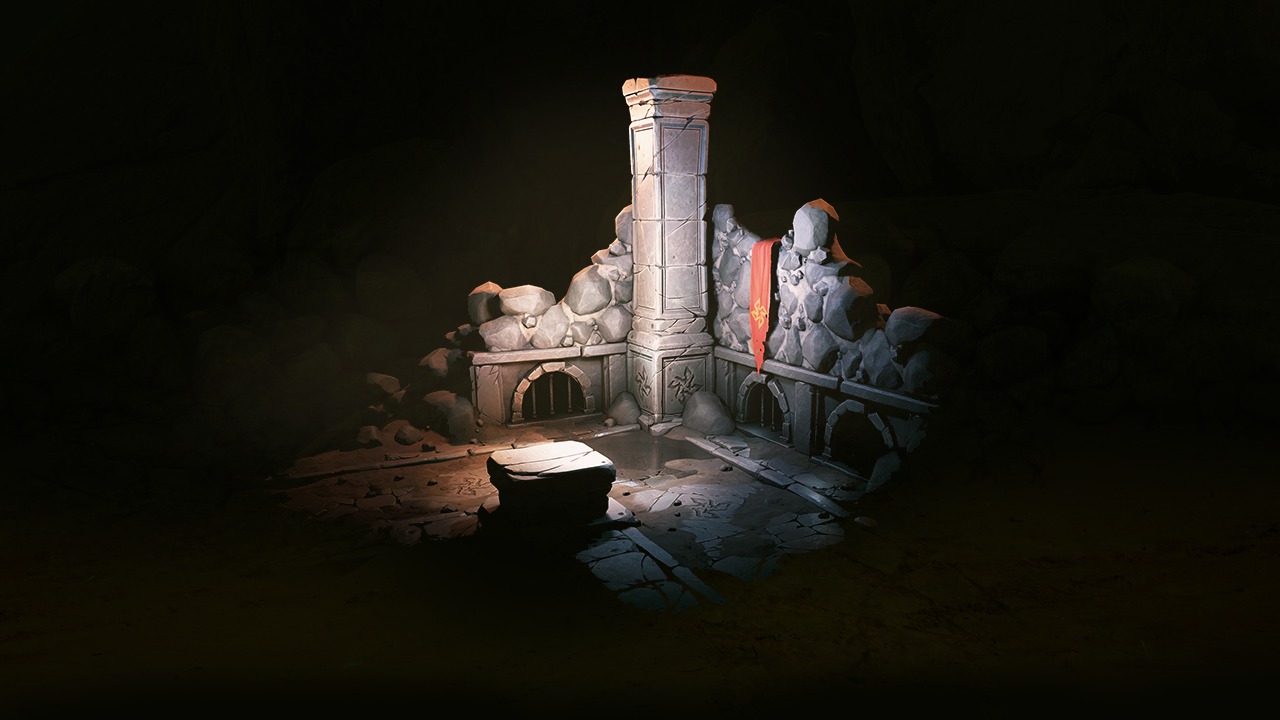
In this tutorial, we will learn how to import and render a stylized environment in Unreal Engine 4. We will start by creating collision for our mesh. Software required: 3ds Max 2015, Photoshop CC 2014, Unreal Engine 4.8.2.
Advanced
- Course
Importing and Rendering a Stylized Environment in Unreal Engine
In this tutorial, we will learn how to import and render a stylized environment in Unreal Engine 4. We will start by creating collision for our mesh. Software required: 3ds Max 2015, Photoshop CC 2014, Unreal Engine 4.8.2.
Advanced
Get started today
Access this course and other top-rated tech content with one of our business plans.
Try this course for free
Access this course and other top-rated tech content with one of our individual plans.
This course is included in the libraries shown below:
- Core Tech
What you'll learn
In this tutorial, we will learn how to import and render a stylized environment in Unreal Engine 4. We will start by creating collision for our mesh. We will then move on to Unreal, where we will create materials and lighting for our scene. By the end of this tutorial, you will be able to bring your environments into Unreal Engine effectively and efficiently. Software required: 3ds Max 2015, Photoshop CC 2014, Unreal Engine 4.8.2.
Importing and Rendering a Stylized Environment in Unreal Engine
Advanced
Table of contents



Alex was born in Soviet Latvia. Since childhood he has loved to build and create, leading him to a love for architecture.
