
- Course
InCopy CC Fundamentals
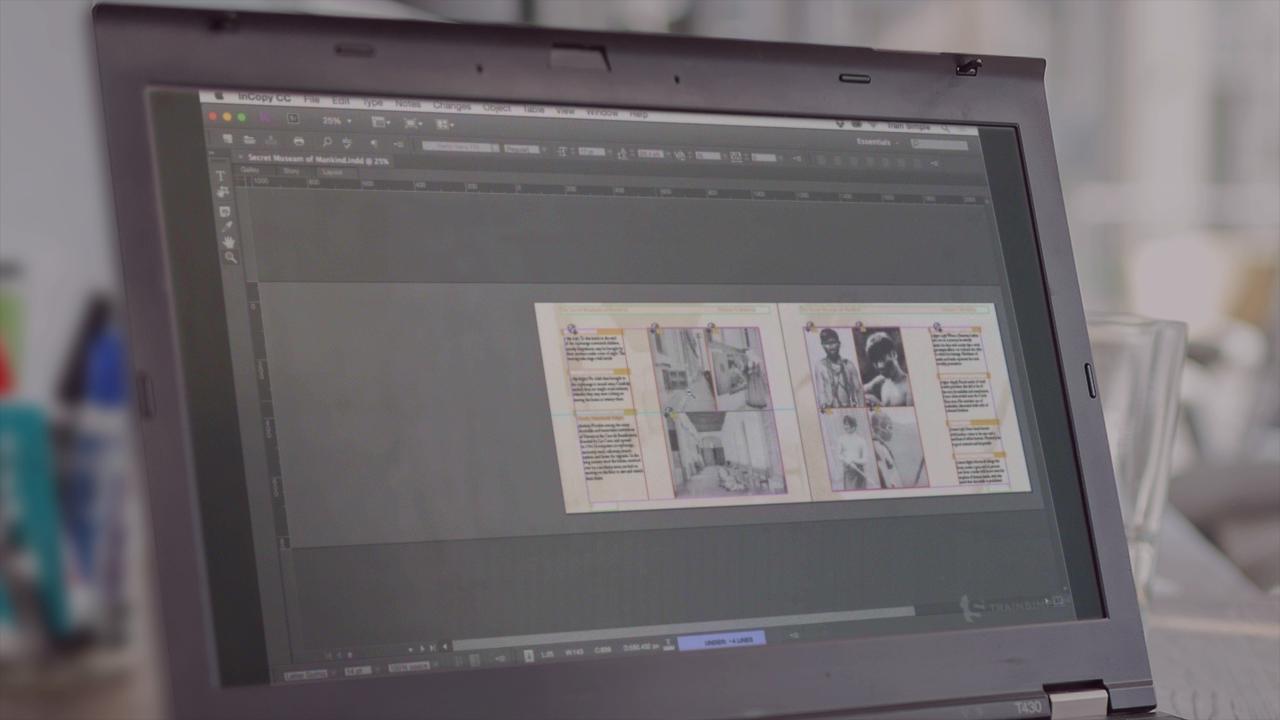
In InCopy CC Fundamentals, you'll learn everything you need to know to get started with using InCopy CC for your writing projects. Software required: InCopy CC.
Beginner
- Course
InCopy CC Fundamentals
In InCopy CC Fundamentals, you'll learn everything you need to know to get started with using InCopy CC for your writing projects. Software required: InCopy CC.
Beginner
Get started today
Access this course and other top-rated tech content with one of our business plans.
Try this course for free
Access this course and other top-rated tech content with one of our individual plans.
This course is included in the libraries shown below:
- Core Tech
What you'll learn
In InCopy CC Fundamentals, you'll learn everything you need to know to get started with using InCopy CC for your writing projects. First, you will learn all about the InCopy interface, and how to manipulate it to your liking. Then, you'll get right into writing and all of the intricacies of the InCopy writing experience. Finally, you'll look at how to collaborate with a team on your InCopy writing projects, and how you can export documents for other word processors. By the end of this course, you will have a solid foundation for writing with InCopy. Software required: InCopy CC.
InCopy CC Fundamentals
Beginner
Table of contents
-
Exploring Panels and Toolbars | 2m 28s
-
Docking and Collapsing Panels | 59s
-
Defining Workspaces | 2m 48s
-
Changing the Interface Color | 1m
-
Zooming in and Out | 2m 57s
-
Adjusting Display Performances | 1m 41s
-
Changing Documents Views | 28s
-
Arranging Document Windows | 1m 16s
-
Starting a New Document | 4m 39s
-
Creating Reusable Custom Page Sizes | 2m 24s
-
Saving and Using Documents Presets | 2m 34s



As a freelance graphic designer with over 20 years' experience, Pariah sits on the Adobe Advisory Group, is an Adobe Freelancer, and is an Adobe Community Professional and a former trainer and technical lead for Adobe's technical support teams for InDesign, InCopy, Illustrator, and Photoshop.
