
- Course
InDesign CC Designing a Flyer
Whether you're a new designer, the office manager, or helping out your local church or school, you'll have fun spending a fast-moving hour designing your first - or hundredth, single-page flyer for print or online use in InDesign. Software required: Adobe InDesign.
Advanced
- Course
InDesign CC Designing a Flyer
Whether you're a new designer, the office manager, or helping out your local church or school, you'll have fun spending a fast-moving hour designing your first - or hundredth, single-page flyer for print or online use in InDesign. Software required: Adobe InDesign.
Advanced
Get started today
Access this course and other top-rated tech content with one of our business plans.
Try this course for free
Access this course and other top-rated tech content with one of our individual plans.
This course is included in the libraries shown below:
- Core Tech
What you'll learn
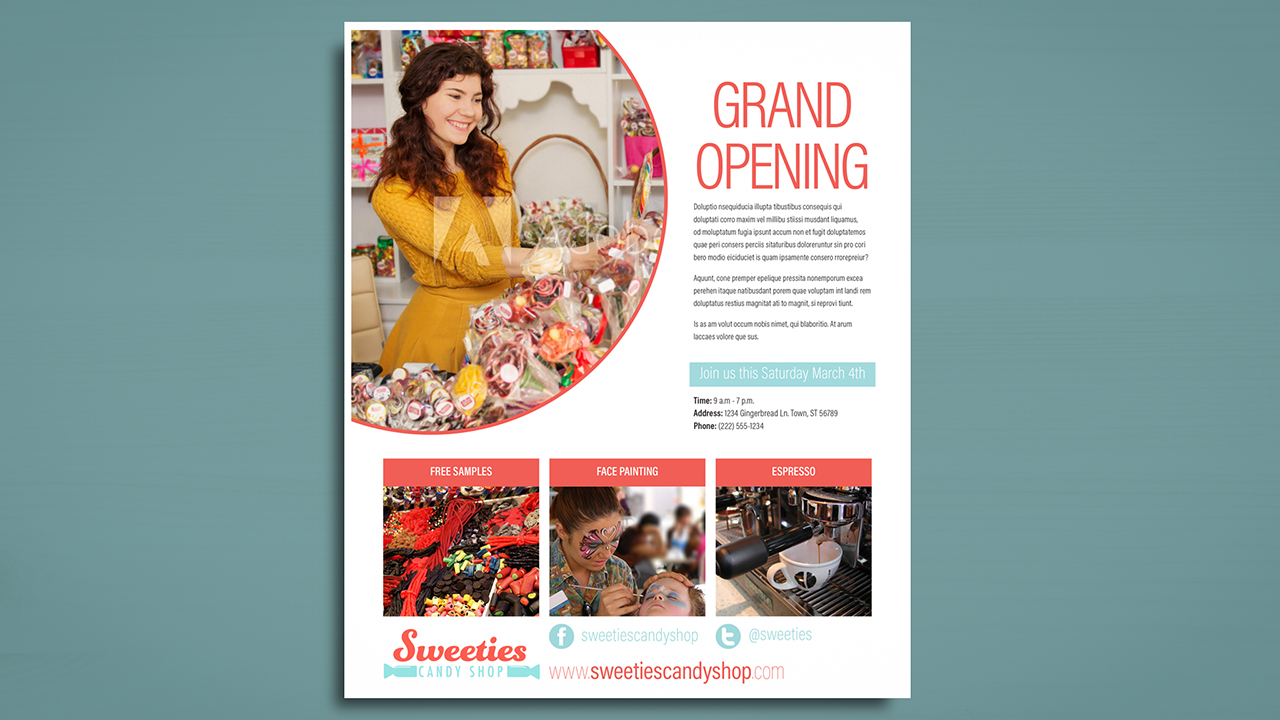
Whether you're a new designer, the office manager, or helping out your local church or school, you will at some point want to create a single-page flyer for print or online use. This course, InDesign CC Designing a Flyer, is a short, sweet, and end-to-end project course that will have you beginning with a blank page and little to no prior knowledge of InDesign, and end with you having a ready-to-print and ready-to-post flyer in hand. First, you'll learn how to choose the correct "New Document" when beginning, as well as learning about the bleed and live areas, and how to draw shapes. Next, you'll explore filling, stroking, aligning, and distributing objects. You'll wrap up the course by learning about placing images, creating text frames, using backgroung colors, and posting your flyer online. By the end of this course, you'll have the confidence to design again anytime without help, designing your next one, two, or a hundred fliers with ease. Software required: Adobe InDesign.
InDesign CC Designing a Flyer
Advanced
Table of contents



As a freelance graphic designer with over 20 years' experience, Pariah sits on the Adobe Advisory Group, is an Adobe Freelancer, and is an Adobe Community Professional and a former trainer and technical lead for Adobe's technical support teams for InDesign, InCopy, Illustrator, and Photoshop.
