
- Course
Creating a Photorealistic Ink Drop Effect in FumeFX and Krakatoa
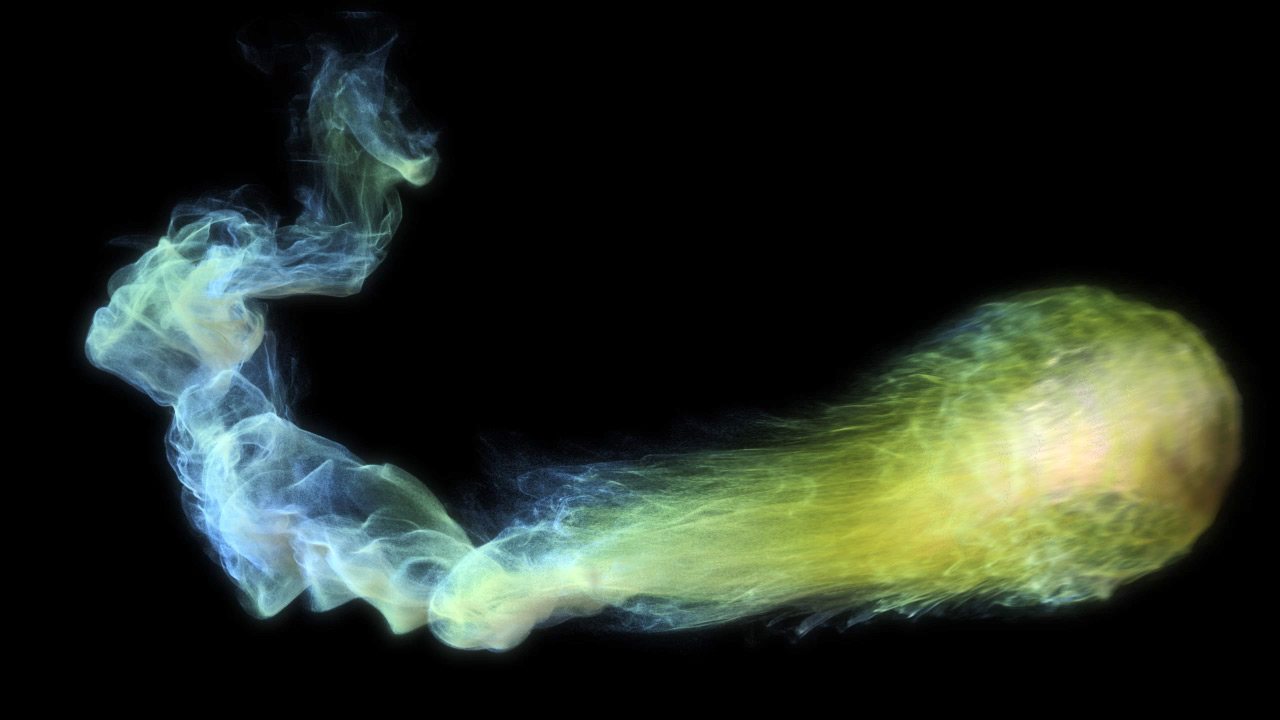
In this tutorial, we will learn how to create particle effects from the beginning to final render. Software required: 3ds Max 2012, FumeFX 2.0, KRAKATOA 1.6, NUKE.
Advanced
- Course
Creating a Photorealistic Ink Drop Effect in FumeFX and Krakatoa
In this tutorial, we will learn how to create particle effects from the beginning to final render. Software required: 3ds Max 2012, FumeFX 2.0, KRAKATOA 1.6, NUKE.
Advanced
Get started today
Access this course and other top-rated tech content with one of our business plans.
Try this course for free
Access this course and other top-rated tech content with one of our individual plans.
This course is included in the libraries shown below:
- Core Tech
What you'll learn
In this tutorial, we will learn how to create particle effects from the beginning to final render. Throughout this tutorial, we are going to talk about FumeFX and PFlow from the basics to more advanced techniques. We'll also cover some rendering techniques in KRAKATOA, including the Magma Flow Editor. We'll see how to increment our particle count using the partitioning, and finally we'll look at how to composite the particles in NUKE. After completing this tutorial, we'll have a much better understanding of fluids and how to manage and render particles. Software required: 3ds Max 2012, FumeFX 2.0, KRAKATOA 1.6, NUKE.
Creating a Photorealistic Ink Drop Effect in FumeFX and Krakatoa
Advanced
Table of contents
