
- Course
Introduction to Lighting Analysis with Insight 360 & Revit
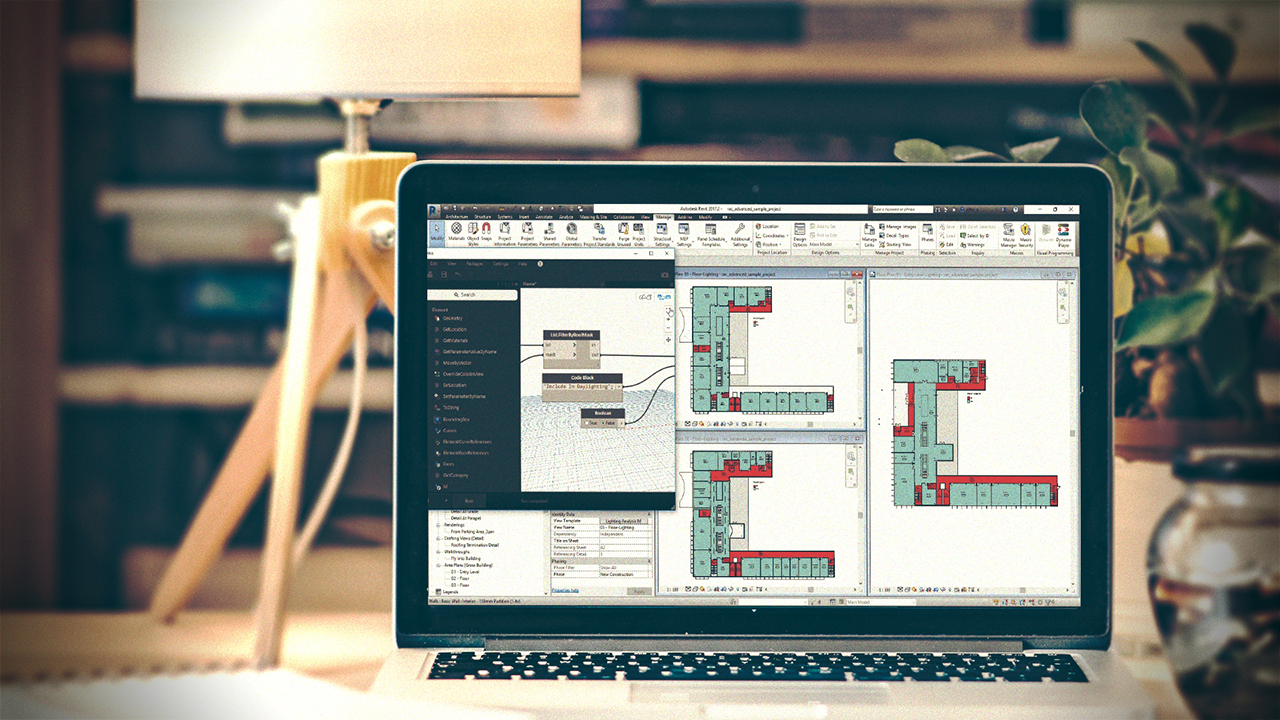
Lighting analysis is becoming increasingly important in the building industry. This course will teach you how to get started with this process using Insight 360, Revit, and Dynamo. Software required: Dynamo, Revit, Insight 360.
Beginner
- Course
Introduction to Lighting Analysis with Insight 360 & Revit
Lighting analysis is becoming increasingly important in the building industry. This course will teach you how to get started with this process using Insight 360, Revit, and Dynamo. Software required: Dynamo, Revit, Insight 360.
Beginner
Get started today
Access this course and other top-rated tech content with one of our business plans.
Try this course for free
Access this course and other top-rated tech content with one of our individual plans.
This course is included in the libraries shown below:
- Core Tech
What you'll learn
Have you ever had a client ask you about a lighting analysis on a building and you didn't know where to start? Or even worse, you found yourself needing to hire a consultant to do this for you? If you answered yes to any of these questions, this course, Introduction to Lighting Analysis with Insight 360 & Revit is the perfect course for you. First, you will define what it means to do a lighting analysis on a project in Revit. During this introduction, you will learn about key terms and processes that are standard practice. Next, you will look how to utilize the power of the cloud to run this analyses very quickly. From here, you will look at automated solutions to make this process easy to complete on all projects using Dynamo software. Finally, you'll wrap up with how you can communicate the results to all stakeholders. By the end this course, you'll know how to generate a lighting analysis on a Revit model very quickly. Software required: Dynamo, Revit, Insight 360.
Introduction to Lighting Analysis with Insight 360 & Revit
Beginner



John Pierson is a Design Technology Specialist at Parallax Team, and a Revit certified professional for all disciplines. He is also an active member of the Dynamo community and currently manages the Dynamo package Rhythm; which is among the top 5 most downloaded.
