
- Course
Integrating Business Intelligence Tools with Databricks
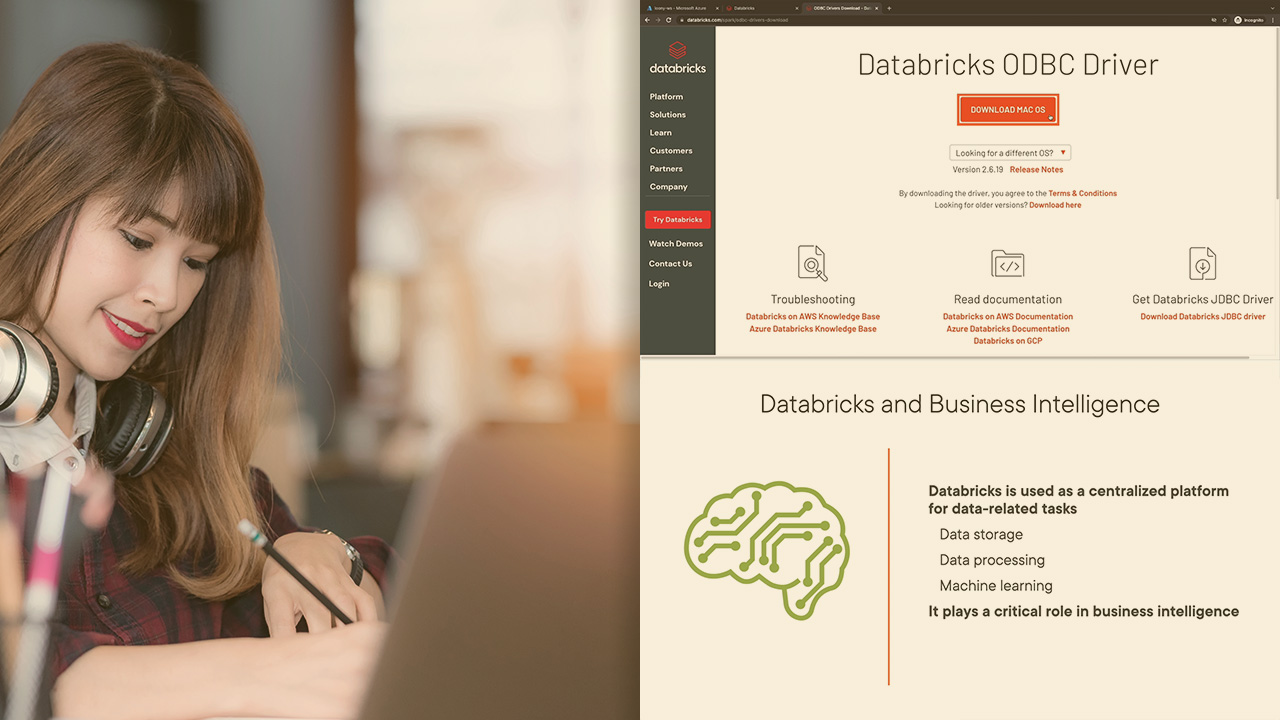
The best way to analyze big data may often involve the use of a combination of platforms. This course delves into the integration of Databricks with BI tools such as Power BI, Tableau, and Qlik Replicate to perform business intelligence tasks.
Intermediate
- Course
Integrating Business Intelligence Tools with Databricks
The best way to analyze big data may often involve the use of a combination of platforms. This course delves into the integration of Databricks with BI tools such as Power BI, Tableau, and Qlik Replicate to perform business intelligence tasks.
Intermediate
Get started today
Access this course and other top-rated tech content with one of our business plans.
Try this course for free
Access this course and other top-rated tech content with one of our individual plans.
This course is included in the libraries shown below:
- Cloud
- Data
What you'll learn
While Databricks is a powerful platform which supports a variety of business intelligence functions on its own, there will be use cases where it is necessary to link this service with external BI tools. In this course, Integrating Business Intelligence Tools with Databricks, you'll learn the integrations available for Power BI, Tableau, and Qlik Replicate. First, you'll explore the need for tool integrations with Databricks, including the use of the Partner Connect feature to make such integrations seamless. Then, you'll discover the hands-on portion of the course which looks into the precise steps involved in connecting Power BI and Tableau to a Databricks workspace. Finally, you'll learn how data in a SQL database such as SQL Server can be replicated in Databricks using the Qlik Replicate utility. Once you complete this course, you will recognize precisely when BI tool integrations should be used, and how these can be implemented using the resources available in Databricks.
Integrating Business Intelligence Tools with Databricks
Intermediate
Table of contents
-
Course Prerequisites and Outline | 1m 56s
-
The Need for Tool Integrations | 4m 20s
-
Business Intelligence Tools and Databricks | 4m 23s
-
Power BI and Databricks | 2m 36s
-
Demo: Creating a Table in Databricks | 3m 46s
-
Demo: Setting up Clusters and an Access Token | 4m 49s
-
Demo: Connecting to Databricks from Power BI | 5m 39s
-
Demo: Connecting Power BI to Databricks with Partner Connect | 3m 50s


An engineer at heart, I am drawn to any interesting technical topic. Big Data, ML and Cloud are presently my topics of interest.
