
- Course
Creating Interior Walk-Throughs in Unity
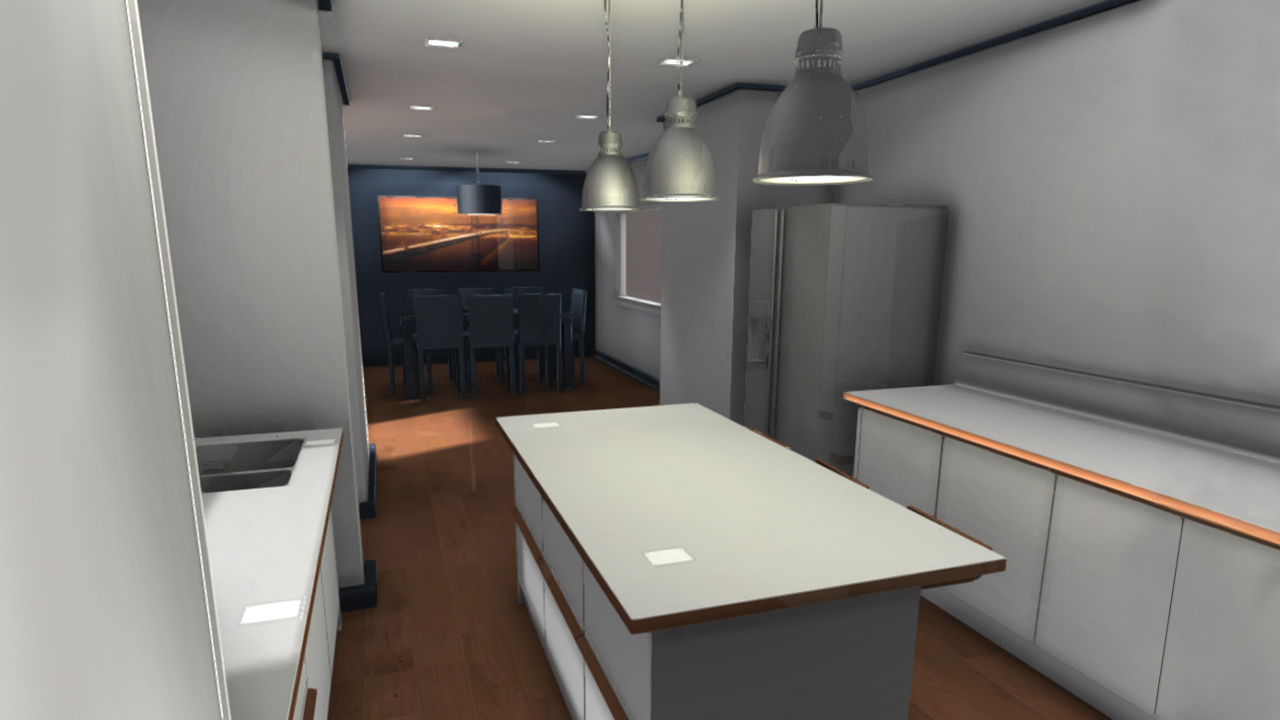
Throughout this Unity tutorial, we'll develop a workflow between Maya and Unity 3D. Software required: Maya 2014, Unity 3D Pro.
Advanced
- Course
Creating Interior Walk-Throughs in Unity
Throughout this Unity tutorial, we'll develop a workflow between Maya and Unity 3D. Software required: Maya 2014, Unity 3D Pro.
Advanced
Get started today
Access this course and other top-rated tech content with one of our business plans.
Try this course for free
Access this course and other top-rated tech content with one of our individual plans.
This course is included in the libraries shown below:
- Core Tech
What you'll learn
Throughout this Unity tutorial, we'll develop a workflow between Maya and Unity 3D. By doing so, we can create realistic environments with various applications across multiple platforms. Without understanding the requirements for a real-time environment, mistakes can easily be made that cost the viewer a great amount of time. Understanding the requirements of Unity 3D will improve your ability to convey each of your projects to the anticipated audience. By the end of this Unity training you'll have a solid understanding of both scanline and real-time rendering methods. This is a very powerful asset when working with Computer Graphics. Software required: Maya 2014, Unity 3D Pro.
Creating Interior Walk-Throughs in Unity
Advanced
Table of contents
