
- Course
Introduction to Houdini Pyro FX
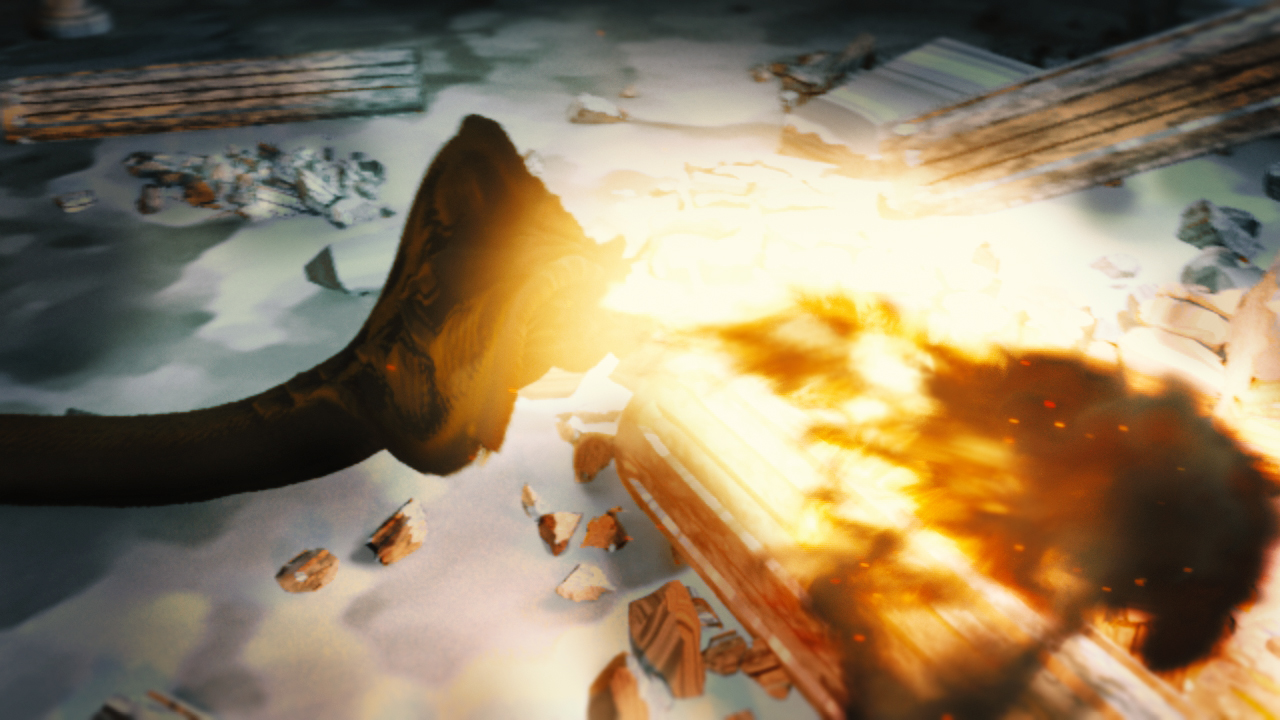
Creating visually stunning fire and pyro elements is a very important skill for a VFX Artist. You'll learn how to utilize Houdini's powerful Pyro Solver to source, simulate, and render your own convincing fire effects. Software required: Houdini 15.
Beginner
- Course
Introduction to Houdini Pyro FX
Creating visually stunning fire and pyro elements is a very important skill for a VFX Artist. You'll learn how to utilize Houdini's powerful Pyro Solver to source, simulate, and render your own convincing fire effects. Software required: Houdini 15.
Beginner
Get started today
Access this course and other top-rated tech content with one of our business plans.
Try this course for free
Access this course and other top-rated tech content with one of our individual plans.
This course is included in the libraries shown below:
- Core Tech
What you'll learn
Whether it's flame-breathing dragons or a simple campfire, digital fire effects are some of the most important elements in film and television, and a key skill for many VFX artists. In this course, Introduction to Houdini Pyro, you'll learn the fundamental concepts of Houdini's powerful Pyro Solver to create multiple fire-based effects. First, you'll learn the shelf tools to get an initial simulation started and examine the individual parts that make up a Pyro simulation. Next, you'll learn how to use these building blocks to create your own campfire effect, adding additional complexity to the simulation as you explore different sourcing solutions and ways to modify the various fields that are part of the solver. Then, you'll adapt what you have learned to create a more complicated Fire Breath effect, further exploring new sourcing methods and capabilities of the Pyro Solver. Finally, you'll explore how to export your data and use the Pyro Shader to create photo-realistic Mantra renders of your fire. By the end of the course, you'll have a better understanding of the tools necessary to light anything imaginable on fire...digitally, of course. Software required: Houdini 15.
Introduction to Houdini Pyro FX
Beginner
