
- Course
Introduction to Mudbox 2015
In this series of lessons, we'll take an in depth look at Mudbox, a powerful sculpting and texture painting application. Software required: Mudbox 2015.
Beginner
- Course
Introduction to Mudbox 2015
In this series of lessons, we'll take an in depth look at Mudbox, a powerful sculpting and texture painting application. Software required: Mudbox 2015.
Beginner
Get started today
Access this course and other top-rated tech content with one of our business plans.
Try this course for free
Access this course and other top-rated tech content with one of our individual plans.
This course is included in the libraries shown below:
- Core Tech
What you'll learn
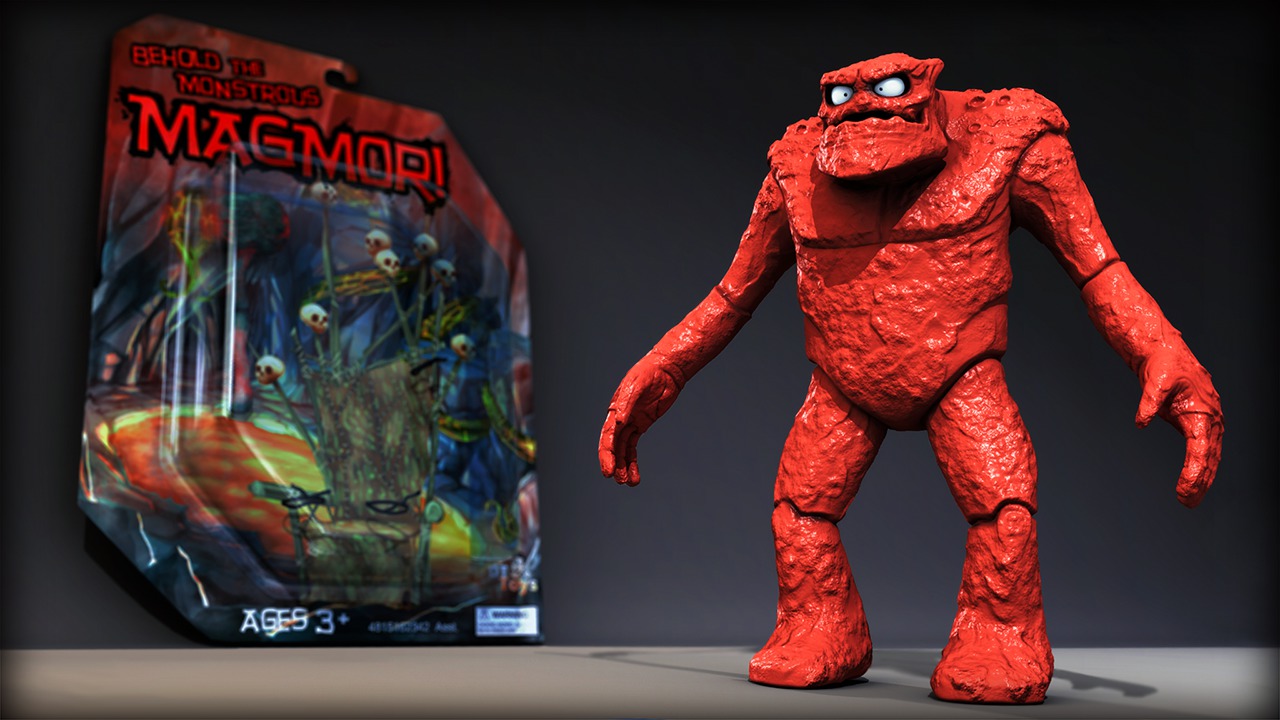
In this series of lessons, we'll take an in depth look at Mudbox, a powerful sculpting and texture painting application. We'll begin by exploring the Mudbox interface and talking about the basics of working with geometry in Mudbox. We'll cover methods for getting geometry into Mudbox, how to transform it around the scene, and subdivide it in preparation for sculpting. We'll proceed from there by using a project based approach to create an action figure complete with packaging as we cover the sculpting and painting tools. We'll talk about changing our tool properties to get different results and using stamps and stencils to create various looks. We'll use sculpt layers to add detail in a very flexible way and create a custom Vector Displacement Map to quickly repeat sculpted detail. We'll go over some on-target presentation features in Mudbox and move on to painting textures. We'll cover Mudbox's paint layer functionality and learn to project detail from images onto our models. We'll also talk about features like retopologizing meshes, the Pose tools, and working with multiple paint layers and channels. We'll finish up by talking about how Mudbox integrates with other applications like Maya, 3ds Max, and Softimage. This training will give you the chance to learn the ins and outs of Mudbox by going through the process with a project based approach. Software required: Mudbox 2015.
Introduction to Mudbox 2015
Beginner
Table of contents



Justin thrives as a lead modeling author at Pluralsight. Growing up, Justin found a deep interest for the computer graphics industry after watching movies like Jurassic Park, Toy Story and The Abyss. His ambition would lead him to work at Sony Imageworks in Los Angeles on movies like Monster House and Surf's Up. Justin has also had numerous articles, tutorials and images published in 3D World and 3D Artist.
