
- Course
Inventor - iParts and Spreadsheet Driven Modeling
Autodesk is one of the world's largest computer-aided design software developers. This course teaches you how to get your parts working together and how to drive design data from third parties in Inventor.
Beginner
- Course
Inventor - iParts and Spreadsheet Driven Modeling
Autodesk is one of the world's largest computer-aided design software developers. This course teaches you how to get your parts working together and how to drive design data from third parties in Inventor.
Beginner
Get started today
Access this course and other top-rated tech content with one of our business plans.
Try this course for free
Access this course and other top-rated tech content with one of our individual plans.
This course is included in the libraries shown below:
- Core Tech
What you'll learn
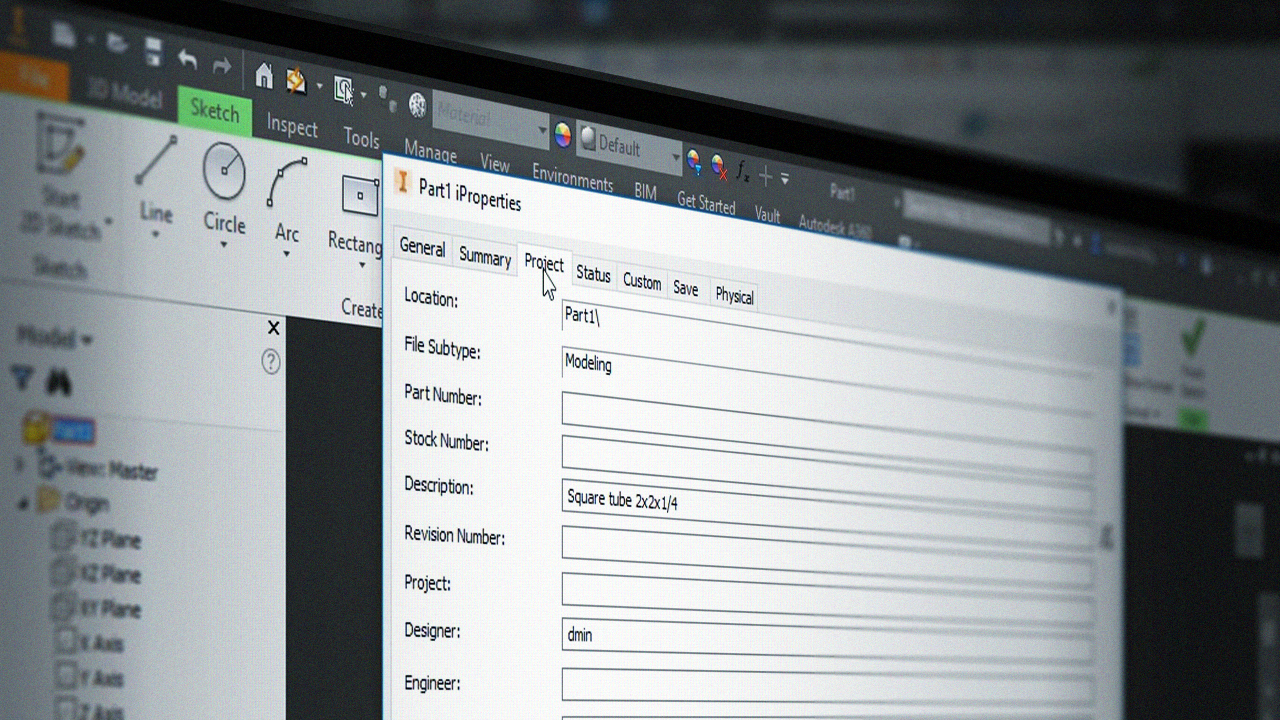
How often have you wanted your assembly to update automatically? This could be due to a change in payload for a support frame, or changing the flow rate in a piping system. What If there was a way to have your parts talk to each other and share the input between each other? In this course, Inventor - iParts and Spreadsheet Driven Modeling, you'll learn how you can get your Inventor parts to work together, as well as how to grab design data from third parties such as Excel. First, you'll explore how you can get your parts to share the input, and how you can have the calculation sheet control the beam size and all other sizes in your assembly. Then, you'll delve into the setup by bringing information from one part to another, and how you can bring in information from third party software. Finally, you'll discover how to get the information from the part to the drawing and parts list. By the end of this course, you’ll know how to create and use iParts, how to link parameters from one part to another and into assembly files, and how to link parameters from an external software like Excel into your parts or assemblies. Software required: Inventor.
Inventor - iParts and Spreadsheet Driven Modeling
Beginner



Jarle Oudalstoel, was born and raised in Kristiansand, Norway. He is educated as a technical drafter with extended 3D drafting and modeling. He has been working with Autodesk products since 1999 which includes Autocad, Inventor, Revit, and 3Ds Max.
