
- Course
Linear Workflow in After Effects
Welcome to Linear Workflow in After Effects. We are going to start off going over how light behaves linearly and how our vision system perceives light non-linearly. Software required: After Effects CC 2015.
Intermediate
- Course
Linear Workflow in After Effects
Welcome to Linear Workflow in After Effects. We are going to start off going over how light behaves linearly and how our vision system perceives light non-linearly. Software required: After Effects CC 2015.
Intermediate
Get started today
Access this course and other top-rated tech content with one of our business plans.
Try this course for free
Access this course and other top-rated tech content with one of our individual plans.
This course is included in the libraries shown below:
- Core Tech
What you'll learn
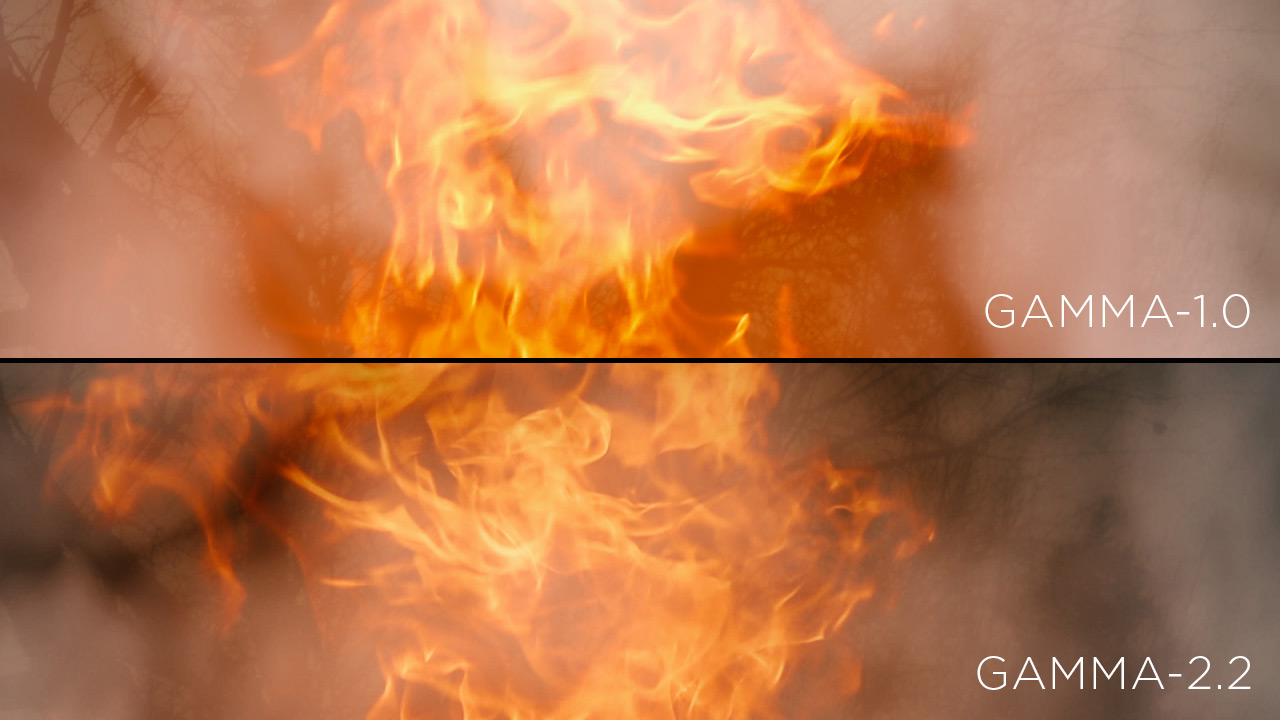
Welcome to Linear Workflow in After Effects. We are going to start off going over how light behaves linearly and how our vision system perceives light non-linearly. Then, we will learn what video gamma space is and why we use it to store standard digital images. After that, we will go over some of the problems that occur when you composite in video gamma space. We will see all the advantages of a 32-bit float using a Cineon file, and we will also learn more about the advantages of working in linear gamma instead of video gamma. Then we will set up a project in linear color space and see what After Effects is doing behind the scenes. Finally, we will put theory into practice and composite a forest fire in linear gamma, learning how to render it out and comparing it to the same shot in video gamma. Software required: After Effects CC 2015.
Linear Workflow in After Effects
Intermediate
Table of contents
