
- Course
Managing Docker on Windows Servers
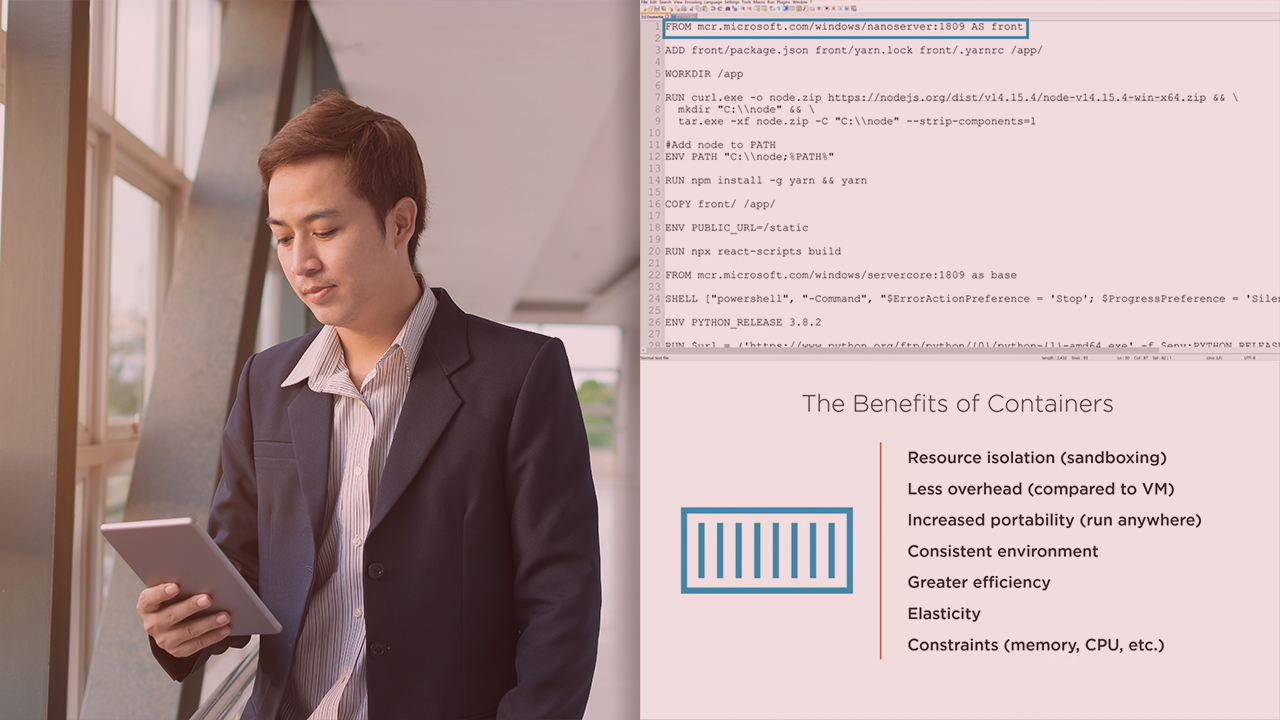
Containers are a new way to distribute applications. This course will teach you how to manage Docker on Windows servers and run Windows containers in production.
Intermediate
- Course
Managing Docker on Windows Servers
Containers are a new way to distribute applications. This course will teach you how to manage Docker on Windows servers and run Windows containers in production.
Intermediate
Get started today
Access this course and other top-rated tech content with one of our business plans.
Try this course for free
Access this course and other top-rated tech content with one of our individual plans.
This course is included in the libraries shown below:
- Core Tech
What you'll learn
While Linux is the most popular platform for containers, it is possible to use them for Windows applications as well. In this course, Managing Docker on Windows Servers, you’ll learn to install, update, and maintain Docker on Windows. First, you’ll explore the basics of Docker management. Next, you’ll discover how to build images that best suit your needs. Finally, you’ll learn how to run clusters serving Windows containers. When you’re finished with this course, you’ll have the skills and knowledge of Docker on Windows needed to manage Docker in production.
Managing Docker on Windows Servers
Intermediate


Piotr is an automation enthusiast that prefers to interface people rather than machines. Loves to share his knowledge of tech, people skills, and what's in between.
