
- Course
Matte Painting Different Atmospheric Conditions in Photoshop
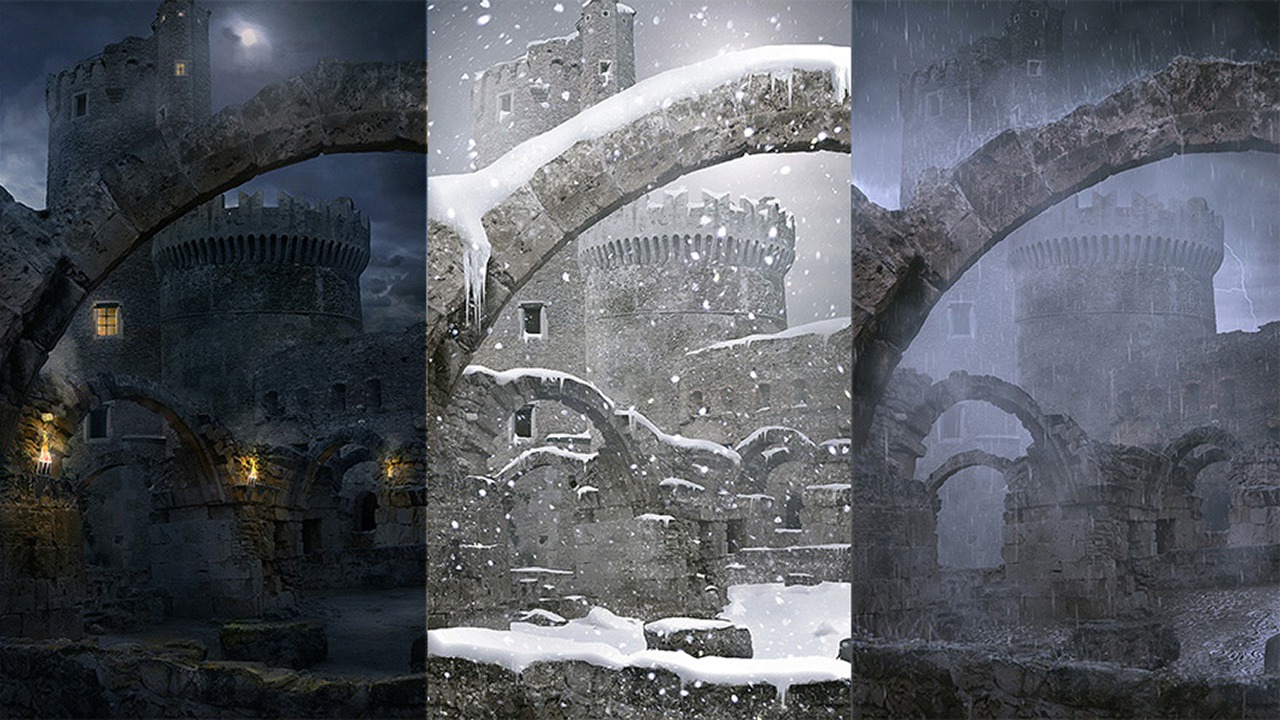
In this Photoshop tutorial we'll learn how to make several environment matte paintings using different atmospheric and lighting techniques. Software required: Adobe Photoshop CS6.
Advanced
- Course
Matte Painting Different Atmospheric Conditions in Photoshop
In this Photoshop tutorial we'll learn how to make several environment matte paintings using different atmospheric and lighting techniques. Software required: Adobe Photoshop CS6.
Advanced
Get started today
Access this course and other top-rated tech content with one of our business plans.
Try this course for free
Access this course and other top-rated tech content with one of our individual plans.
This course is included in the libraries shown below:
- Core Tech
What you'll learn
In this Photoshop tutorial we'll learn how to make several environment matte paintings using different atmospheric and lighting techniques. We'll create a scene with neutral lighting that will serve as a base layout for several types of lighting scenarios and what key factors we should have in mind when dealing with different types of atmospheric conditions. We'll blend those elements together into a seamless composition by learning how to enhance our scene using custom brushes and giving it mood with color grading. By the end of this Photoshop training, you'll understand the key principles of lighting a scene in different weather conditions, and this will allow you to create a variety of atmospheres for your future environment matte paintings. Software required: Adobe Photoshop CS6.
Matte Painting Different Atmospheric Conditions in Photoshop
Advanced
Table of contents
