
- Course
Modeling and Rendering a Face Mask with ZBrush and KeyShot
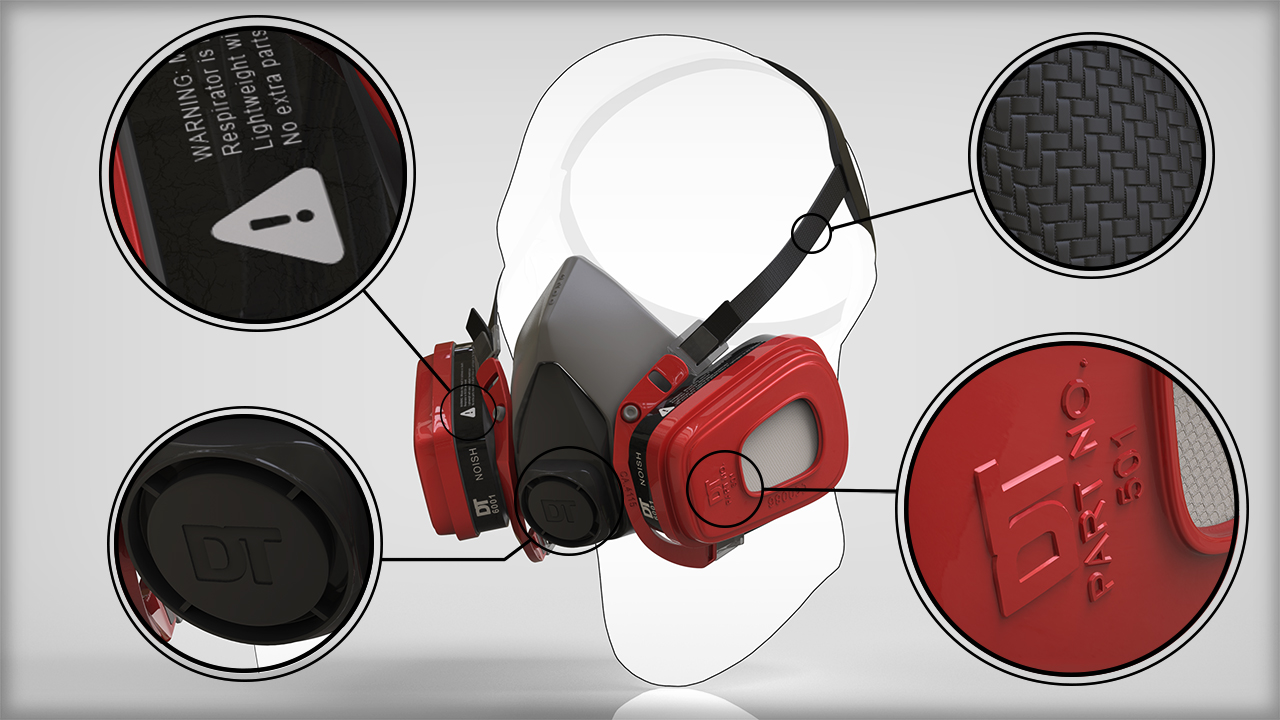
Throughout these lessons, we'll model a face mask using traditional ZBrush sculpting techniques, retopology, DynaMesh, and ZModeler. Software required: ZBrush 4r7, KeyShot Bridge Plugin for ZBrush, KeyShot 5.
Advanced
- Course
Modeling and Rendering a Face Mask with ZBrush and KeyShot
Throughout these lessons, we'll model a face mask using traditional ZBrush sculpting techniques, retopology, DynaMesh, and ZModeler. Software required: ZBrush 4r7, KeyShot Bridge Plugin for ZBrush, KeyShot 5.
Advanced
Get started today
Access this course and other top-rated tech content with one of our business plans.
Try this course for free
Access this course and other top-rated tech content with one of our individual plans.
This course is included in the libraries shown below:
- Core Tech
What you'll learn
Throughout these lessons, we'll model a face mask using traditional ZBrush sculpting techniques, retopology, DynaMesh, and ZModeler. We will go through each step of the process in detail. Once the model is complete, we will create a photorealistic render using KeyShot. By the end of this tutorial, you will have a solid understanding of hard surface modeling strategies and techniques in ZBrush, as well as the tools necessary to create beautiful renders of your work using KeyShot. Software required: ZBrush 4r7, KeyShot Bridge Plugin for ZBrush, KeyShot 5.
Modeling and Rendering a Face Mask with ZBrush and KeyShot
Advanced
Table of contents
