
- Course
Modeling and Texturing Animals for Games
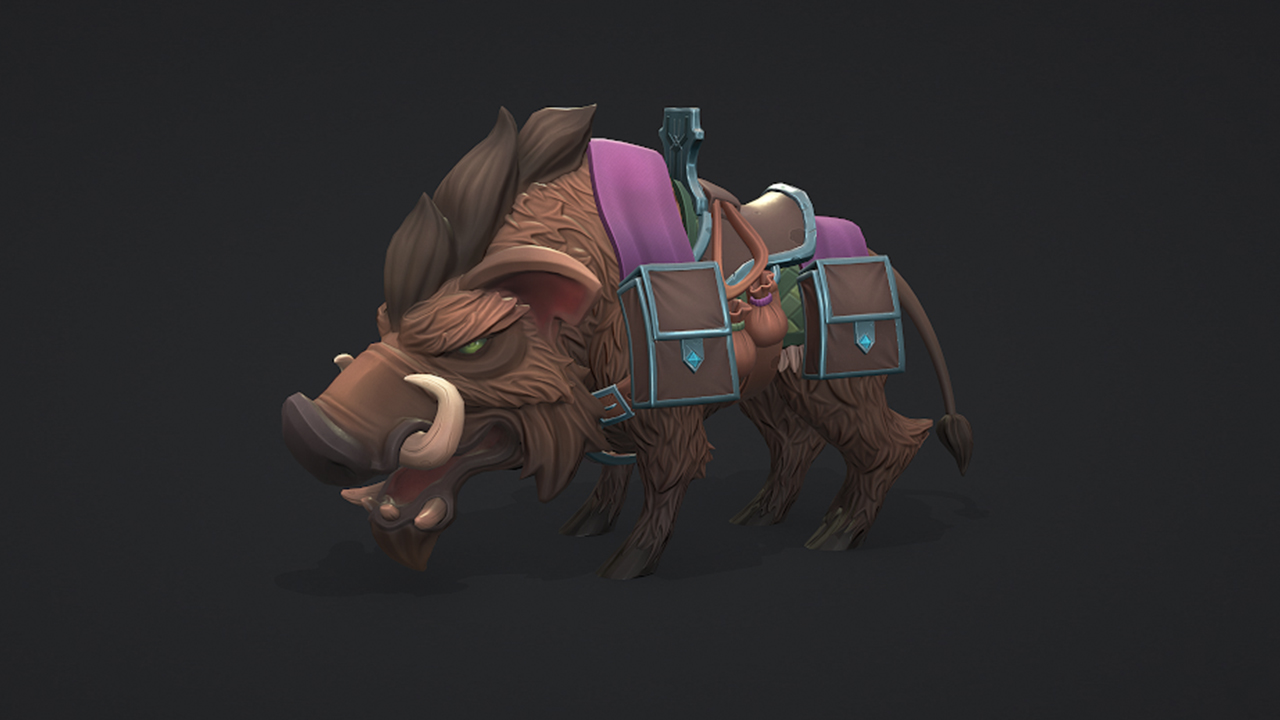
This course will use 3D-Coat, Photoshop, 3DS Max, Zbrush and Marmoset Toolbag on a sample project that shows you how to create the low poly, UVs, bakes, textures and final presentation for an animal to be used in-game.
Intermediate
- Course
Modeling and Texturing Animals for Games
This course will use 3D-Coat, Photoshop, 3DS Max, Zbrush and Marmoset Toolbag on a sample project that shows you how to create the low poly, UVs, bakes, textures and final presentation for an animal to be used in-game.
Intermediate
Get started today
Access this course and other top-rated tech content with one of our business plans.
Try this course for free
Access this course and other top-rated tech content with one of our individual plans.
This course is included in the libraries shown below:
- Core Tech
What you'll learn
Getting a high-resolution mesh ready to be used in game can be a tricky, but very important part, of the process. In this course, Modeling and Texturing Animals for Games, you'll go over all of the steps necessary to create a game-ready mesh from the sculpt you created previously. You'll start off by creating the low-resolution mesh from the sculpt. Next, you'll create the UVs and transfer the high-resolution detail to the game-ready mesh by baking the maps. Finally, you'll focus on texturing and creating the final presentation for the character in Marmoset Toolbag. When you're finished with this course, you'll have a foundational knowledge of getting a high-res mesh ready for games.
Modeling and Texturing Animals for Games
Intermediate
Table of contents
-
Introduction | 49s
-
Preparing the High-resolution Mesh | 2m 2s
-
Creating the Low-resolution Mesh for the Head | 8m 58s
-
Creating the Low-resolution Mesh for the Tusks | 1m 50s
-
Finishing the Low-resolution Mesh for the Head | 4m 24s
-
Creating the Low-resolution Mesh for the Body | 3m 45s
-
Creating the Low-resolution Mesh for the Blanket | 6m 19s
-
Creating the Low-resolution Mesh for the Eyes | 4m 16s


Micah is a 3D character artist based in Texas. While growing up, Micah discovered her love for 3D art after watching movies like Shrek and playing a variety of games. When she discovered the world of game development and found that she can bring characters to life, she was hooked and has never looked back since. Micah currently works as a freelance 3D character artist creating characters and creatures for video games.
