
- Course
Multi-Channel Compositing in NUKE
In this series of lessons, we'll learn how to composite with the channels system inside The Foundry's compositing software, NUKE. Software required: NUKE 5.1.
Intermediate
- Course
Multi-Channel Compositing in NUKE
In this series of lessons, we'll learn how to composite with the channels system inside The Foundry's compositing software, NUKE. Software required: NUKE 5.1.
Intermediate
Get started today
Access this course and other top-rated tech content with one of our business plans.
Try this course for free
Access this course and other top-rated tech content with one of our individual plans.
This course is included in the libraries shown below:
- Core Tech
What you'll learn
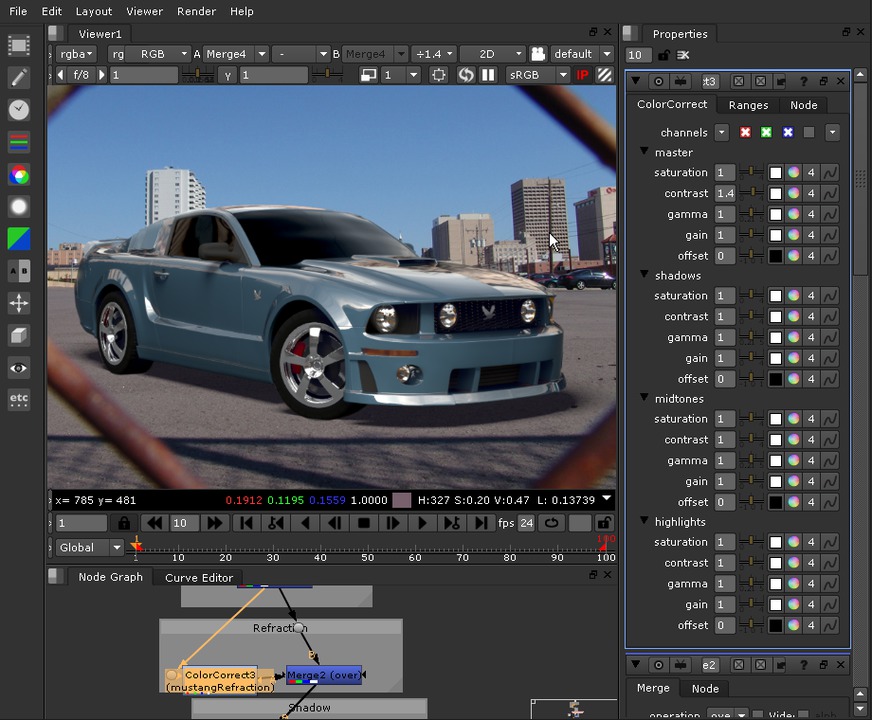
In this series of lessons, we'll learn how to composite with the channels system inside The Foundry's compositing software, NUKE. We will start using a single multi-channel EXR file created in our 'Introduction to Channels in NUKE' course and finish with a composited render. We'll begin this course by learning how we can use the Merge node with a multi-channel pipeline. We'll then learn how we can isolate nodes such as color correct to only work on a single channel. After we merge our basic passes, we'll do some basic color correcting and masking. At this point, we'll learn how to use the Backdrop and Dot nodes to organize our node tree. After that, we'll add in the final passes and composite our render on top of a photograph while keeping our shadow. We'll then make final tweaks to our image and add a light wrap, erode, and grade node to make our two layers fit together better. This series of lessons will illustrate the basics of compositing a 3D render using the channel workflow inside of NUKE. For further information on creating and working with channels, check out our 'Introduction to Channels in NUKE' course. Software required: NUKE 5.1.
Multi-Channel Compositing in NUKE
Intermediate
Table of contents
