
- Course
Creating a Multi-Page Brochure Layout in InDesign
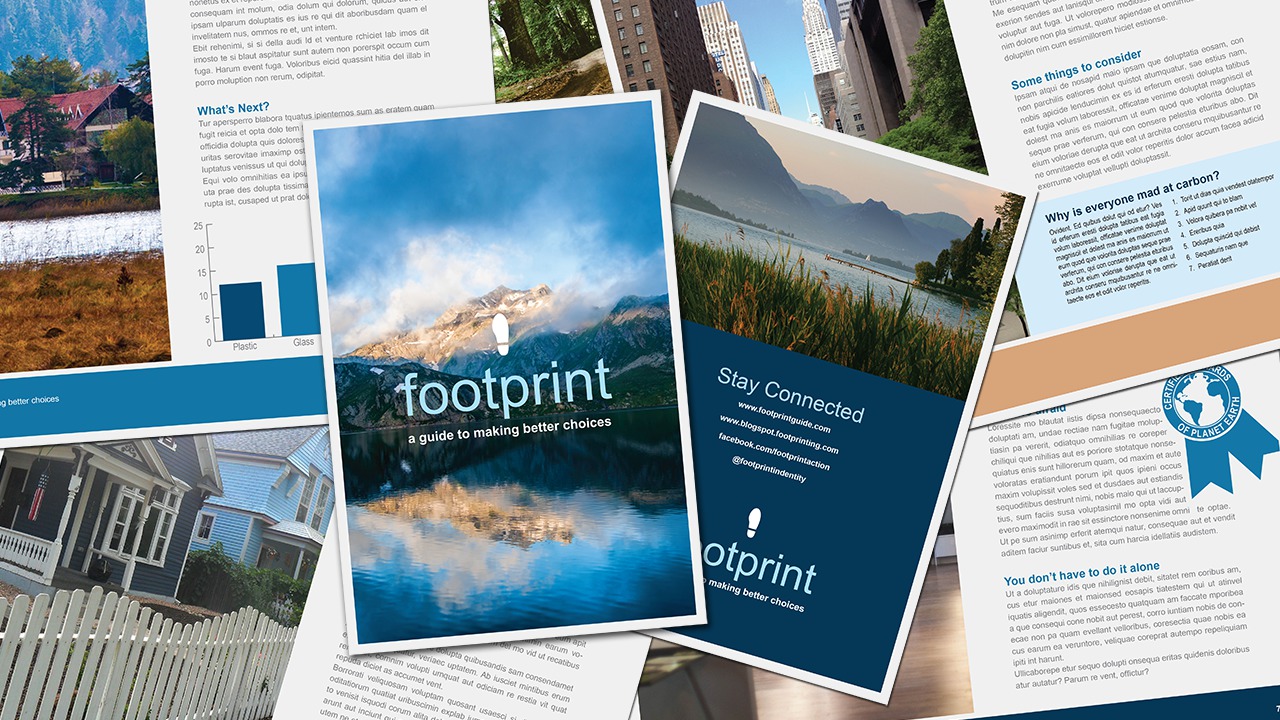
In this InDesign tutorial, we'll be going through the steps of creating a multi-page brochure. Software required: InDesign CC.
Beginner
- Course
Creating a Multi-Page Brochure Layout in InDesign
In this InDesign tutorial, we'll be going through the steps of creating a multi-page brochure. Software required: InDesign CC.
Beginner
Get started today
Access this course and other top-rated tech content with one of our business plans.
Try this course for free
Access this course and other top-rated tech content with one of our individual plans.
This course is included in the libraries shown below:
- Core Tech
What you'll learn
In this InDesign tutorial, we'll be going through the steps of creating a multi-page brochure. We'll start by setting up our document. We'll talk about how the desired final product will influence many settings of our document setup. Next we'll begin importing and formatting text and images for our brochure. We'll set up paragraph and character styles that will streamline our layout process. We'll also take a look at how we can use master pages to apply a graphic style to a page very easily that even includes automatic page numbers. Once we're finished laying out our brochure, we'll take a look at how we can output the document by printing a booklet, packaging up the files for a printer and creating a print-ready PDF. By the end of this InDesign training you'll be familiar with the tools you'll need to manipulate text, re-size artwork and design your own project. Software required: InDesign CC.
Creating a Multi-Page Brochure Layout in InDesign
Beginner
Table of contents
