
- Course
Navigation in Xamarin.Forms Applications
A great mobile application is one that is easy to navigate through. This course will teach you how to create Xamarin.Forms applications with navigation capable of making them easy to use.
Intermediate
- Course
Navigation in Xamarin.Forms Applications
A great mobile application is one that is easy to navigate through. This course will teach you how to create Xamarin.Forms applications with navigation capable of making them easy to use.
Intermediate
Get started today
Access this course and other top-rated tech content with one of our business plans.
Try this course for free
Access this course and other top-rated tech content with one of our individual plans.
This course is included in the libraries shown below:
- Core Tech
What you'll learn
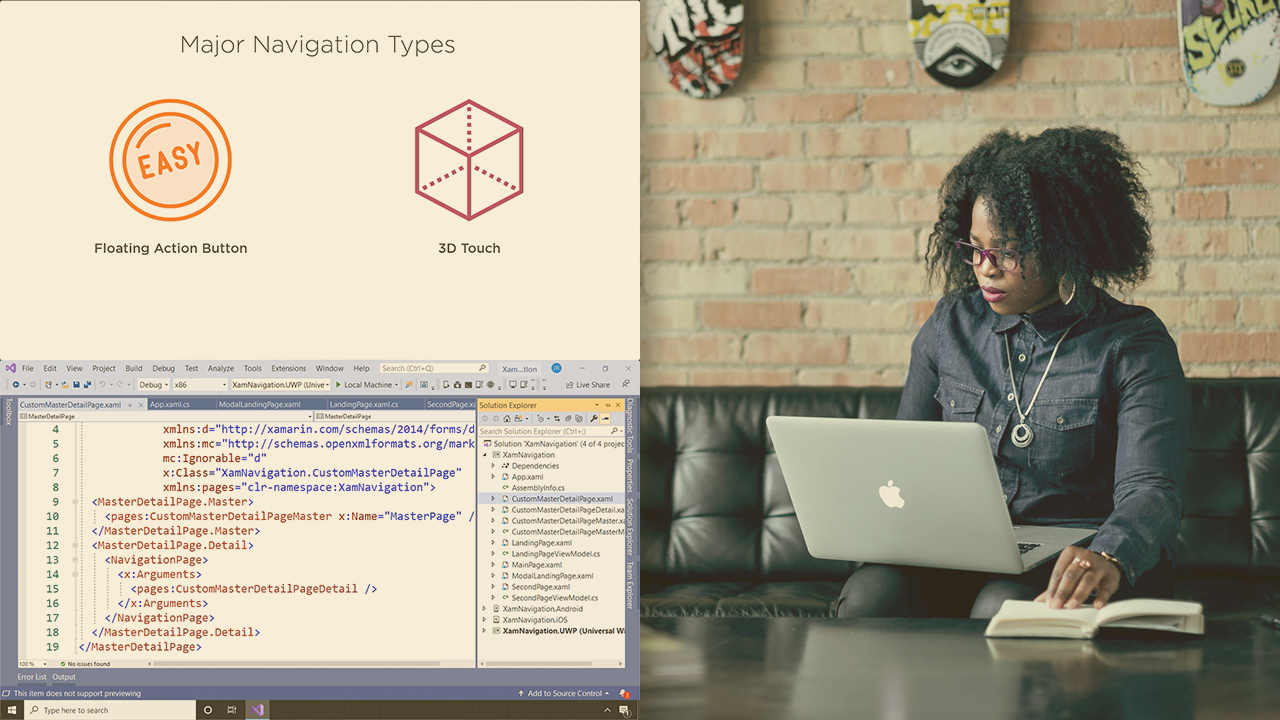
Xamarin.Forms provides multiple ways to set up navigation in your application. In this course, Navigation in Xamarin.Forms Applications, you’ll learn to create easy-to-navigate Xamarin.Forms applications. First, you’ll explore mobile application navigation patterns. Next, you’ll discover stack-based navigation in Xamarin.Forms. Finally, you’ll learn how to utilize the other navigation patterns provided by Xamarin.Forms. When you’re finished with this course, you’ll have the skills and knowledge of navigation in Xamarin.Forms needed to create easy-to-use applications.
Navigation in Xamarin.Forms Applications
Intermediate


Jared Rhodes is a Microsoft MVP for Azure focusing on Edge, Mobile, Cloud, and AI trying to find the subsection and make them work together.
