
- Course
New Features in NUKE 7.0
With almost two years of development time, NUKE 7.0. Software required: NUKE 7.0v1.
Beginner
- Course
New Features in NUKE 7.0
With almost two years of development time, NUKE 7.0. Software required: NUKE 7.0v1.
Beginner
Get started today
Access this course and other top-rated tech content with one of our business plans.
Try this course for free
Access this course and other top-rated tech content with one of our individual plans.
This course is included in the libraries shown below:
- Core Tech
What you'll learn
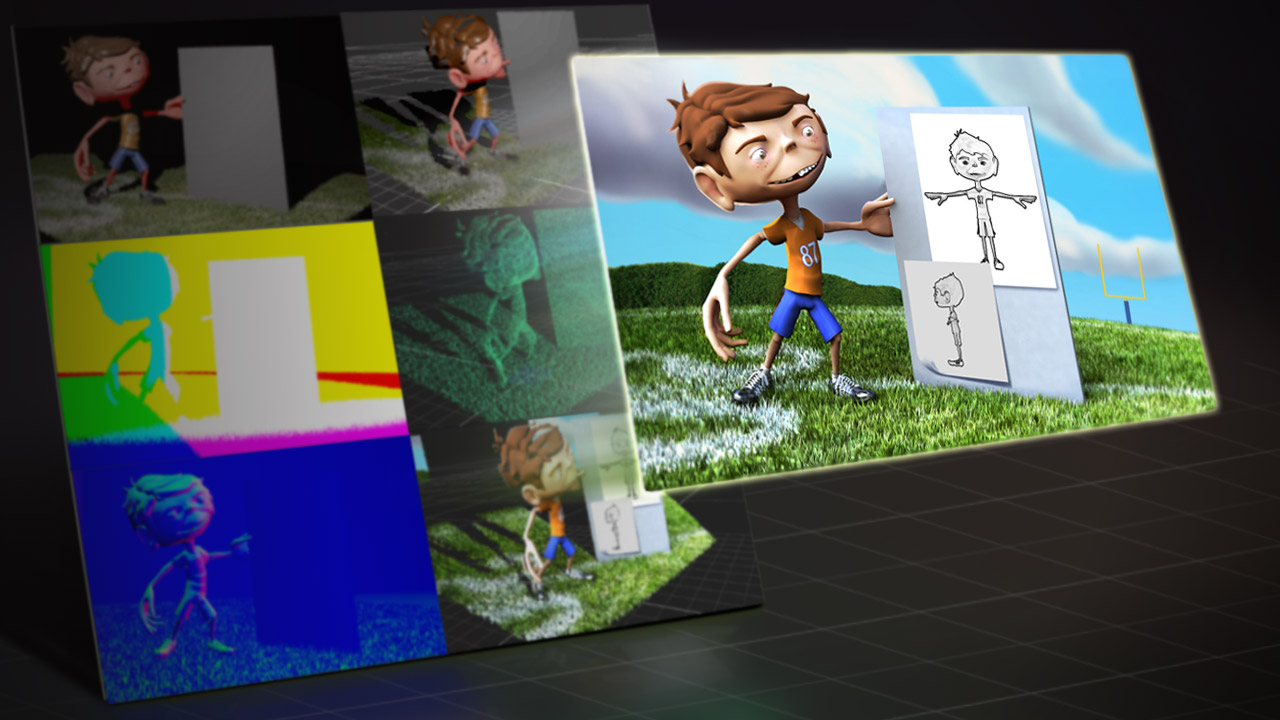
With almost two years of development time, NUKE 7.0 brings with it many new features and nodes. Understanding these new workflows is a key factor to being a successful compositor. This is a large release, so this series of NUKE tutorials will cover the most important new features that you can use today to speed up your work and create beautiful new effects! We will start the training by learning how to use the new navigation features of bookmarks and the J hotkey to quickly move around our node graph and find exactly the area we're looking for. From there we will learn how to use keyframe tracking in the tracker node to speed up our track. We will also learn how to use the Traffic Light system to evaluate weak parts of our track. Next, we will dive in to the great new ZDefocus node, which allows us to create realistic depth-of-field blur with bokeh effects. We'll learn how to set up the node with our image and depth, how we can change our filter types, and even how to plug-in a new filter to create chromatic aberration effects. Finally, we will learn how to use the Relight node with some 3D data images, and how to use NUKE's 3D lighting system to change our image with realistic lighting. Software required: NUKE 7.0v1.
New Features in NUKE 7.0
Beginner
Table of contents
