
- Course
360 VR Compositing in NUKE
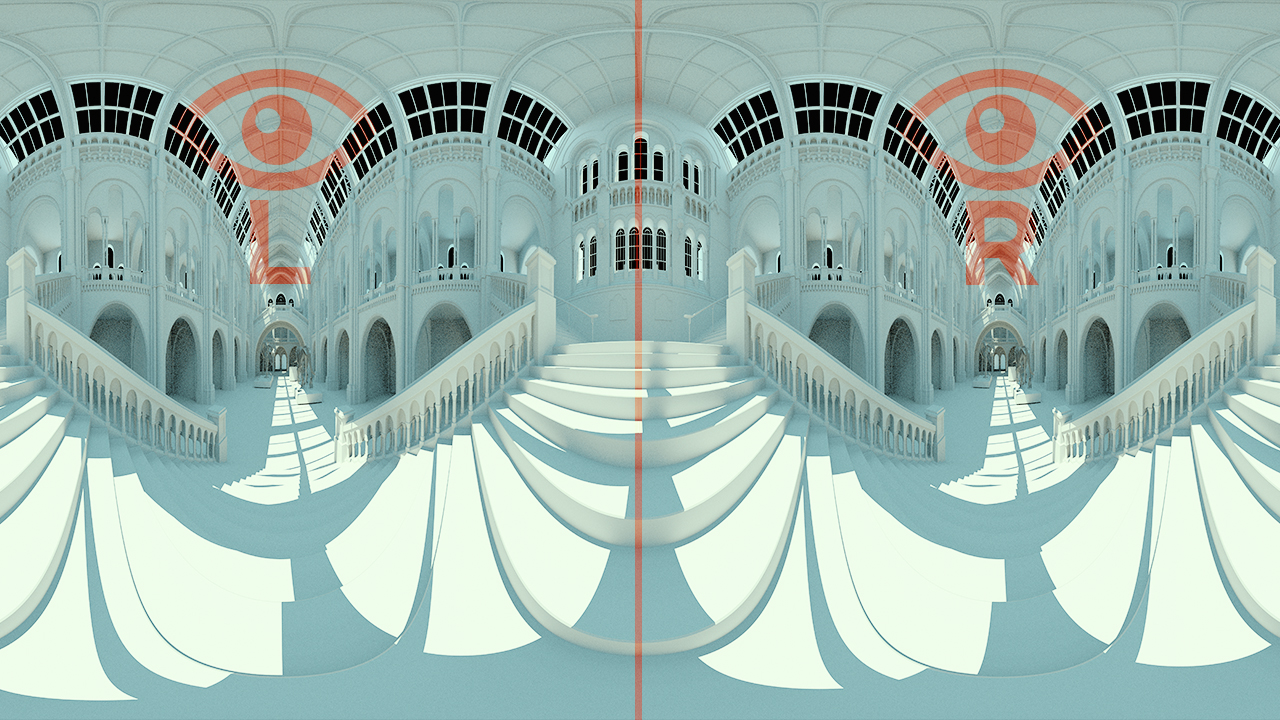
This course will teach you the basics of the virtual reality filmmaking medium, and it will guide you through the setup of your own VR camera rig in Maya and the new compositing workflows in NUKE. Software required: Nuke 9.0v4, and Maya 2016.
Intermediate
- Course
360 VR Compositing in NUKE
This course will teach you the basics of the virtual reality filmmaking medium, and it will guide you through the setup of your own VR camera rig in Maya and the new compositing workflows in NUKE. Software required: Nuke 9.0v4, and Maya 2016.
Intermediate
Get started today
Access this course and other top-rated tech content with one of our business plans.
Try this course for free
Access this course and other top-rated tech content with one of our individual plans.
This course is included in the libraries shown below:
- Core Tech
What you'll learn
You might have heard of a new little thing called virtual reality (VR). If you have, and you're curious about VR, then this course, 360 VR Compositing in NUKE, is the perfect course for you because it will introduce you to this new filmmaking medium. First, you'll explore the foundations of a VR workflow and how it's different from a standard stereoscopic project. Next, you'll jump into Maya and set up your own VR stereo rig. Finally, you'll take a stereo render from Maya and bring it into NUKE to discuss this new VR compositing workflow. When you're finished with this Virtual Reality course, you'll not only have a solid understanding of this new frontier, but you'll also have the skills to then apply these techniques to your own unique project. Software required: Nuke 9.0v4, and Maya 2016.
360 VR Compositing in NUKE
Intermediate
