
- Course
Color Workflows in NUKE
This course will help you gain a full understanding of ways to work with various elements in different colorspace so that everything looks the same before and after rendering.
Intermediate

- Course
Color Workflows in NUKE
This course will help you gain a full understanding of ways to work with various elements in different colorspace so that everything looks the same before and after rendering.
Intermediate
Get started today
Access this course and other top-rated tech content with one of our business plans.
Try this course for free
Access this course and other top-rated tech content with one of our individual plans.
This course is included in the libraries shown below:
- Core Tech
What you'll learn
NUKE's linear light workflow handles all of the unique ways that sources deal with color in a seamless fashion. This course, Color Workflows in NUKE, will introduce you to the fundamentals of color spaces in NUKE. First, you'll start with discovering how to use the grade node effectively and do basic color correction. Next, you are going explore the other color correct nodes that are most commonly used, such as the hue-correct, color lookup, and color correct nodes. Finally, you will go over a rough composite using some green-screen elements over a basic background before finishing with some CG elements in their various layers and how they can be composited over a background. By the end of this course, you'll have a full, comprehensive understanding of color and how things go together. Software required: NUKE 10.
Color Workflows in NUKE
Intermediate
Table of contents
-
Overview of NUKE and Key Terms | 6m 50s
-
Overview | 2m 51s
-
Examining Footage of Various Types | 8m 31s
-
Examining Linear Footage | 4m 9s
-
Manually Recreating NUKE's Linear Light Workflow | 3m 53s
-
The Rendering Process | 8m 13s
-
Overview of the Grade Node | 5m 9s
-
Color Correction with the Grade Node | 7m 37s
-
Overview of the Colorcorrect and Colorlookup Nodes | 6m 11s
-
Overview of the Huecorrect Node | 7m 4s
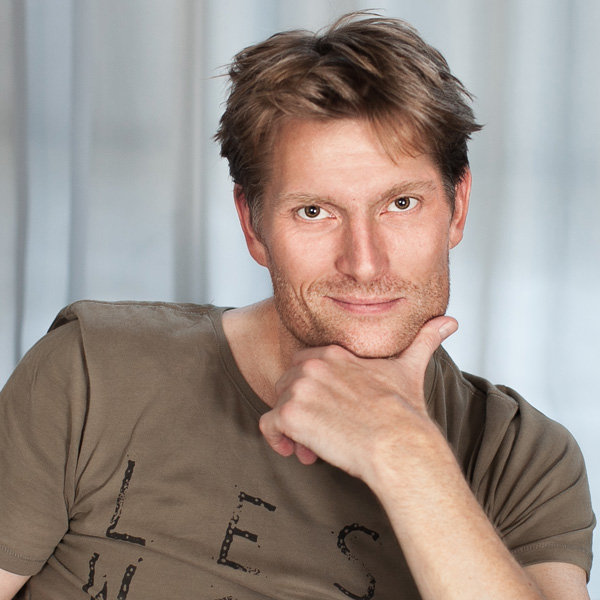


Eric has been active in visual effects for the last thirteen years. Starting from the ground up as a roto and paint artist, to now where he has supervised in house teams for television shows such as Gotham on Fox to on-set supervision on commercials. Prior to his immersion in visual effects he worked as an editor. This started when he joined the ad agency Wieden and Kennedy at their in-house editorial department. From there, he made his way to editing the X-Games for ESPN and other high profile action sports projects.
