
- Course
Matchmoving in NUKEX
This course will teach you how to matchmove a shot in NUKEX, export the results into Maya, and continue the workflow there. Software required: NUKEX, Maya 2017.
Intermediate
- Course
Matchmoving in NUKEX
This course will teach you how to matchmove a shot in NUKEX, export the results into Maya, and continue the workflow there. Software required: NUKEX, Maya 2017.
Intermediate
Get started today
Access this course and other top-rated tech content with one of our business plans.
Try this course for free
Access this course and other top-rated tech content with one of our individual plans.
This course is included in the libraries shown below:
- Core Tech
What you'll learn
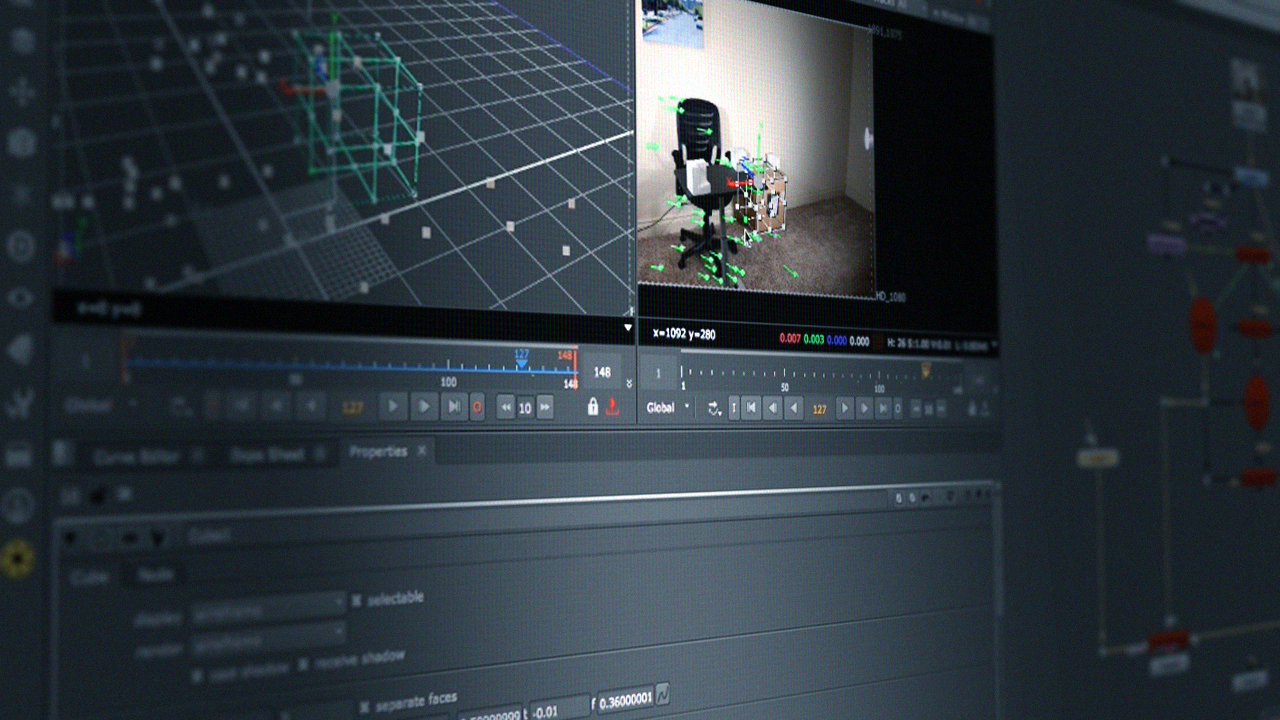
Have you ever needed to matchmove a shot but didn't know how? Then this course is perfect for you. In this course, Matchmoving in NUKEX, you'll see how to take a shot and bring it into NUKEX. First, in you'll discover how to track the footage and solve a 3D camera within NUKE's 3D space. Next, you'll explore how to set the coordinate system and export to Maya, along side the undistorted footage. Finally, you'll bring in the exported scene and set fit it so it'll match the 3D space in Maya. By the end of this course, you'll understand how to track footage and be able to work on the shot in NUKEX and Maya. Software required: NUKEX, Maya 2017.
Matchmoving in NUKEX
Intermediate
