
- Course
Onshape - Using and Editing Imported Geometry in Your Designs
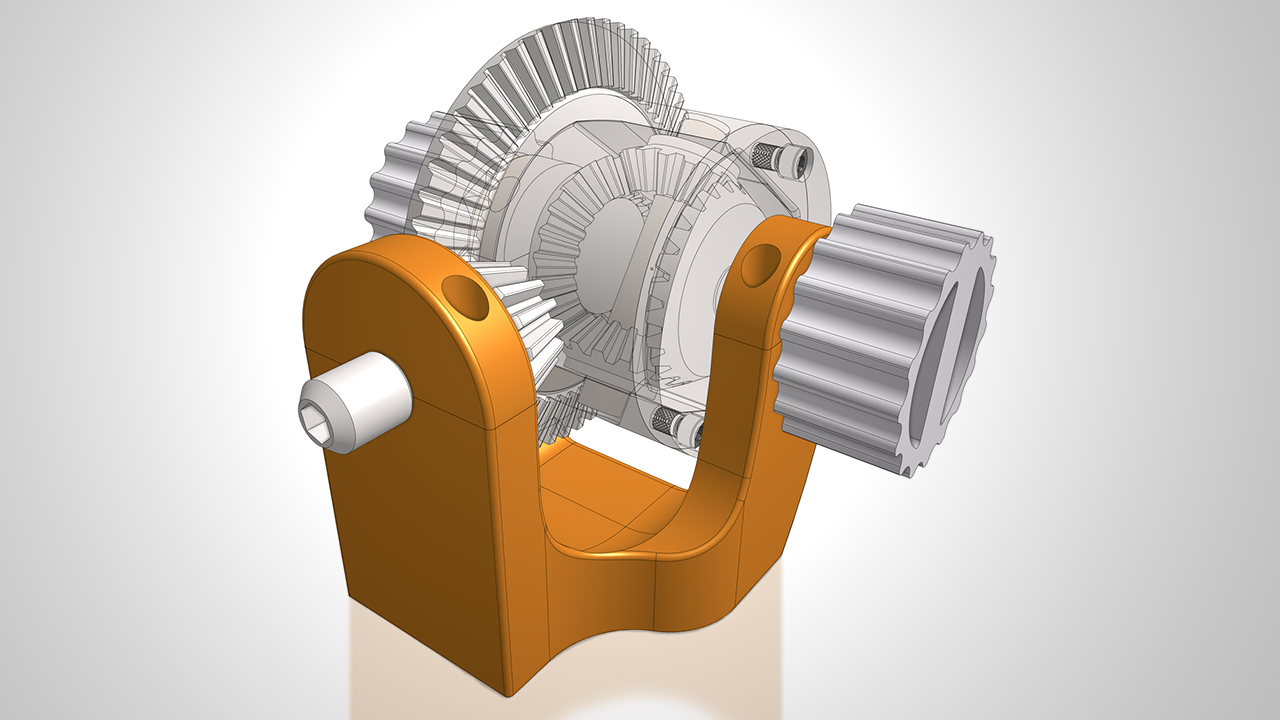
In this course, you'll utilize Onshape, the latest in cloud based CAD technology, to import a set of gears and use them within a single part studio to create an entire open differential model and assembly. Software required: Onshape.
Beginner
- Course
Onshape - Using and Editing Imported Geometry in Your Designs
In this course, you'll utilize Onshape, the latest in cloud based CAD technology, to import a set of gears and use them within a single part studio to create an entire open differential model and assembly. Software required: Onshape.
Beginner
Get started today
Access this course and other top-rated tech content with one of our business plans.
Try this course for free
Access this course and other top-rated tech content with one of our individual plans.
This course is included in the libraries shown below:
- Core Tech
What you'll learn
This course, Onshape - Using and Editing Imported Geometry in Your Designs, is aimed at beginners to OnShape and will utilize a single part studio and assembly tab for the design. First, you'll learn importing existing geometry into Onshape and how to place and position that imported geometry into a single part studio. Next, you'll learn how to edit geometry and incorporate it in to your design. Finally, you'll be creating an animated assembly which will make use of gear relations. By the end of this course, you'll be comfortable working with imported geometry in Onshape and the basic workflows associated with design in Onshape including assemblies. Software required: Onshape.
Onshape - Using and Editing Imported Geometry in Your Designs
Beginner



Mitch is an Industrial designer, concept sculptor, and 3D printing expert. Based in Texas, he currently is launching a 3D printing company, offering 3D printers in both large and small formats, as well as 3D printing and design consulting services.
