
- Course
Photoshop CC Video Editing
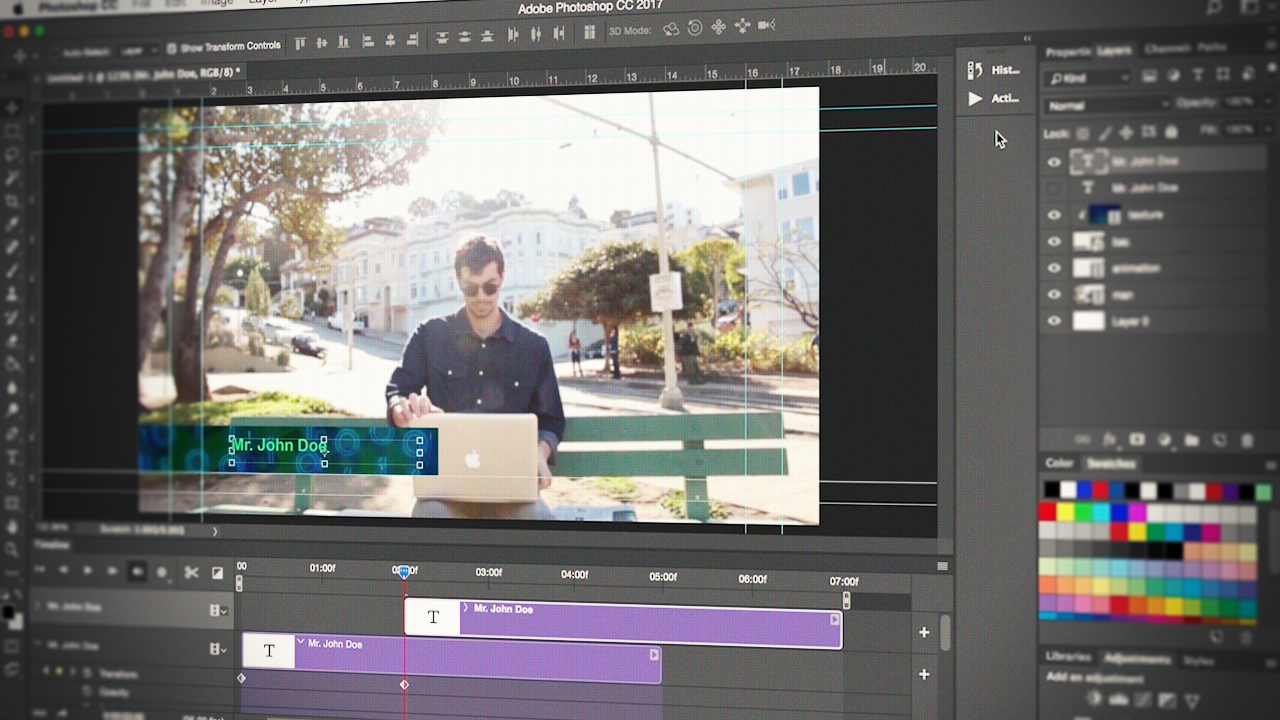
Photoshop is a powerful image editing tool. This course will teach you how to use these same tools for video. You'll learn the potential of the timeline window to allow you to easily create unique video projects. Software required: Photoshop CC.
Intermediate
- Course
Photoshop CC Video Editing
Photoshop is a powerful image editing tool. This course will teach you how to use these same tools for video. You'll learn the potential of the timeline window to allow you to easily create unique video projects. Software required: Photoshop CC.
Intermediate
Get started today
Access this course and other top-rated tech content with one of our business plans.
Try this course for free
Access this course and other top-rated tech content with one of our individual plans.
This course is included in the libraries shown below:
- Core Tech
What you'll learn
This course will take your knowledge of Photoshop to the next level. In this course, Photoshop CC Video Editing, you'll learn how to edit videos, composite, and basic motion graphics using powerful tools in Photoshop. First, you'll go over the basics, working with the timeline panel, setting up your document, and how to import video. Next, you'll get a closer look at the video timeline, how to edit, including transitions and effects. Then, you'll explore compositing and some basic motion graphics, and take a look at animation options with masks and text layers. Finally, you'll look at audio options, color correcting, and how to export your completed video. By the end of this course, you'll be comfortable with the Photoshop video editing workflow and acquire the skills you need to create your own unique video projects. Software required: Photoshop CC.
Photoshop CC Video Editing
Intermediate



Ana Mouyis works as a freelance animator and illustrator out of her studio in the Pencil Factory in Brooklyn,NY. Her clients have included: The New York Times, The Boston Globe, EMI Records, Interscope Records and Novatis.
